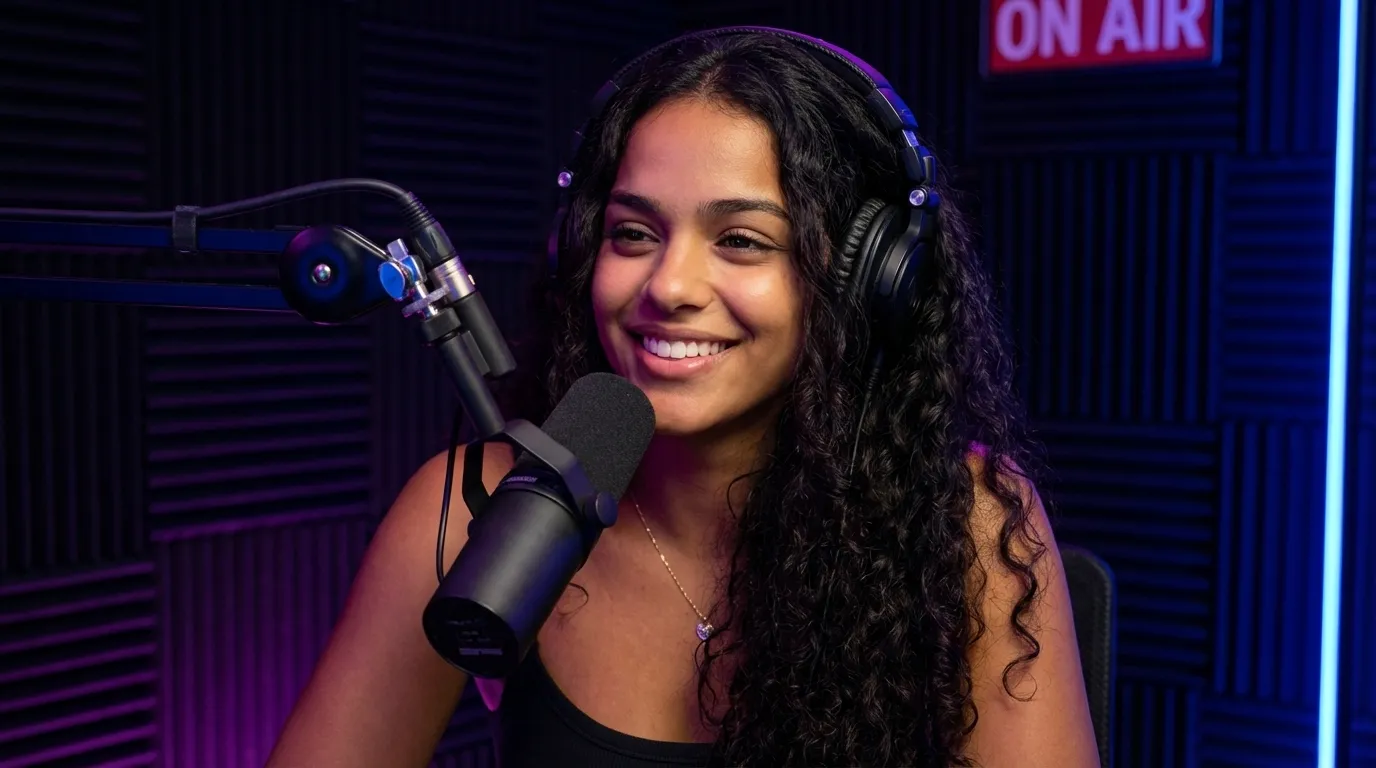
NewEdThumb is now in ChatGPT

Thumbnails thatget the click.

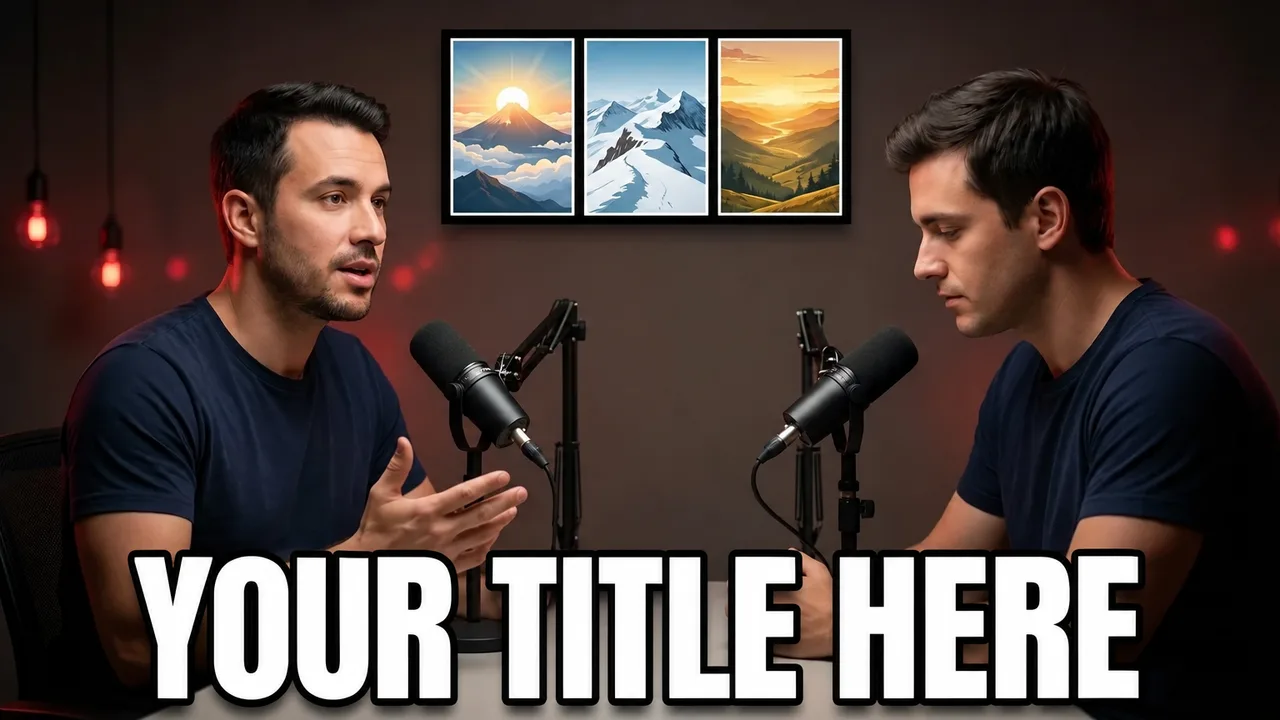
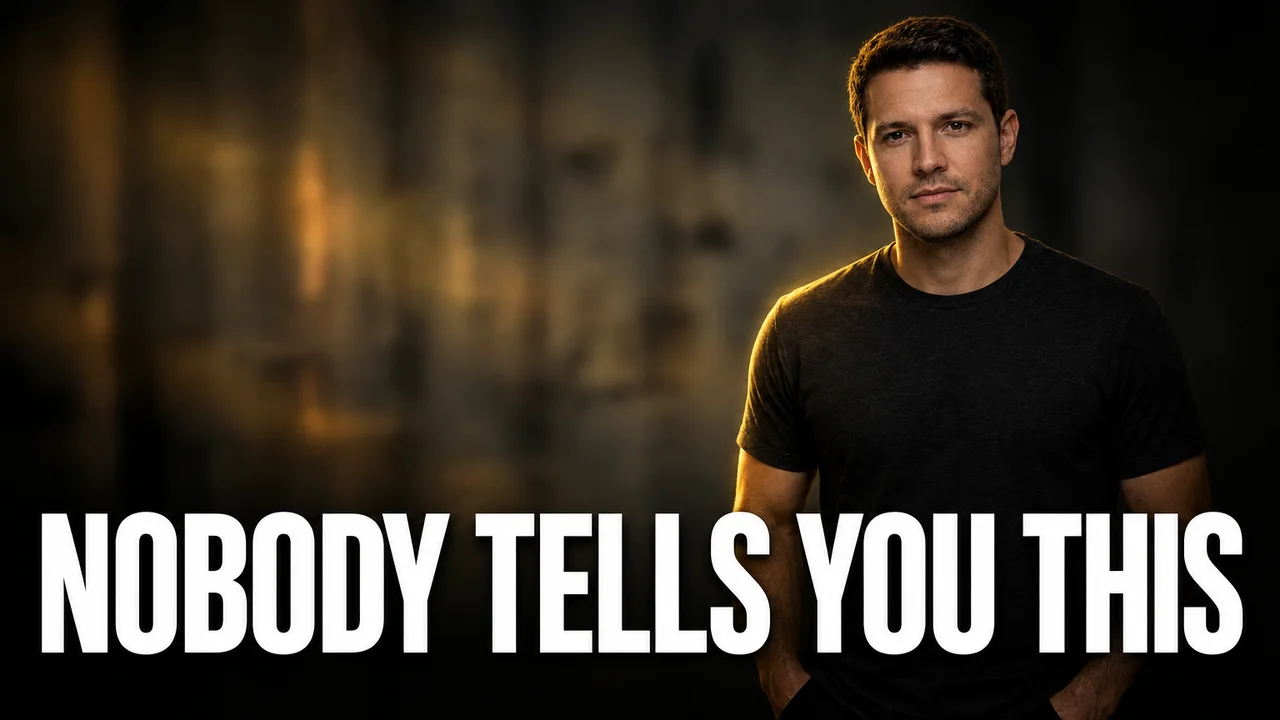
Pick from 300+ styles, add your face and let AI design thumbnails that look like your channel. Edit by pointing at the image, A/B test 3 variations on YouTube, and even create them by chatting in ChatGPT.

See how it works
  • 300+ ready-made styles
  • Your face on every thumbnail
  • Works inside ChatGPT
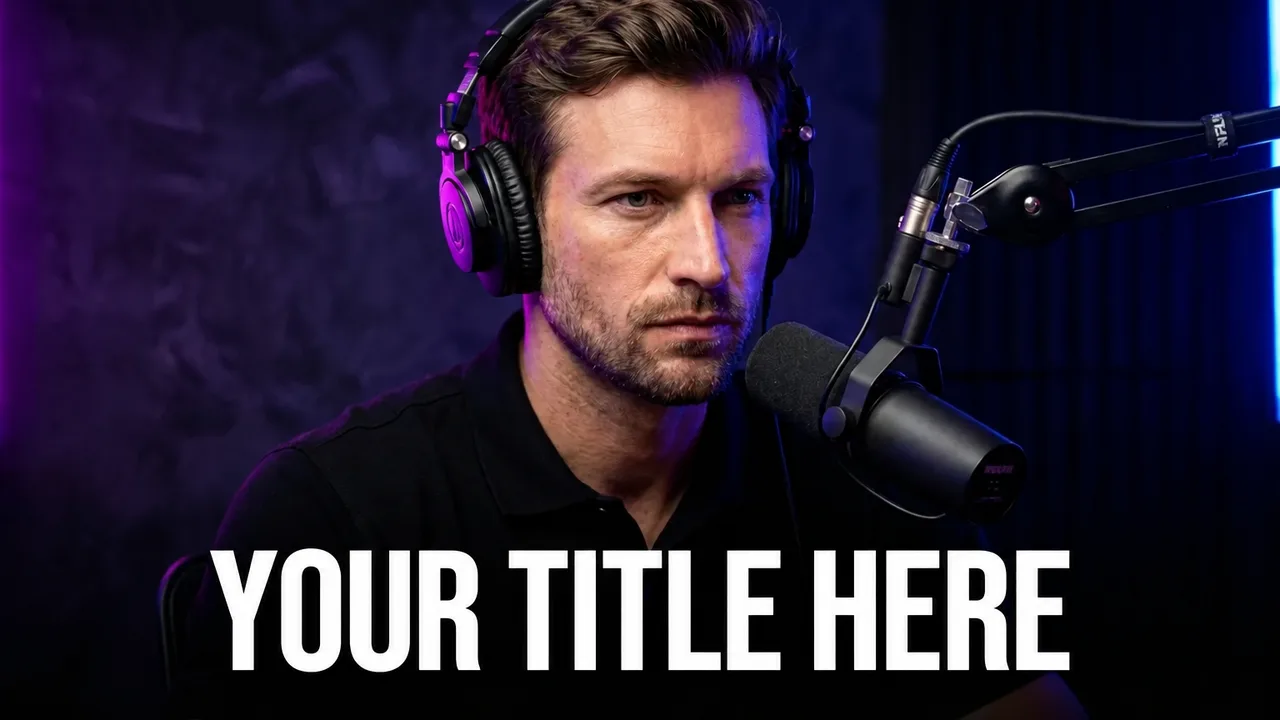
Sample thumbnail made with an EdThumb style
Character: Leo

Channel DNA applied
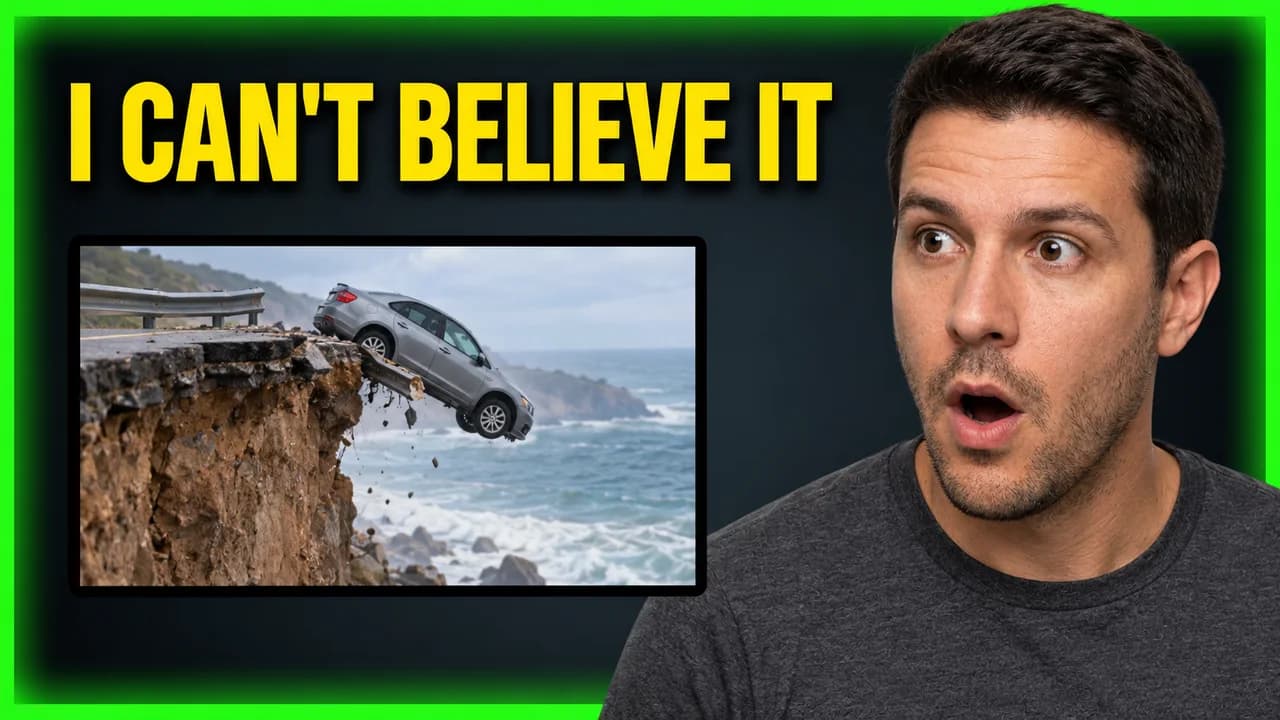
Thumbnail style yt viral hook 3
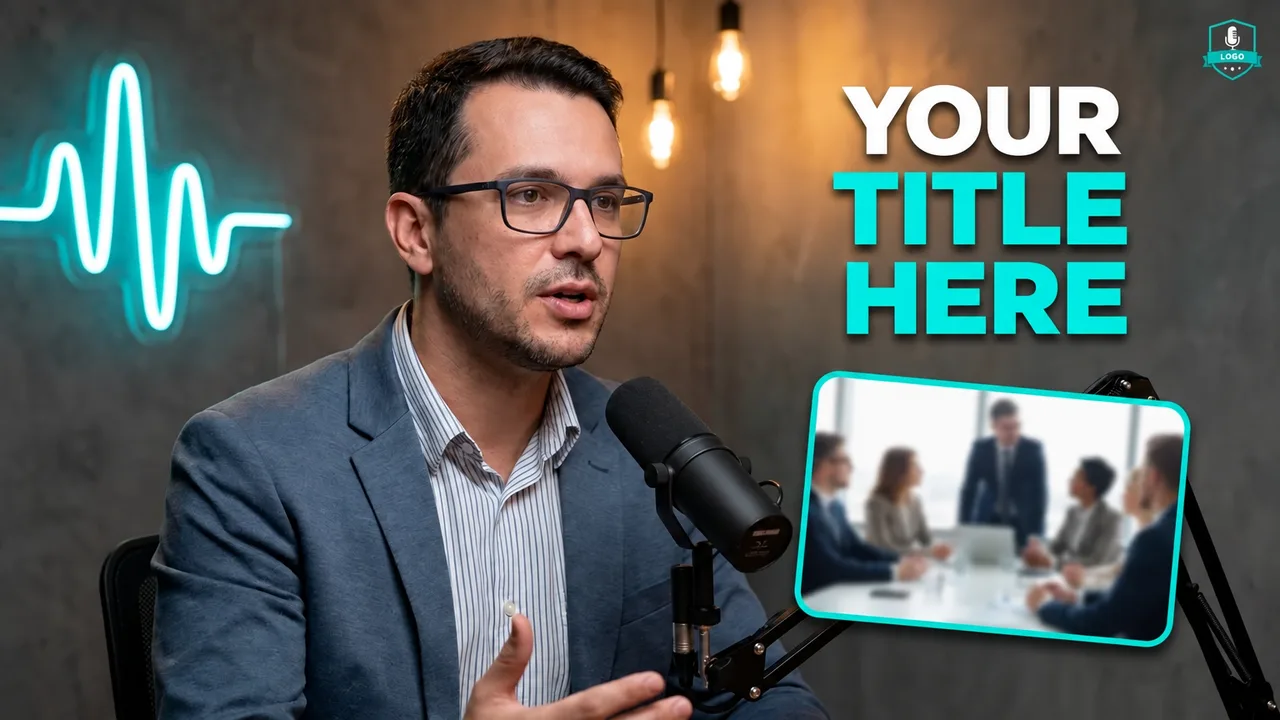
Thumbnail style podcast neon
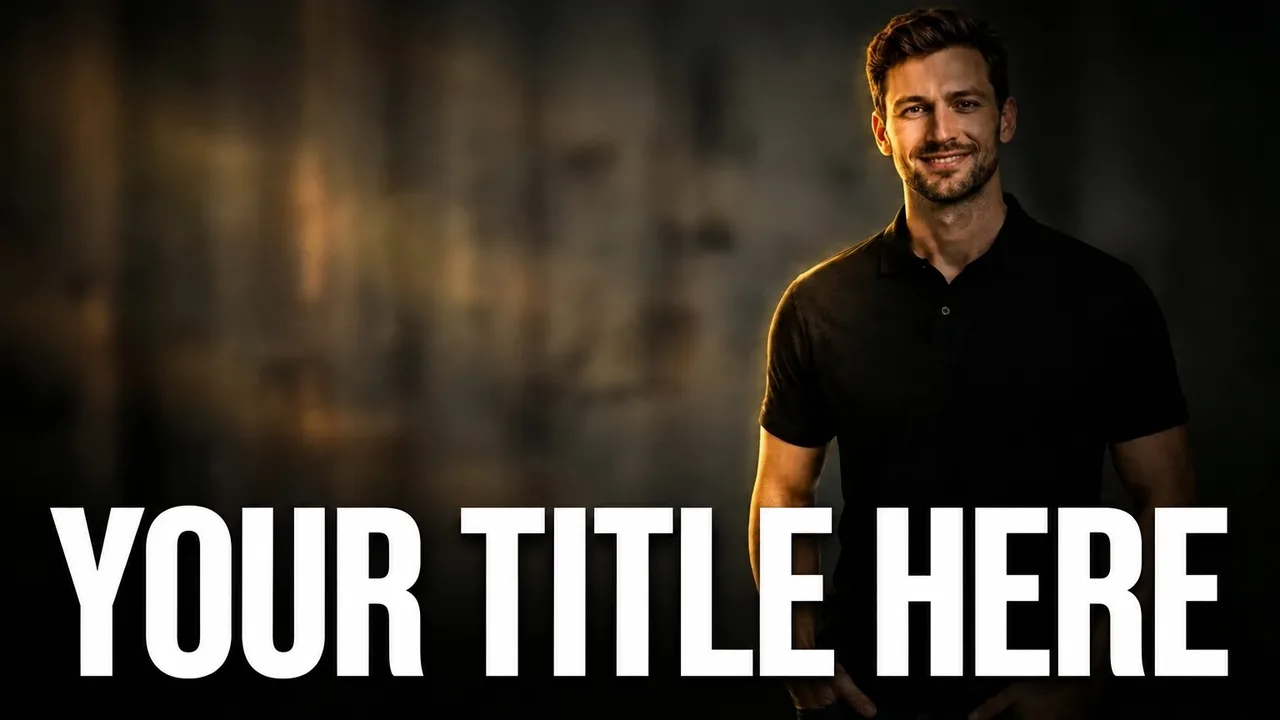
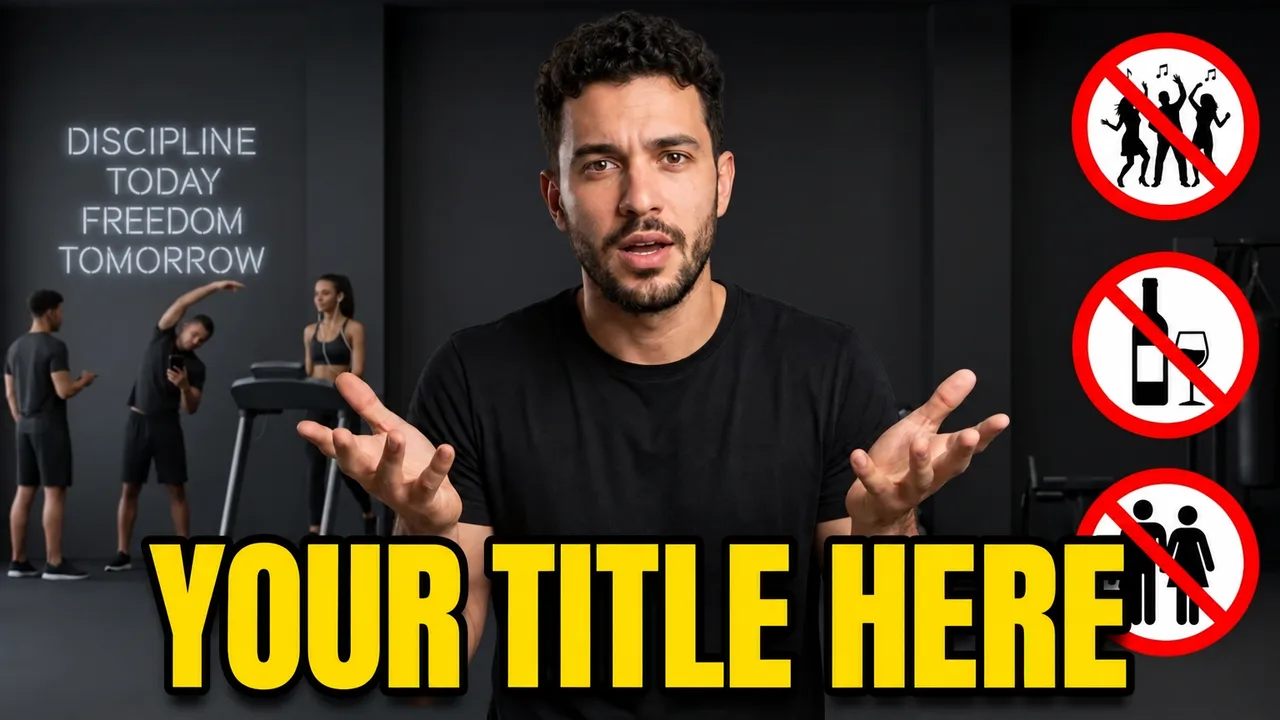
Thumbnail style cinematic dark
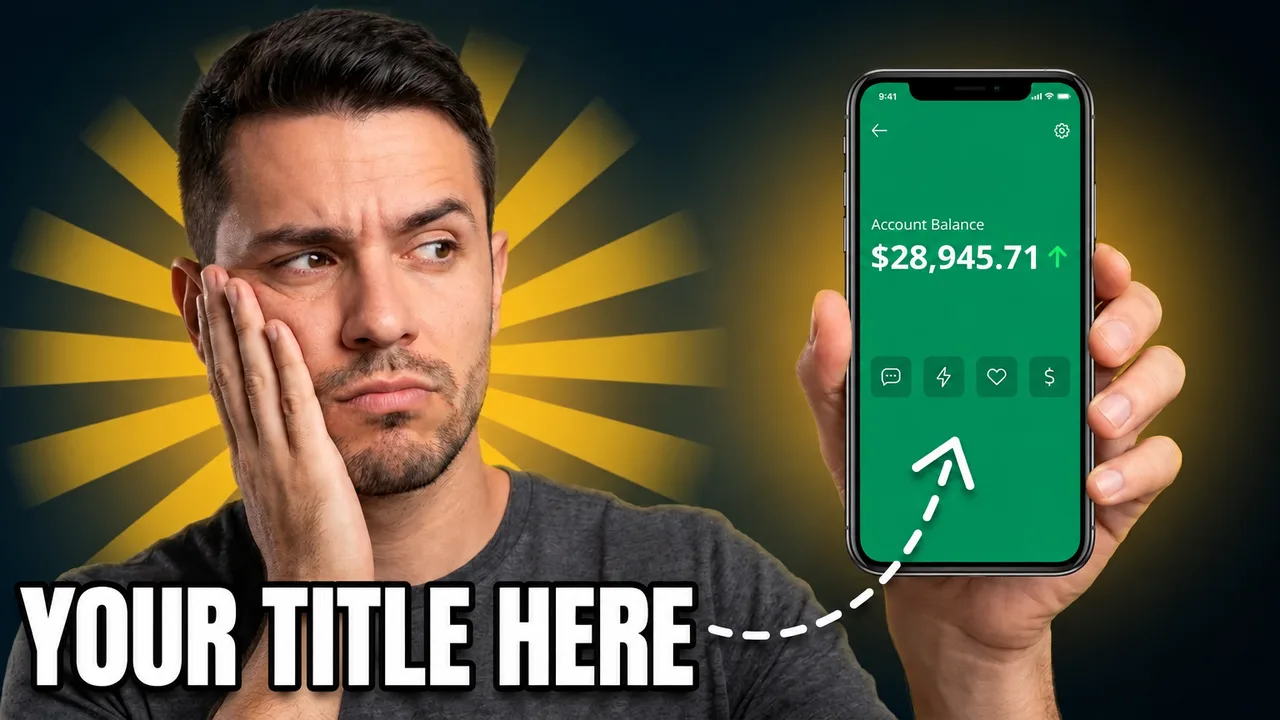
Thumbnail style phone balance
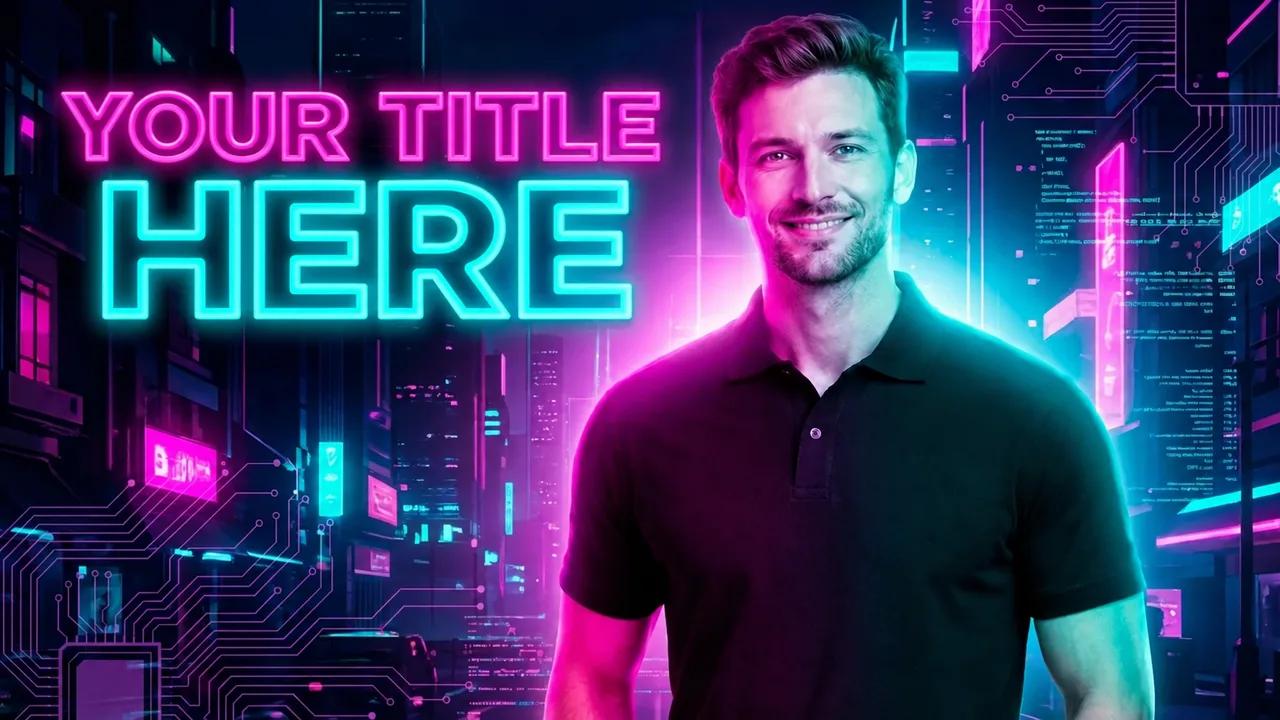
Thumbnail style neon glow
Thumbnail style gaming
Thumbnail style cyber breach
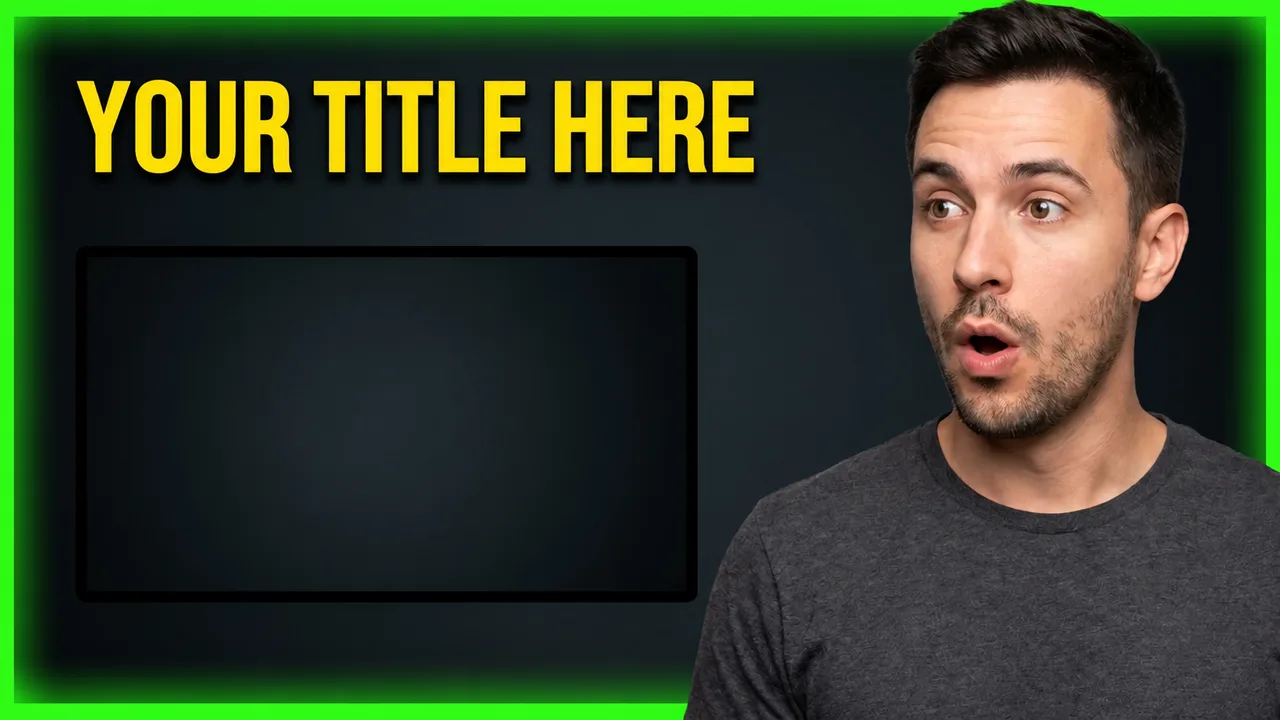
Thumbnail style reaction
Thumbnail style dual choice
Thumbnail style expert insight
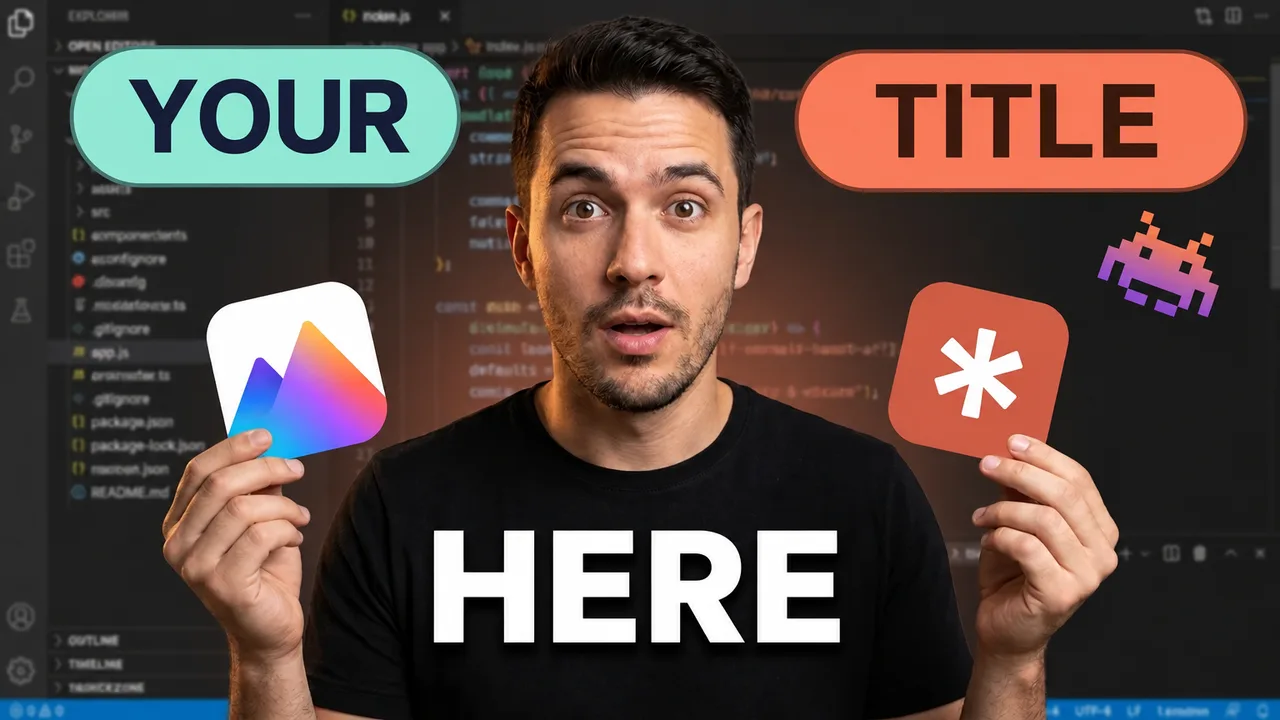
Thumbnail style ai dev magic
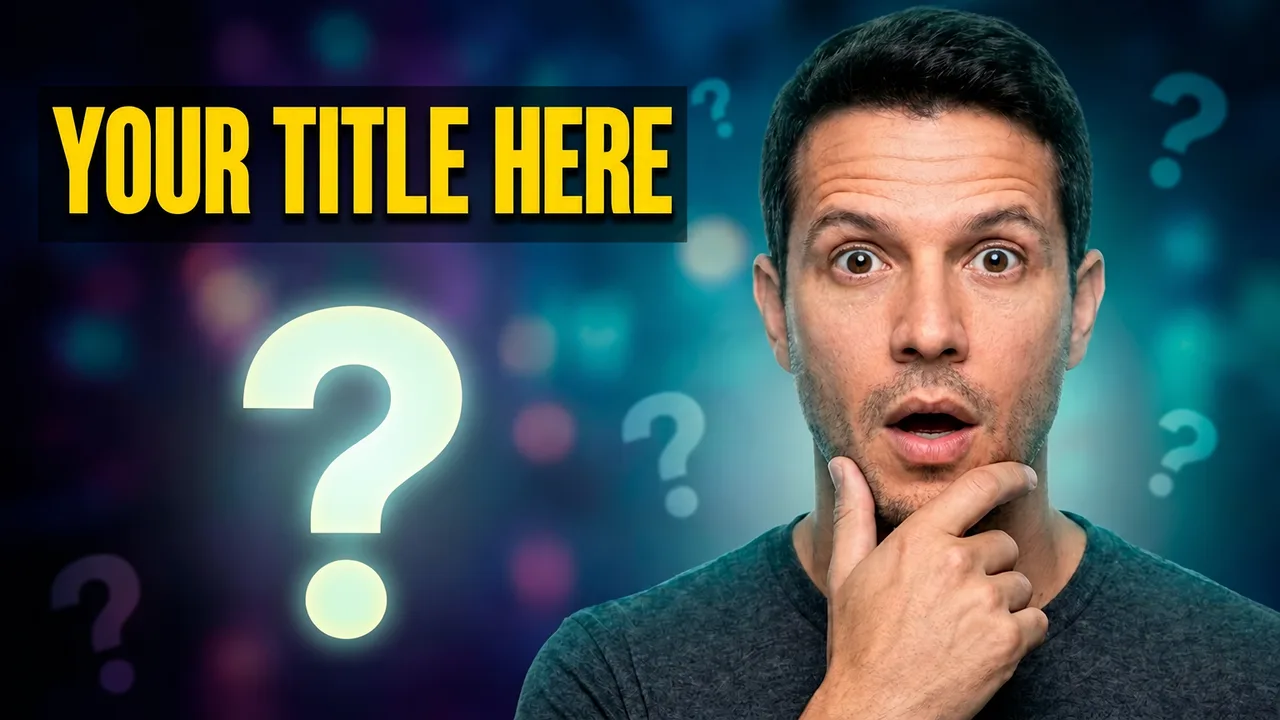
Thumbnail style curiosity
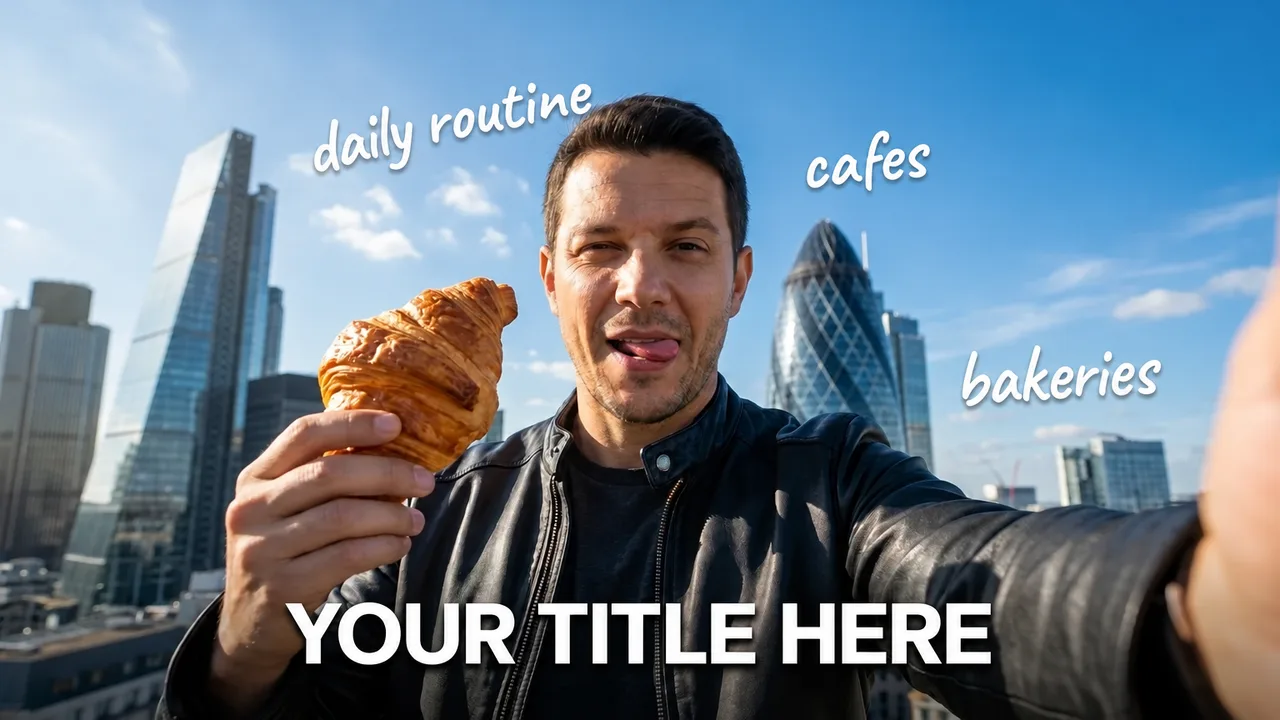
Thumbnail style urban selfie
Thumbnail style provocative question
Thumbnail style bank drip
Thumbnail style yt viral hook 2
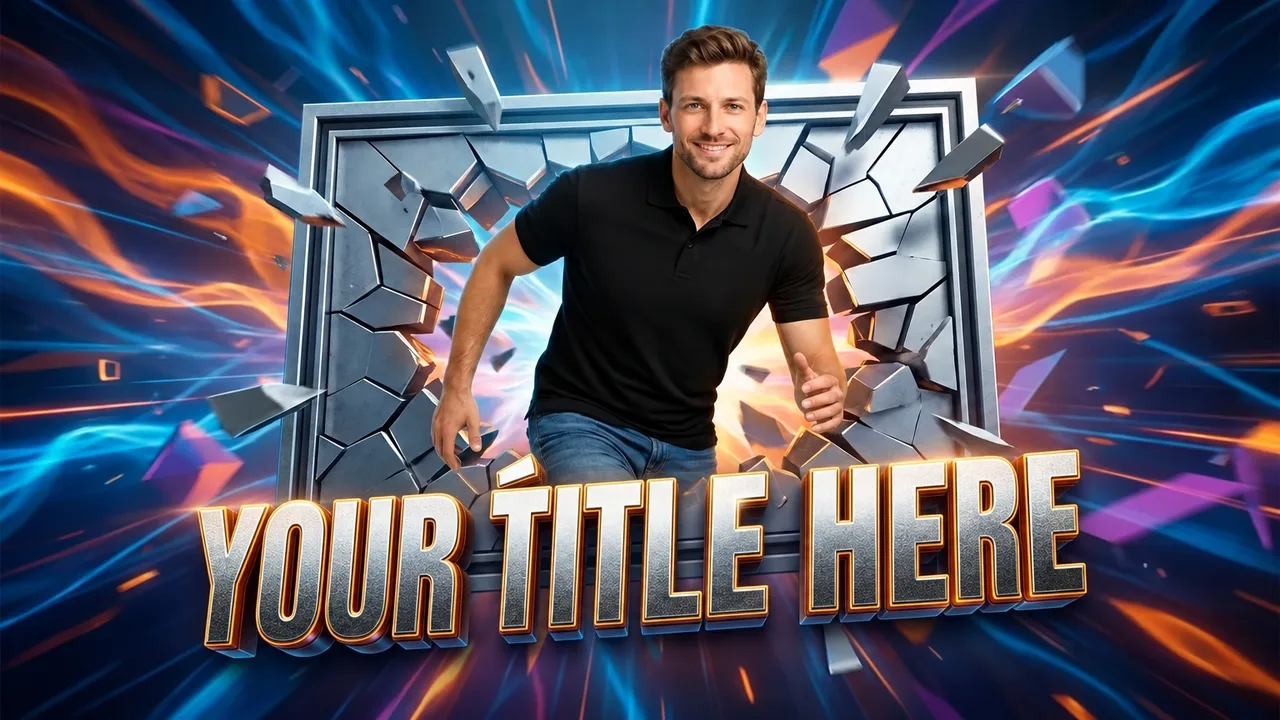
Thumbnail style 3d popout
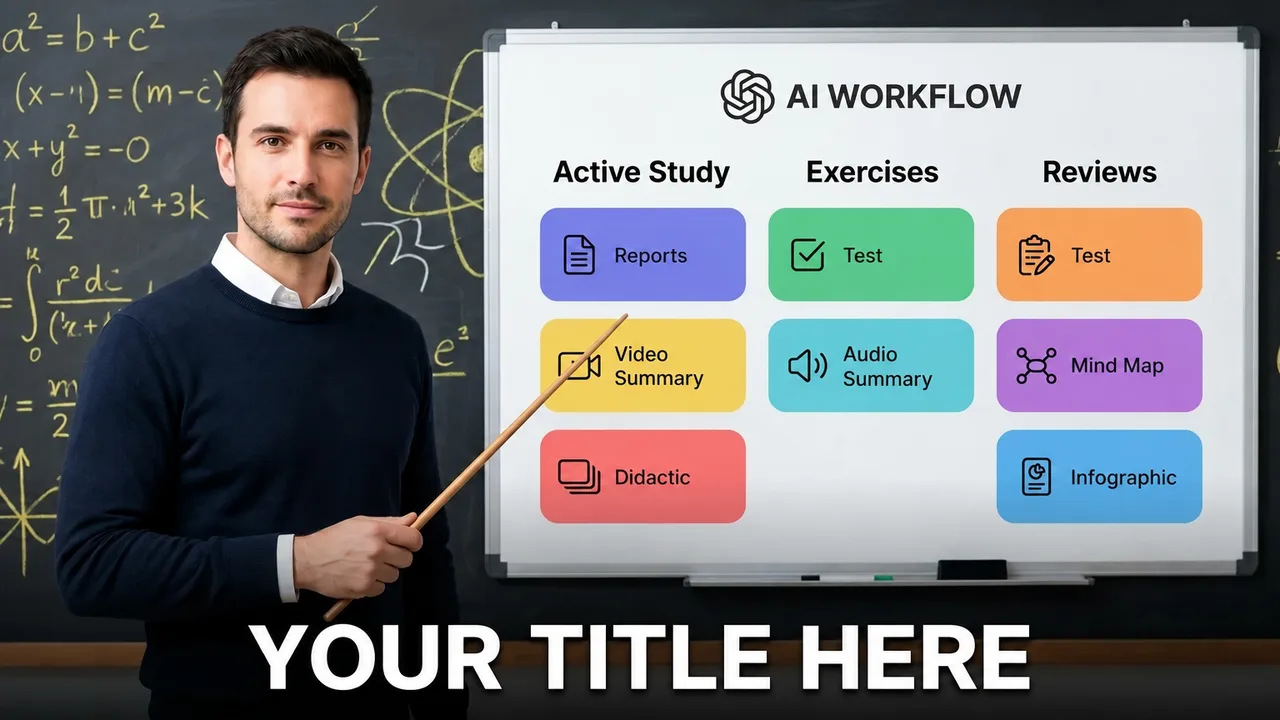
Thumbnail style whiteboard pointer
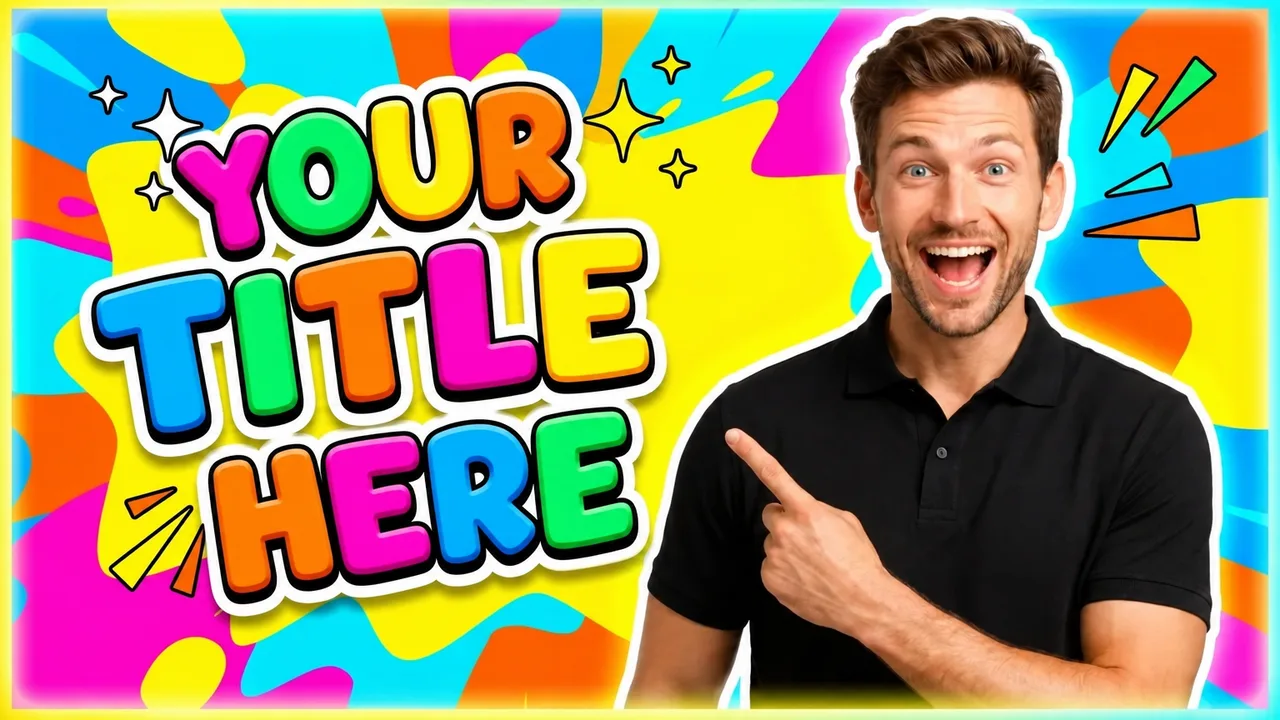
Thumbnail style fun viral
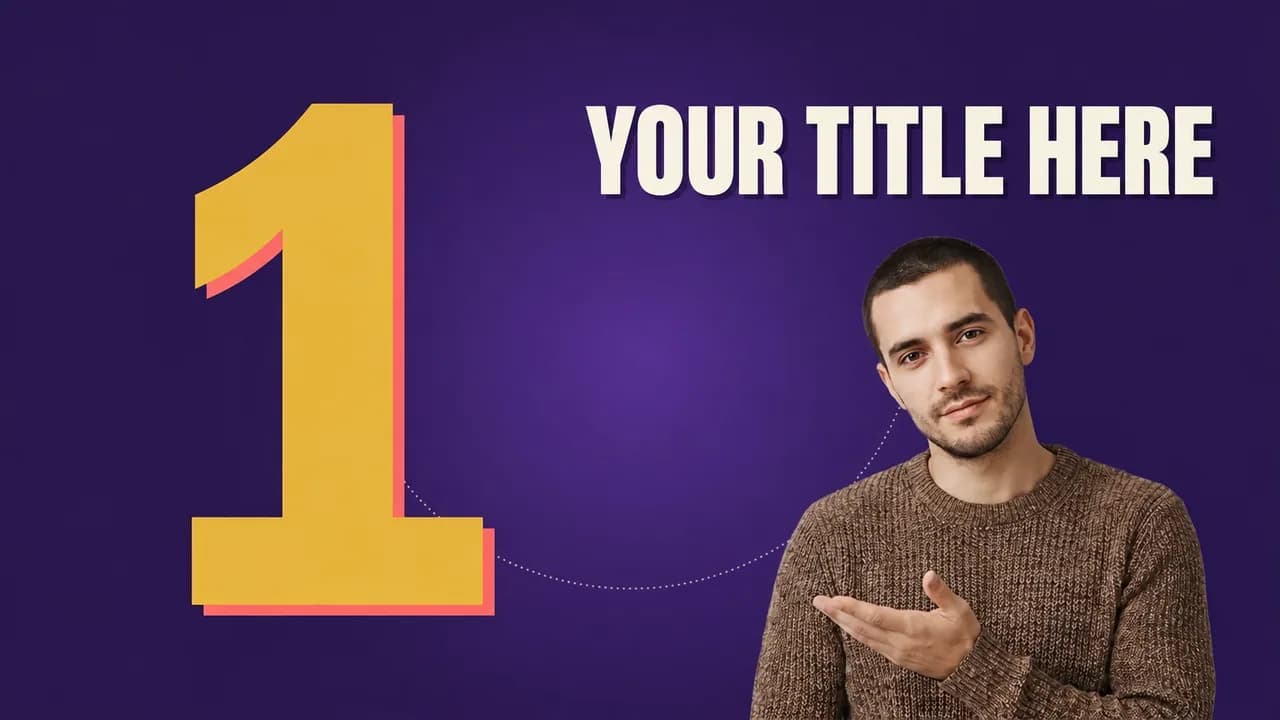
Thumbnail style big number
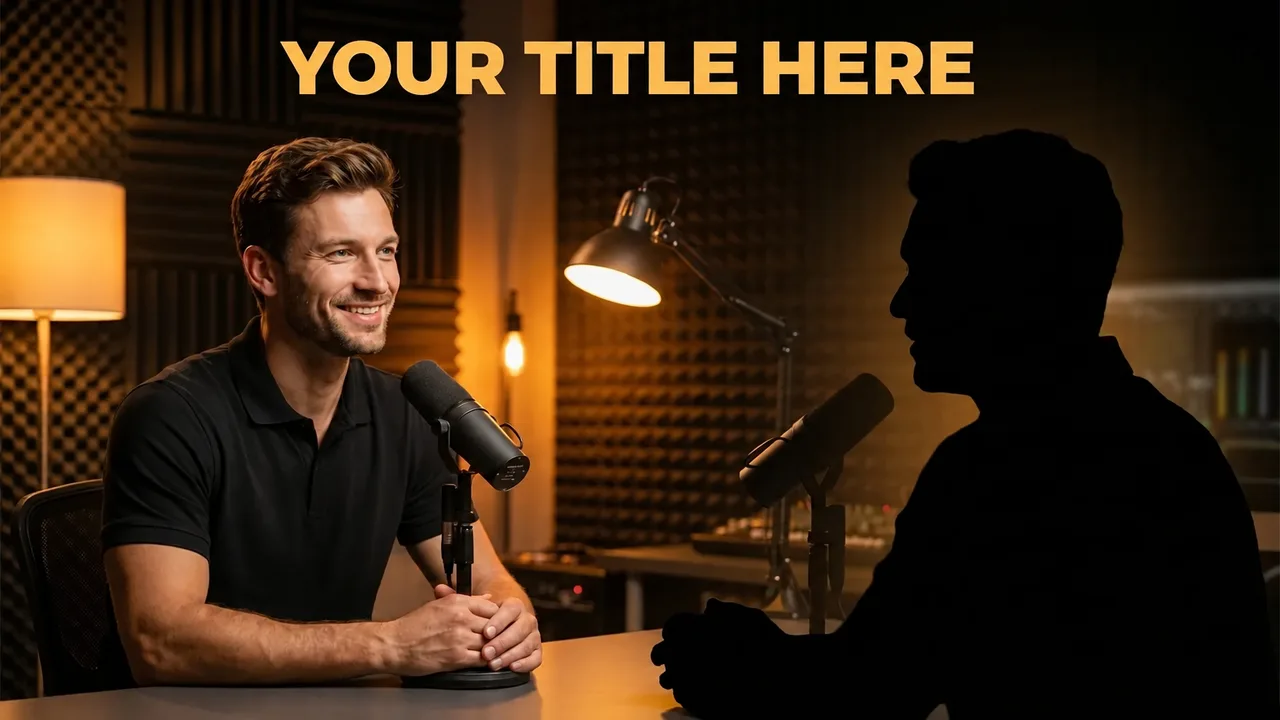
Thumbnail style podcast intimate
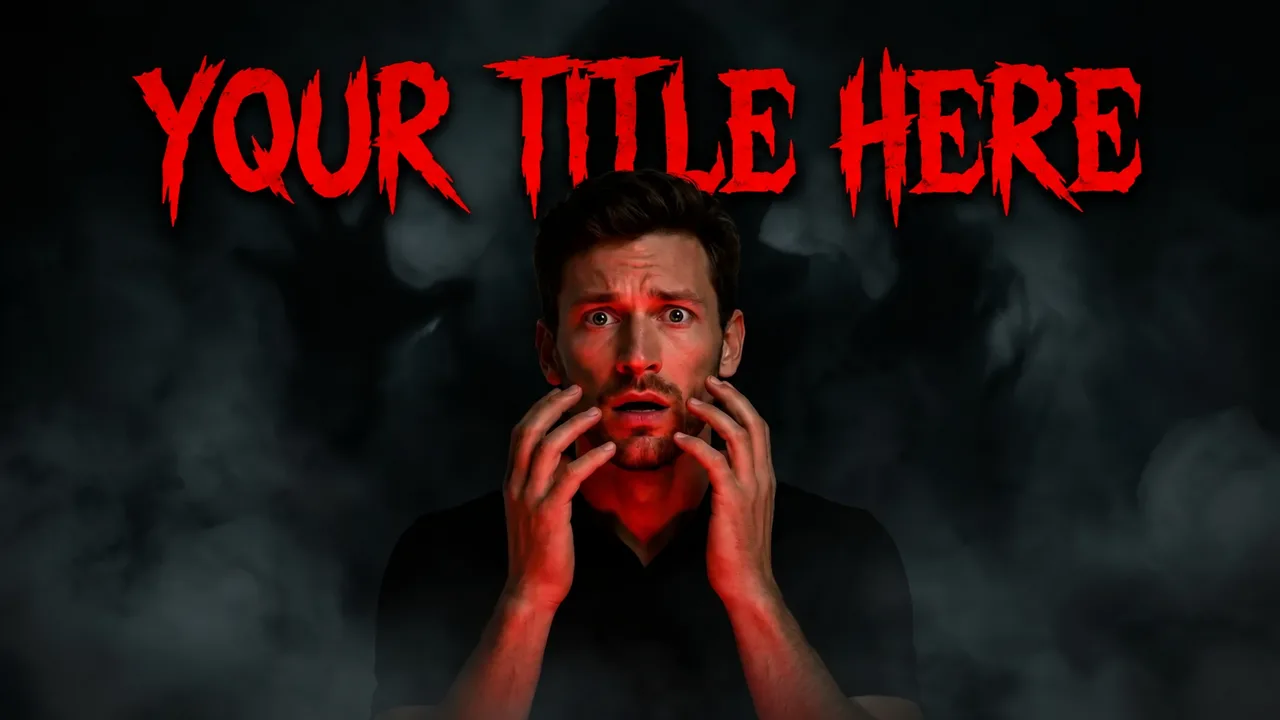
Thumbnail style horror
Thumbnail style money bold
Thumbnail style yt viral hook 6
Thumbnail style retro 80s
Thumbnail style investing cards
Thumbnail style challenge
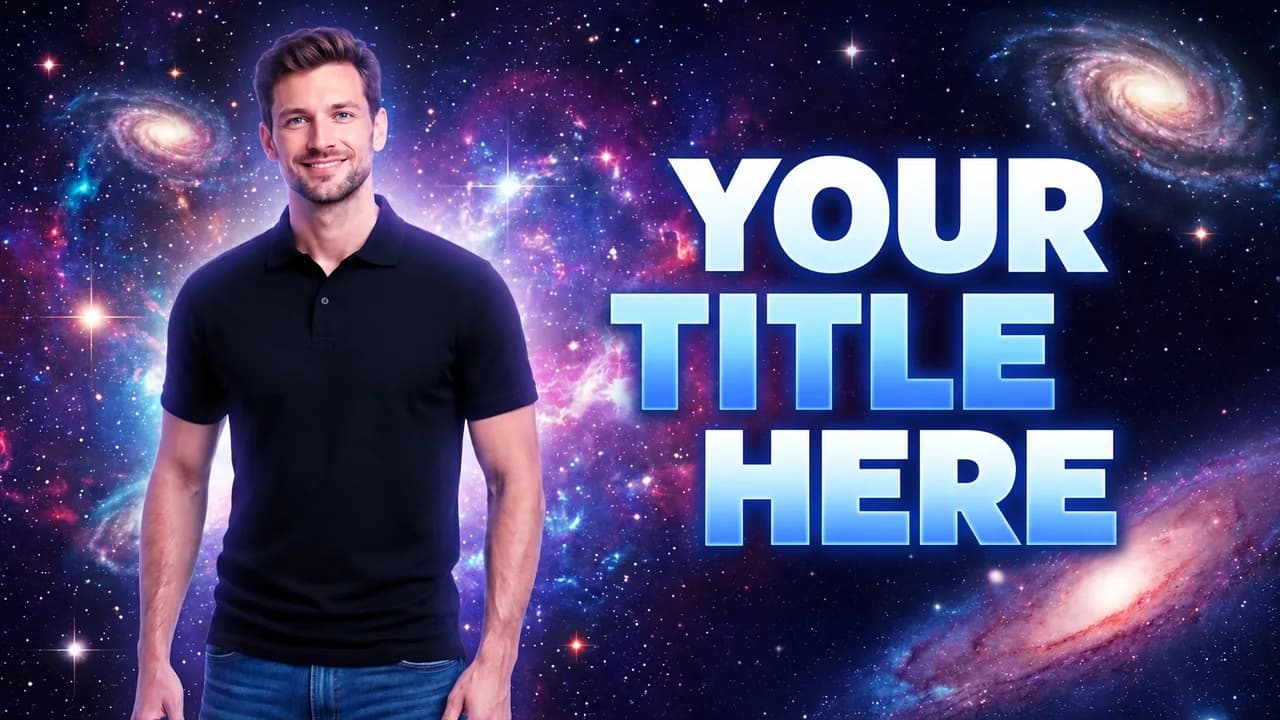
Thumbnail style space cosmic
How it works

3 steps. Under a minute.

No Photoshop, no designer, no learning curve.

01

Pick a style

Start from one of 300+ ready-made styles, organized by category: podcast, viral, professional, kids, gaming, education and more.

02

Add yourself and the topic

Choose your saved character and type what the video is about. Your channel identity is applied automatically: colors, text and energy.

03

Generate, tweak and publish

AI creates the thumbnail in seconds. Mark what you want to change, generate variations for A/B testing and download it ready for YouTube.

Watch the quick tutorial

Style gallery

300+ ready-made styles. One for every video.

All built for the YouTube feed. Pick a style, swap in your face and your topic, and you are done.

  • Podcast style: podcast neon
  • Podcast style: podcast intimate
  • Podcast style: podcast dark
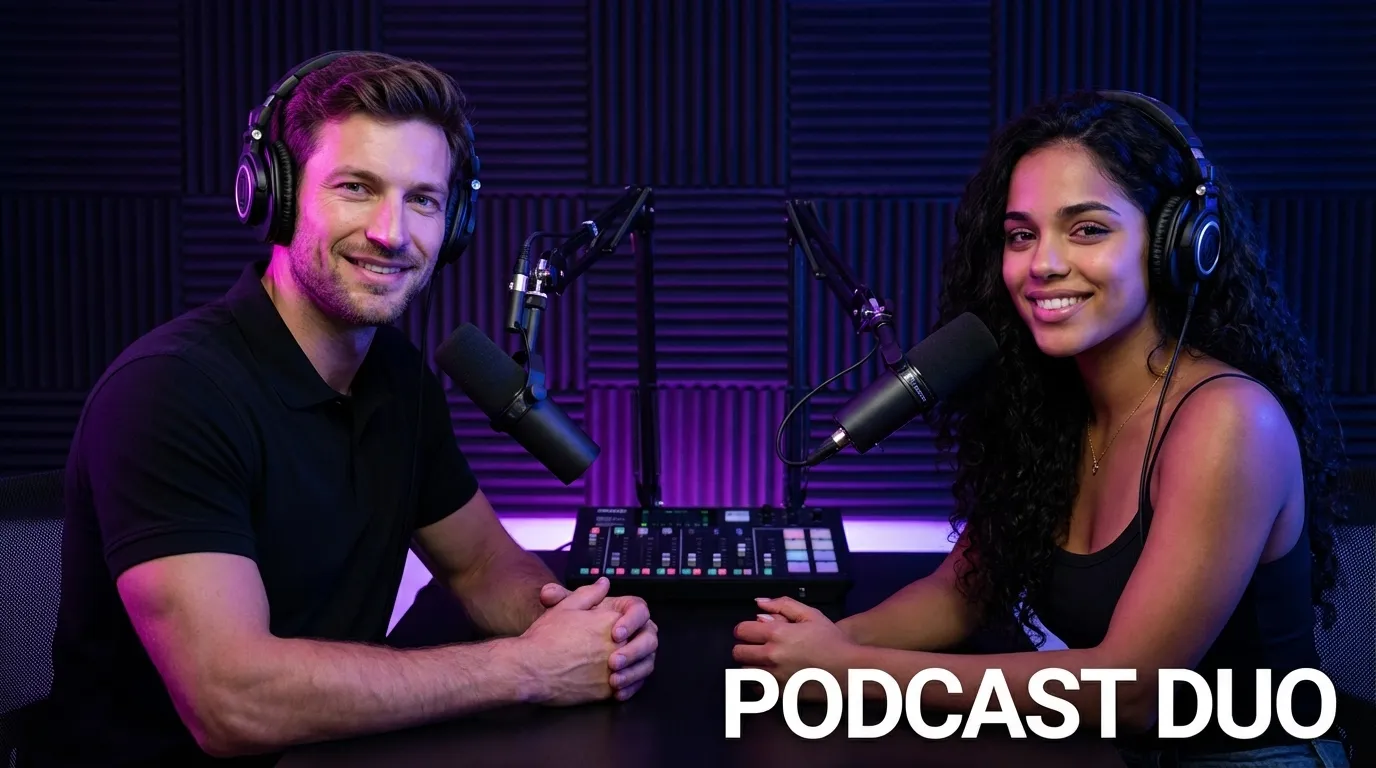
  • Podcast style: podcast duo
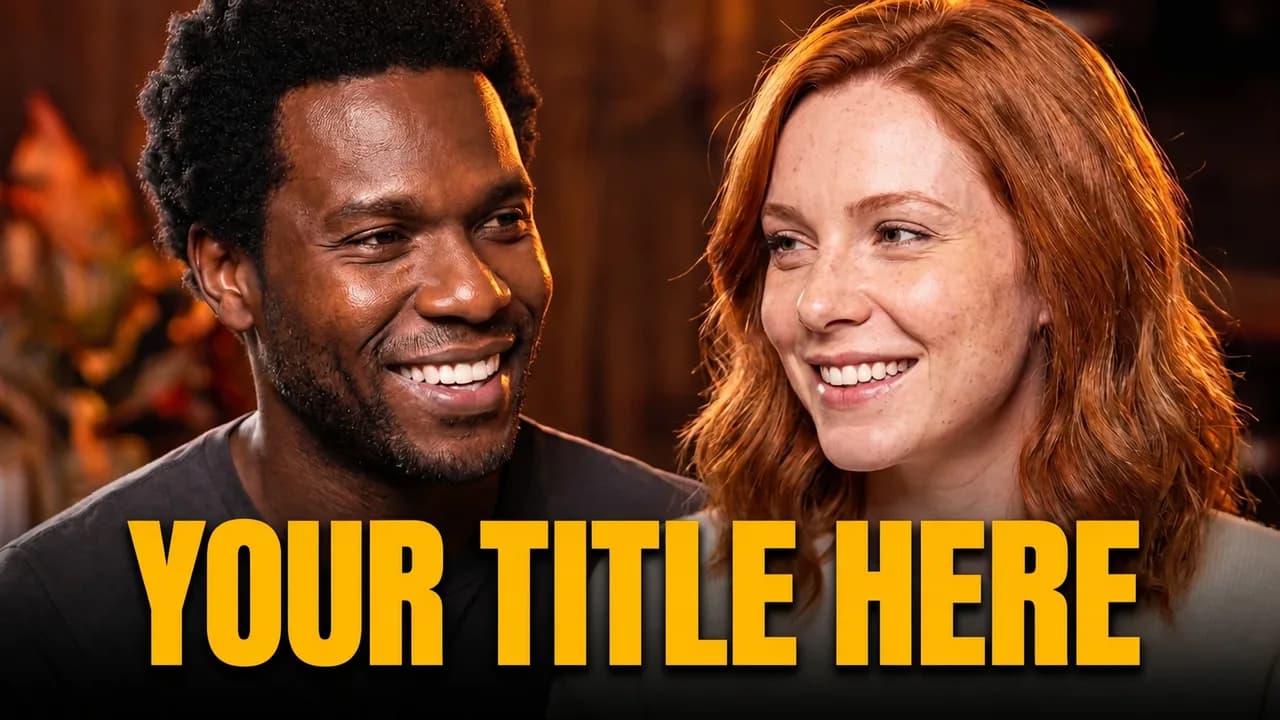
  • Podcast style: couple podcast
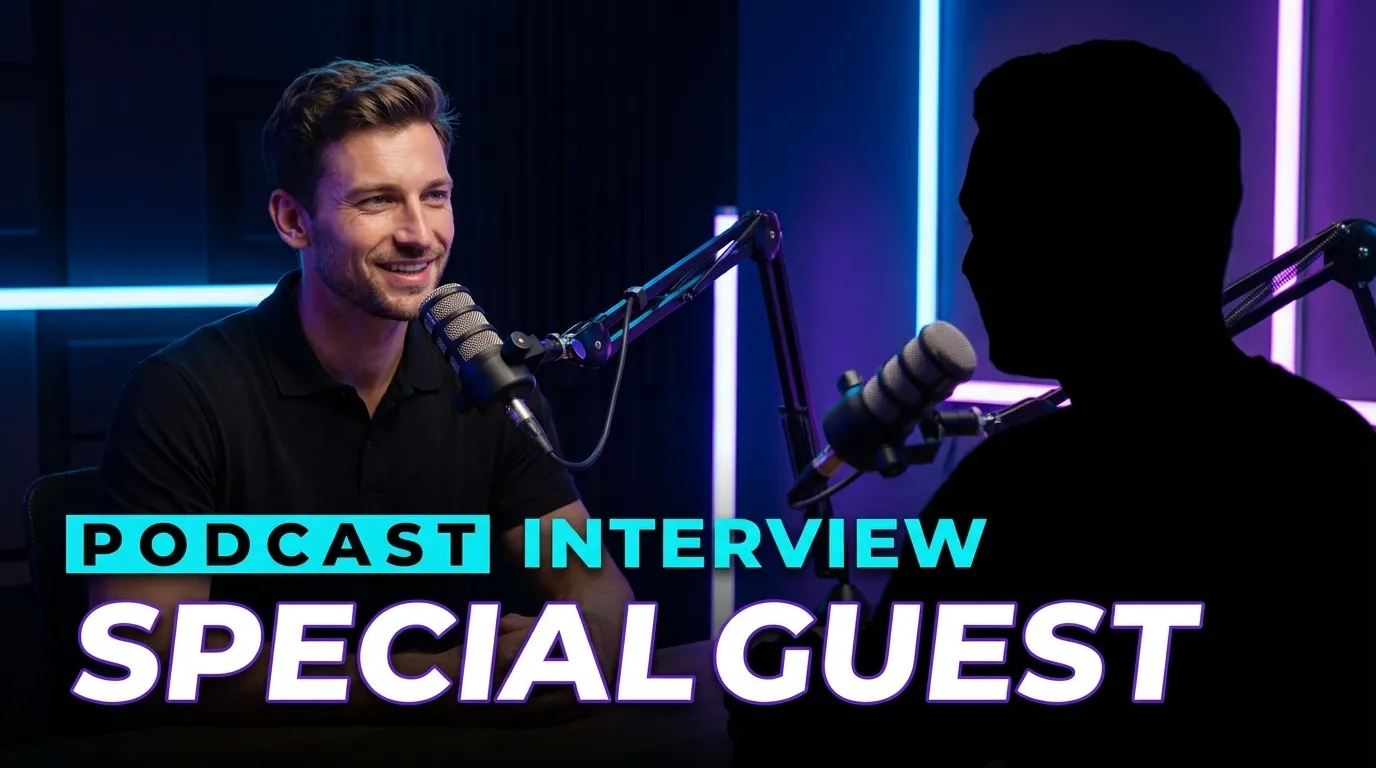
  • Podcast style: podcast interview
  • Podcast style: podcast host
  • Podcast style: podcast dual strip
Features

Everything for the right thumbnail

Your face on every cover, an editor that understands where you point and A/B testing right on YouTube.

You on every thumbnail. With your channel’s look.

Save your face once and connect your channel. Every new thumbnail is instantly recognizable to your audience.

Persistent characters

Your face, always true to life

Upload your photos just once. EdThumb saves your character and keeps high facial fidelity in any style, setting or expression.

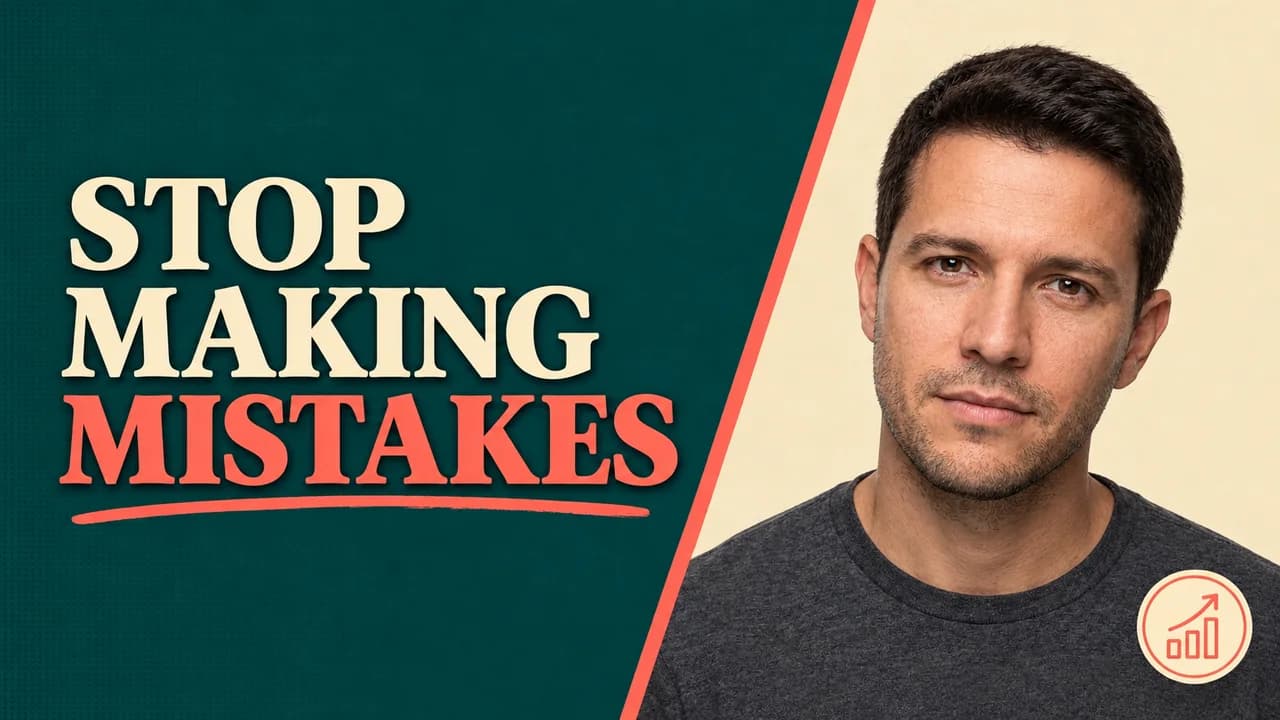
Leo, a character saved in EdThumb
Saved
  • Multiple characters per channel (you, guests, mascot)
  • Works with every style in the gallery
  • Only use images of yourself or with permission
Channel identity

Your channel’s visual DNA

Link your YouTube channel and pick 3 reference thumbnails. EdThumb extracts the style and applies it to the next ones, without copying the old ones.


Leo’s channel · 3 references
TextBold condensed, all caps, black outline
ColorsNeon purple and blue, high contrast
EffectsGlowing outline, curved yellow arrows
CharacterClose-up on the right, over-the-top reaction
New thumbnail generated with the DNA of Leo’s channel

DNA applied to a brand-new thumbnail
Different topic, same channel look: the font, colors, arrows and energy all came from the DNA.

New

Now in ChatGPT

Connect your EdThumb account to ChatGPT and create or edit thumbnails just by chatting. The studio and editor open right next to the chat, with your characters, your channel identity and your EdCoins.


ChatGPT EdThumb connected
Make a thumbnail for my video "I went to the world's biggest mall", with Leo in the viral style
Using EdThumb
Done! I used Leo and your channel identity. Want to tweak anything?
Make the title bigger and white
Done, I only edited the title. Version 2 is in the editor.
Ask anything
EDTHUMBEditor
Thumbnail generated by EdThumb inside ChatGPT
v2
Character: LeoChannel identityViral style
Edit applied · version 2
1

Connect your account

Enable EdThumb in ChatGPT and sign in with your EdThumb account. Just once.

2

Just ask

"Make a thumbnail for tomorrow's video", "swap the background", "give me 3 variations to test".

3

Studio beside the chat

Preview, tweak and download without leaving the conversation. Everything is saved to your EdThumb account.

How to connect and disconnect
Plans and EdCoins

Simple to understand.

Billed monthly, cancel anytime. Sign up and get 30 free EdCoins + 7 days of Premium to try everything.

Generate a thumbnail
5 EdCoins
Edit
3 EdCoins

Start

$15.90/mo
80 EdCoins≈ 16 thumbnails
  • 80 EdCoins per month
  • 1 YouTube channel
  • 2 saved characters
  • 16:9 + 9:16 formats (Shorts & Reels)
  • Essential library of styles and fonts
  • Basic editor
  • Email support
Most popular

Popular

$37.90/mo
300 EdCoins≈ 60 thumbnails
  • 300 EdCoins per month
  • Up to 3 channels
  • Up to 10 characters
  • 16:9 + 9:16 formats
  • Full library of styles, effects and fonts
  • Full editor
  • YouTube sync
  • 1 AI agent
  • 2 team members
  • Priority support

Premium

$55.90/mo
600 EdCoins≈ 120 thumbnails
  • 600 EdCoins per month
  • Unlimited channels
  • Unlimited characters
  • All formats
  • Everything in Popular, no limits
  • Unlimited AI agents
  • 5 team members
  • Dedicated support
Need more? One-off packs
Buy extra EdCoins whenever you want, right from the dashboard.
  • 25 EdCoins
    $4.99
  • 100 EdCoins
    $16.99
  • 300 EdCoins
    $42.99
FAQ

Got questions?

  • EdThumb is an AI-powered YouTube thumbnail maker. Pick one of 300+ ready-made styles, add your character and the video topic, and AI generates the thumbnail in seconds. Then just fine-tune it in the editor and download.

Your next thumbnail starts now.

Create your account, save your character and generate your first thumbnail in under a minute. On the web or in ChatGPT.

See pricing
Featured on There's An AI For That
EdThumb: AI YouTube thumbnail maker