Styles

Podcast thumbnails that get your episodes and clips clicked

Podcasts on YouTube live on long episodes and short clips, and the thumbnail has to sell the conversation in under a second. These styles put the guest, the studio vibe and the episode’s strongest line front and center.

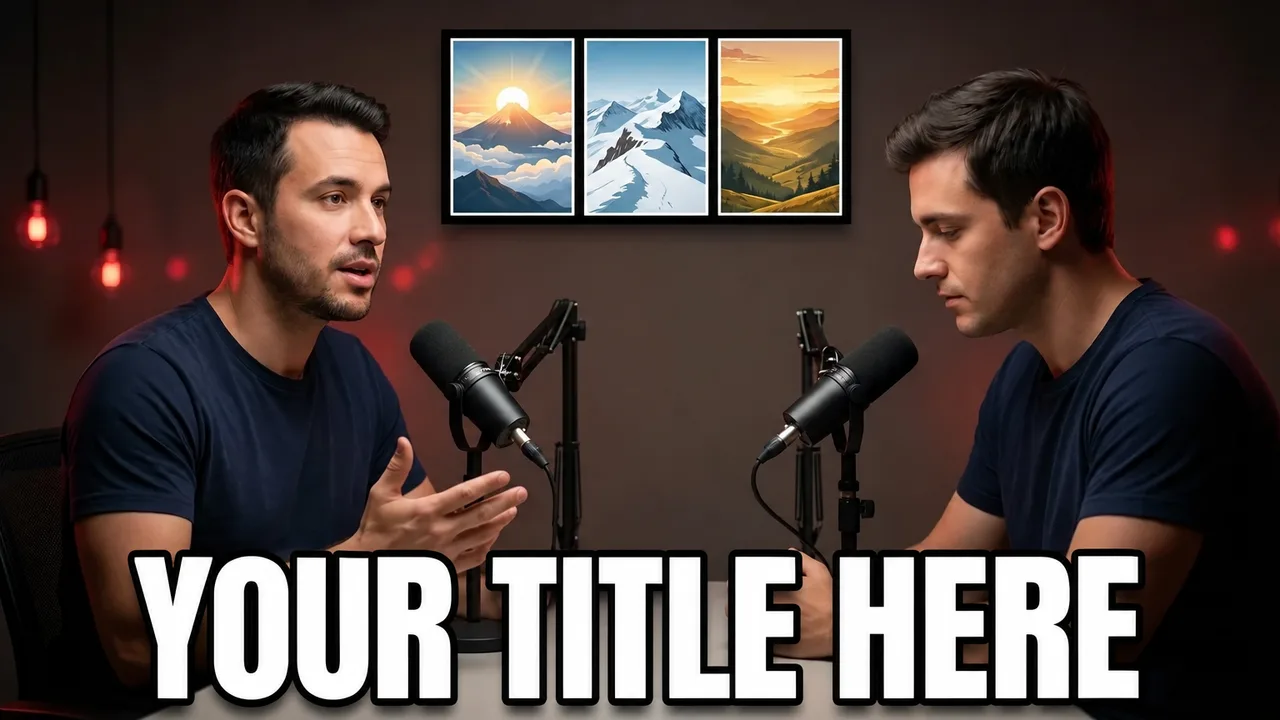
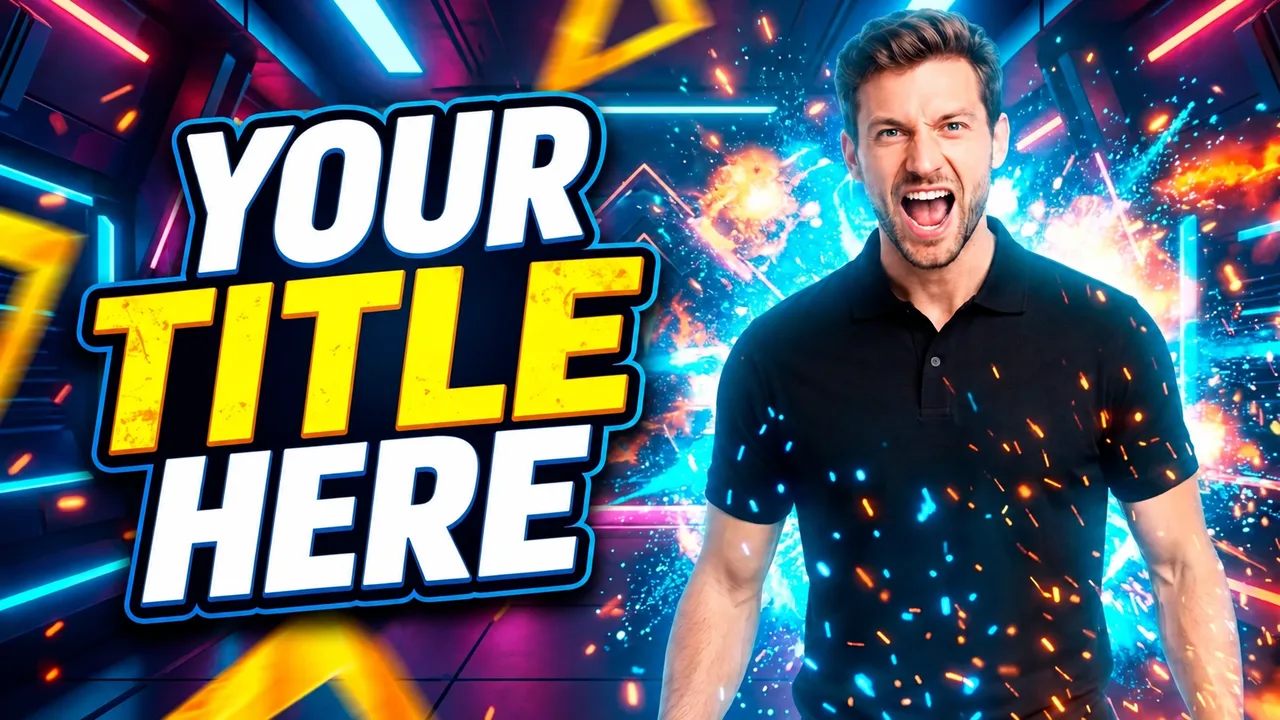
Ready-made podcast thumbnail styles

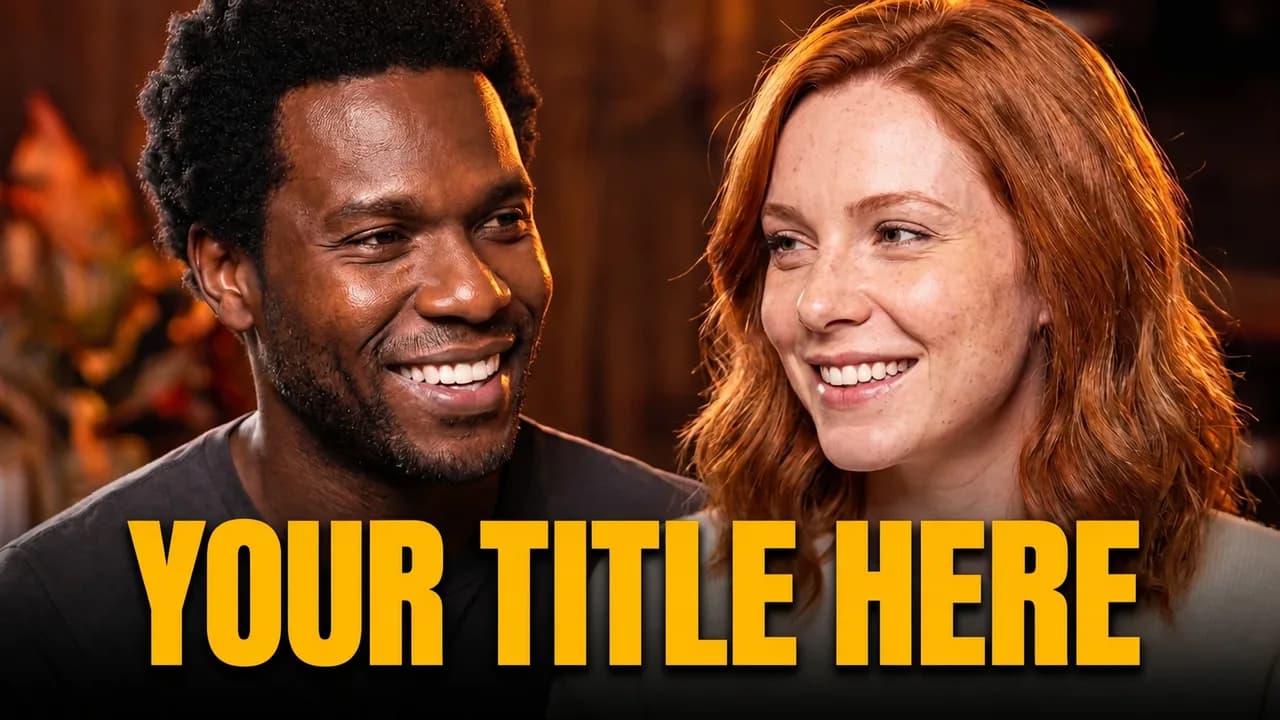
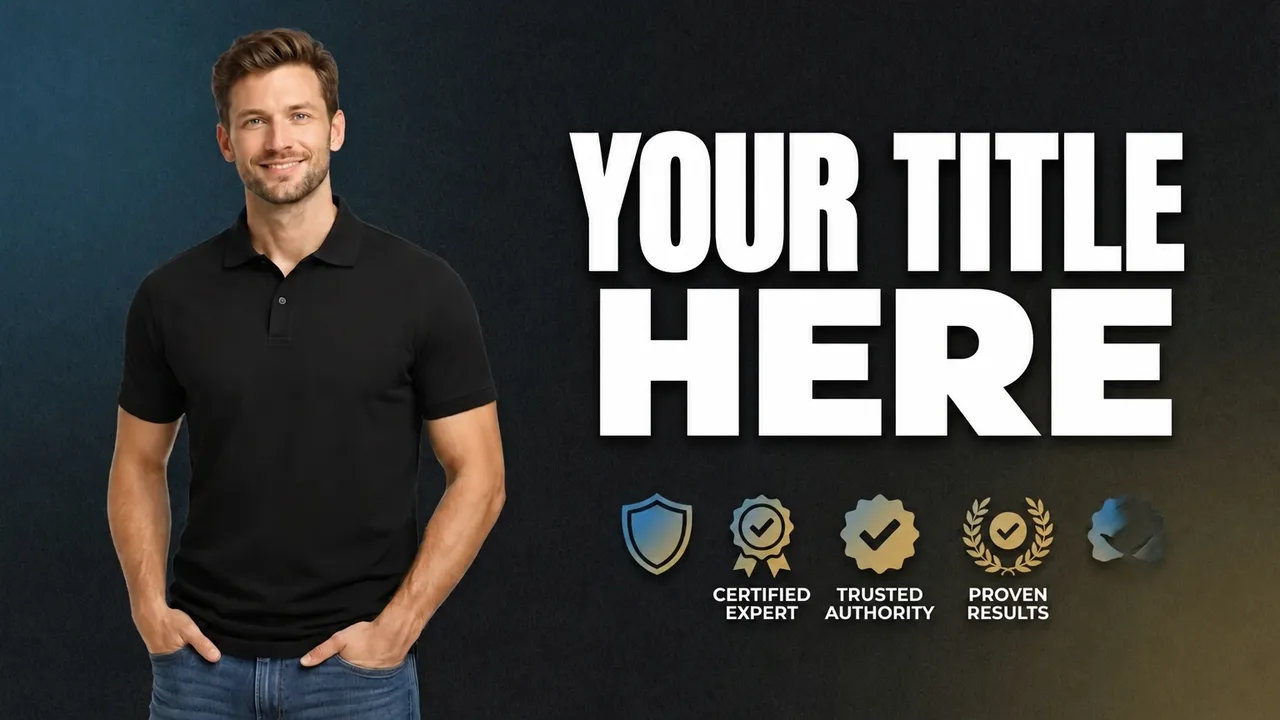
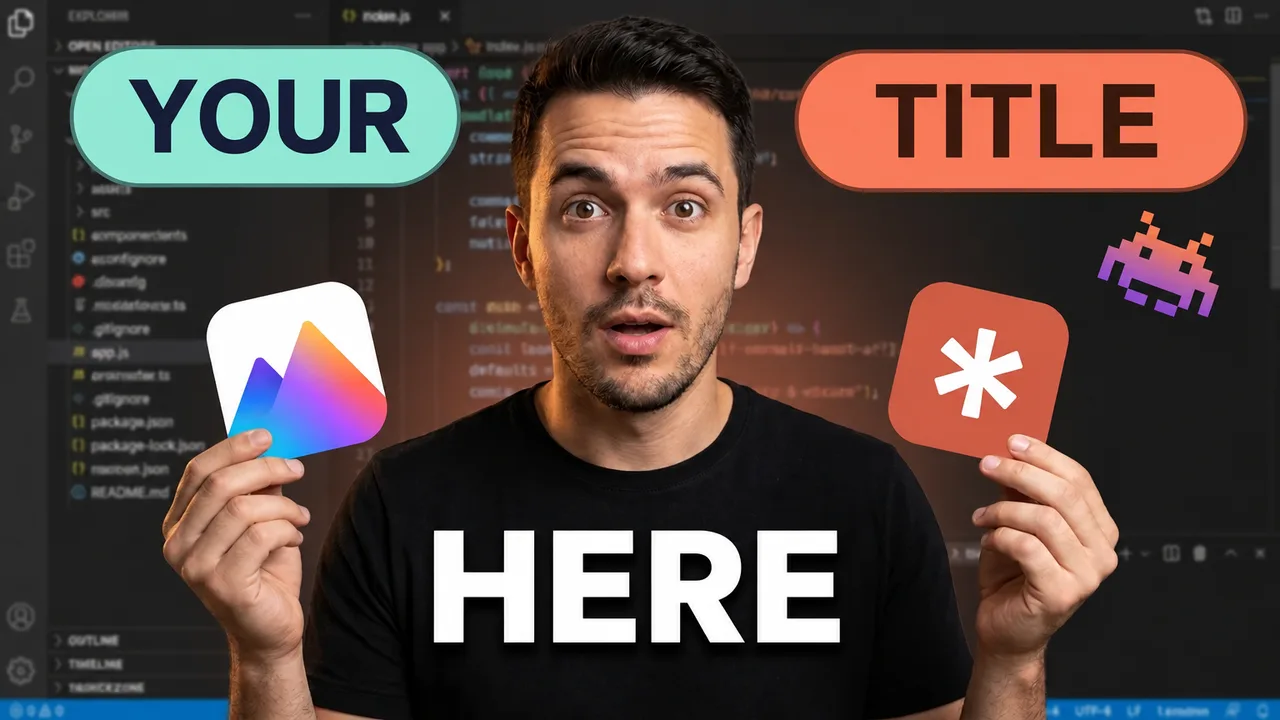
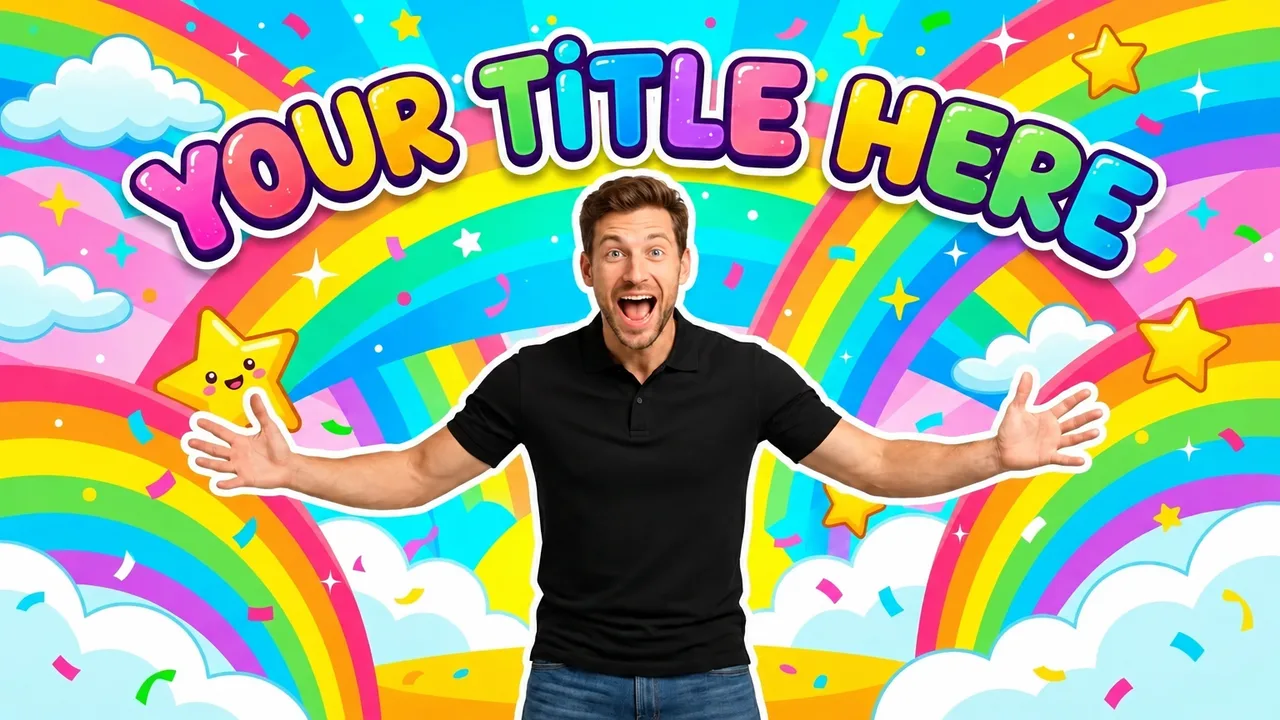
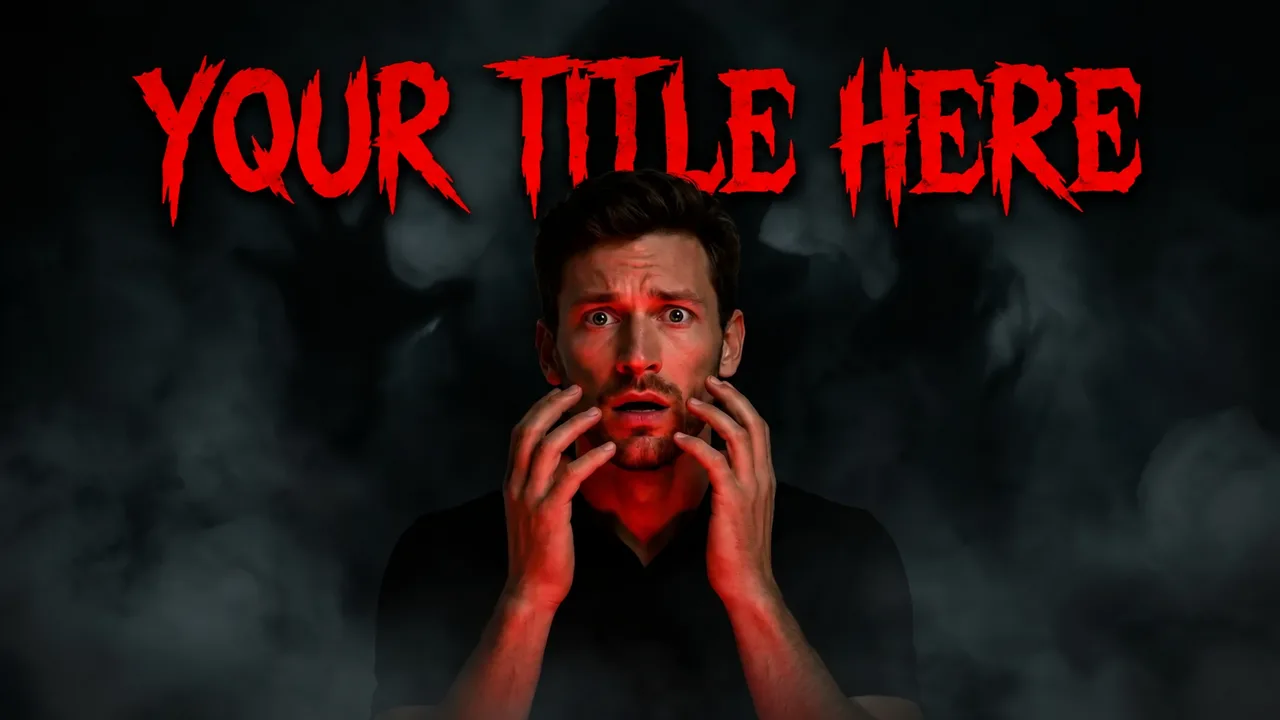
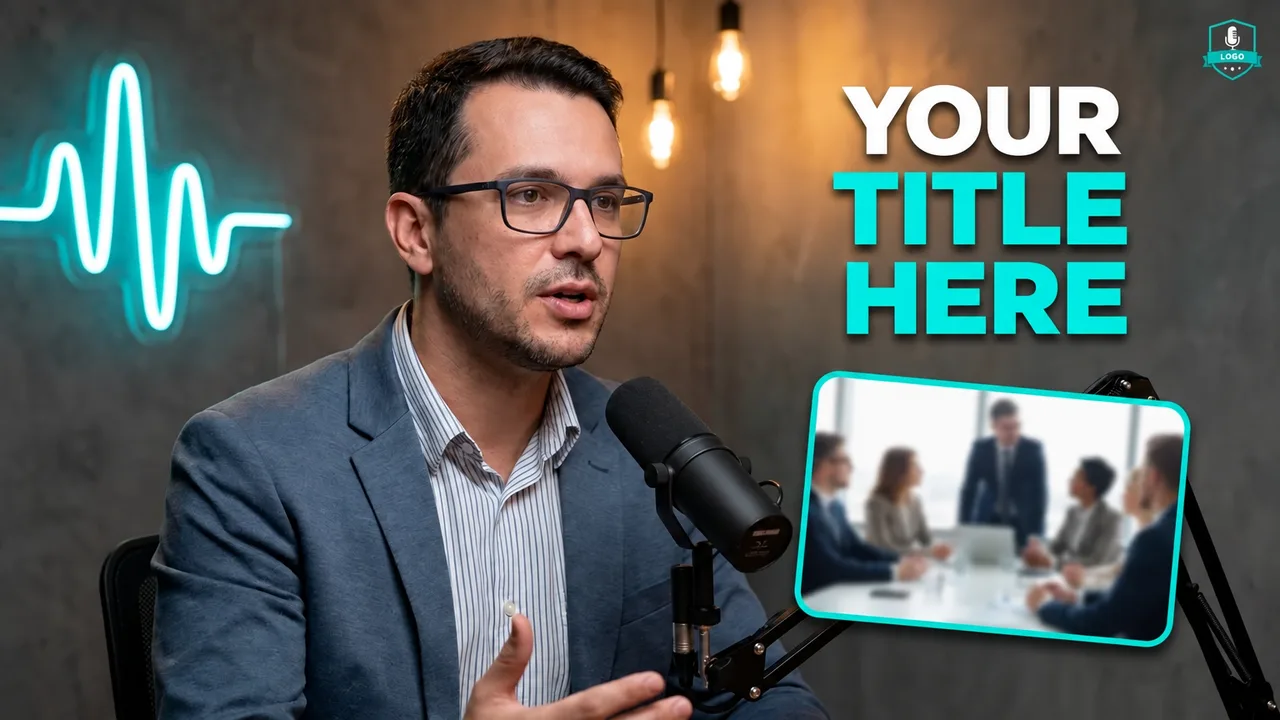
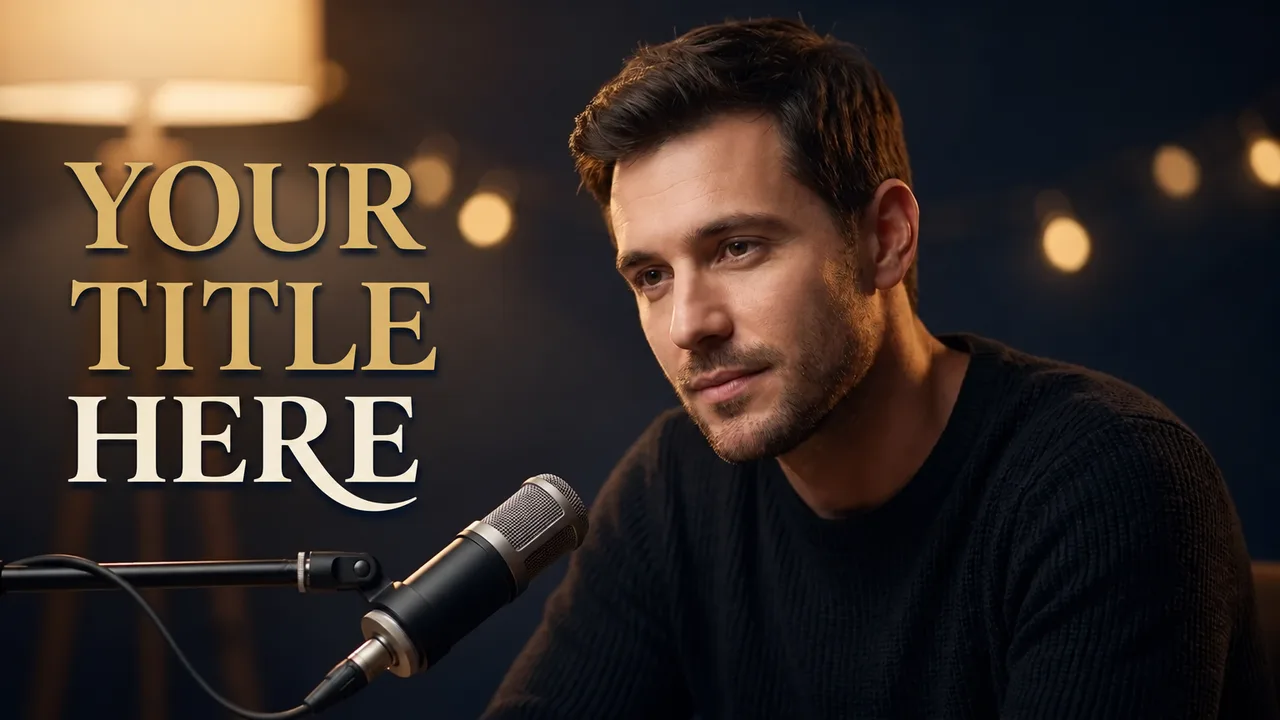
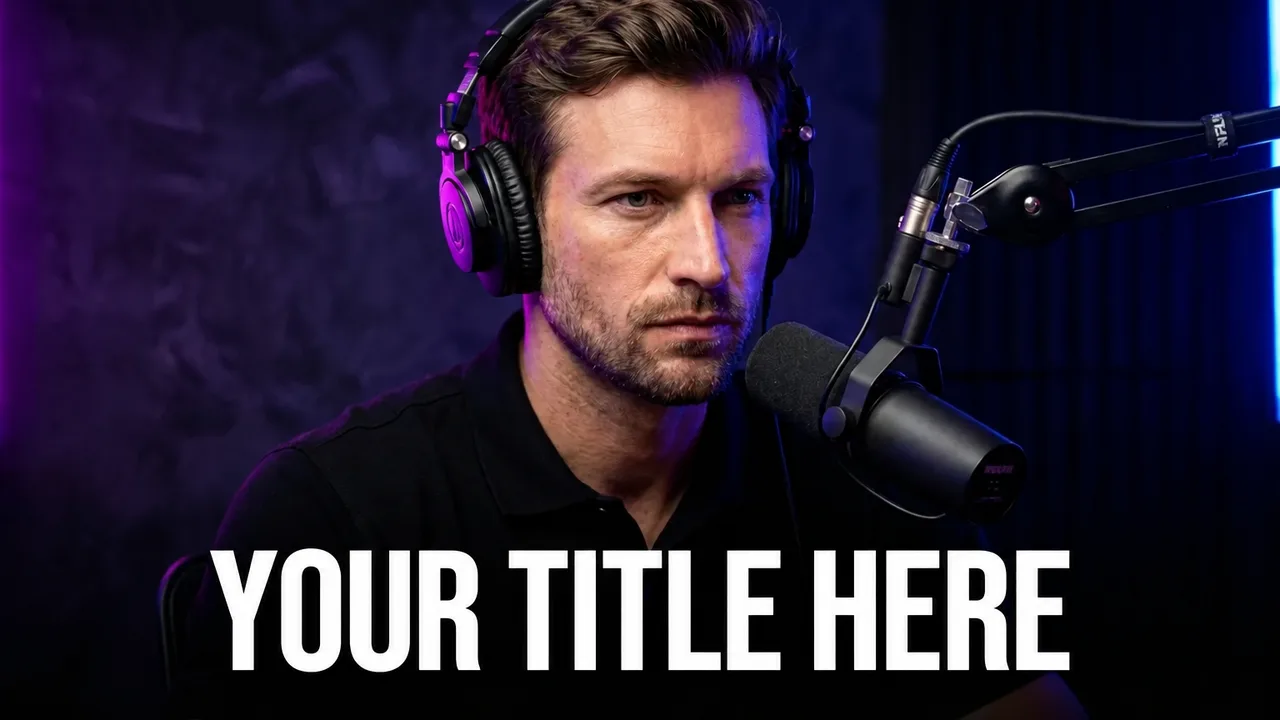
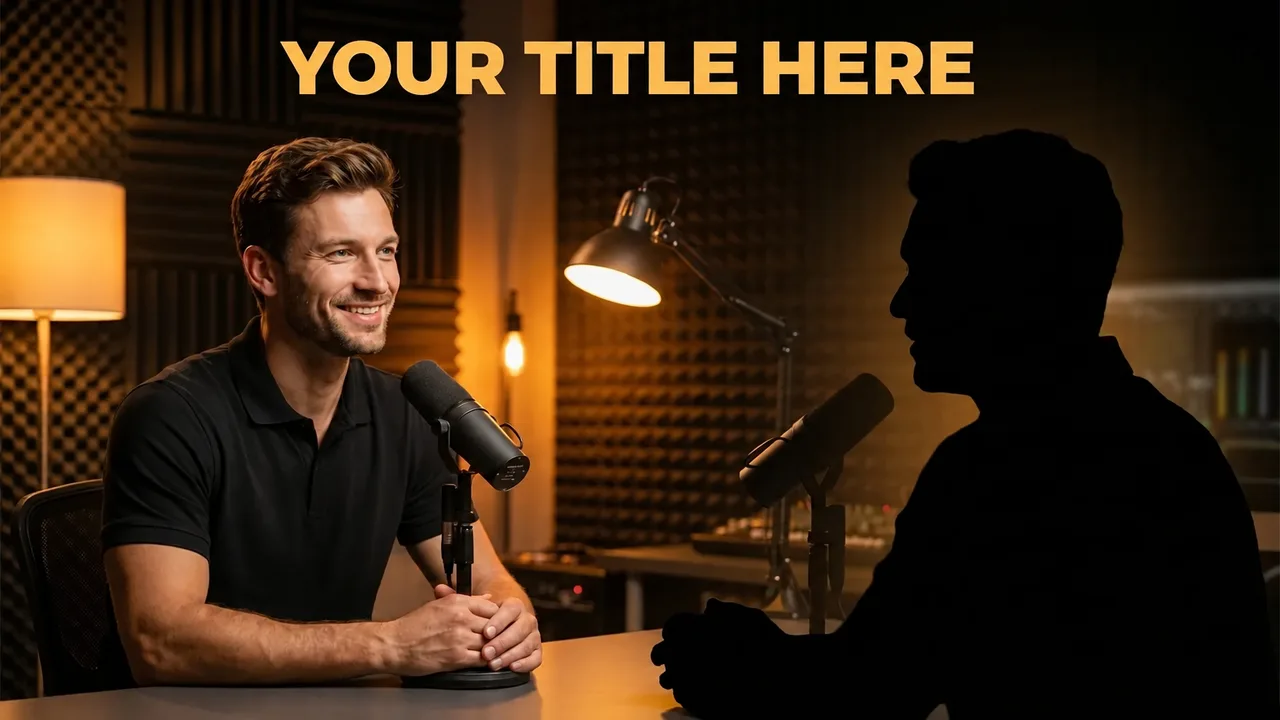
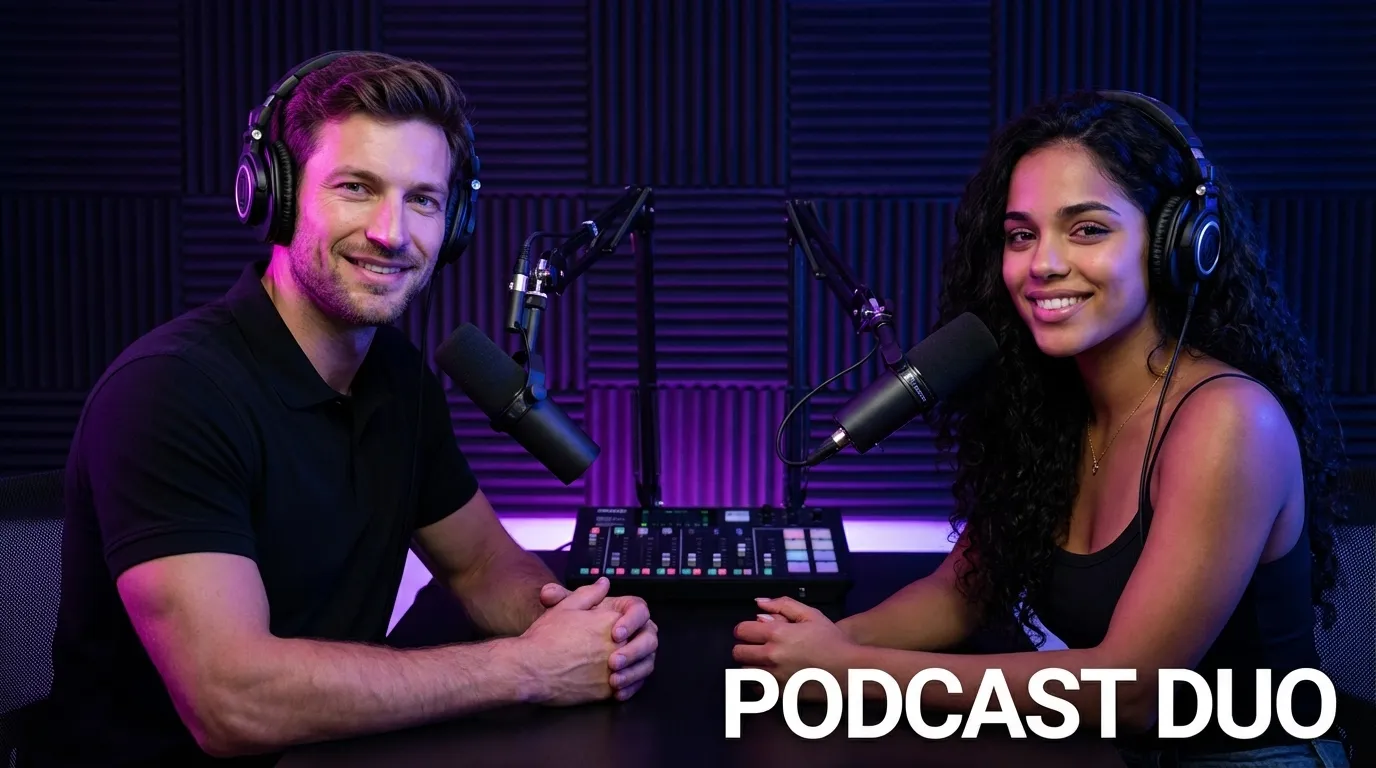
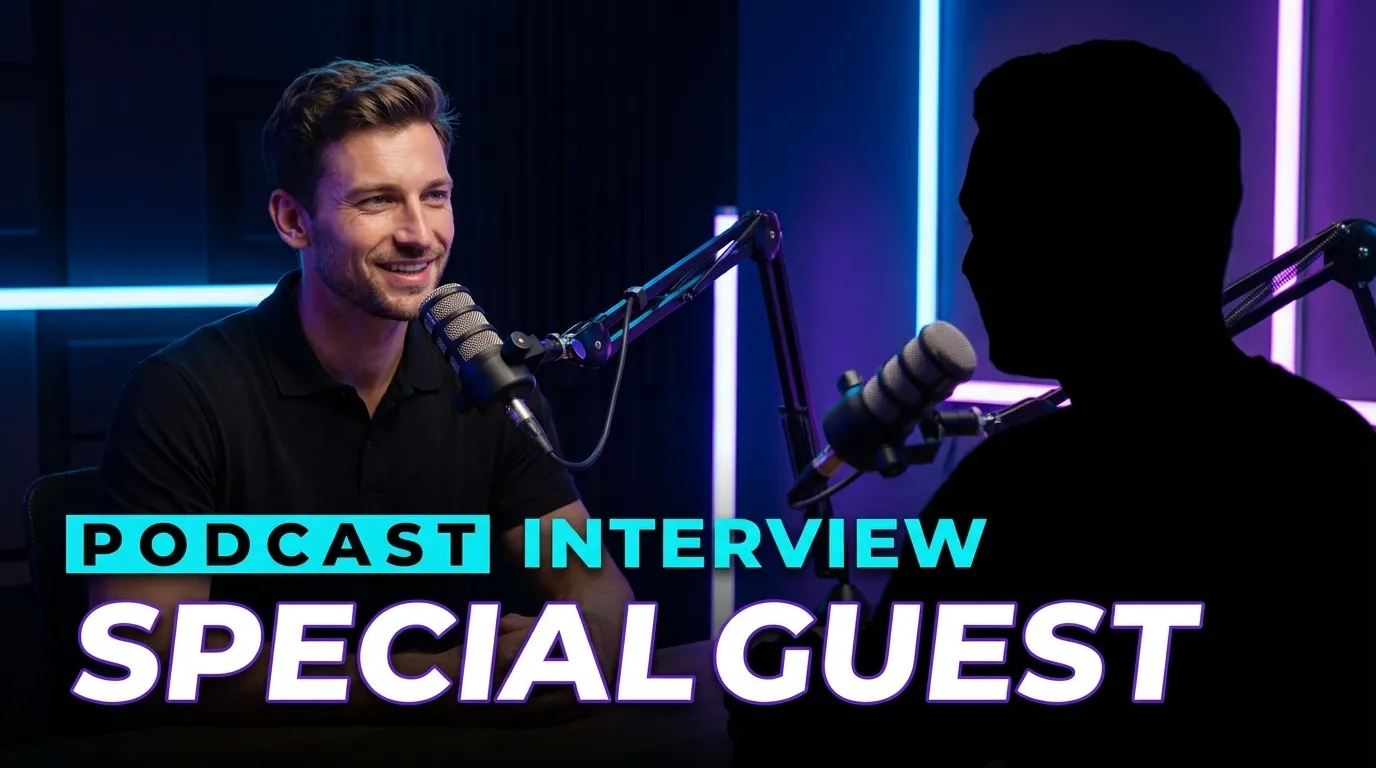
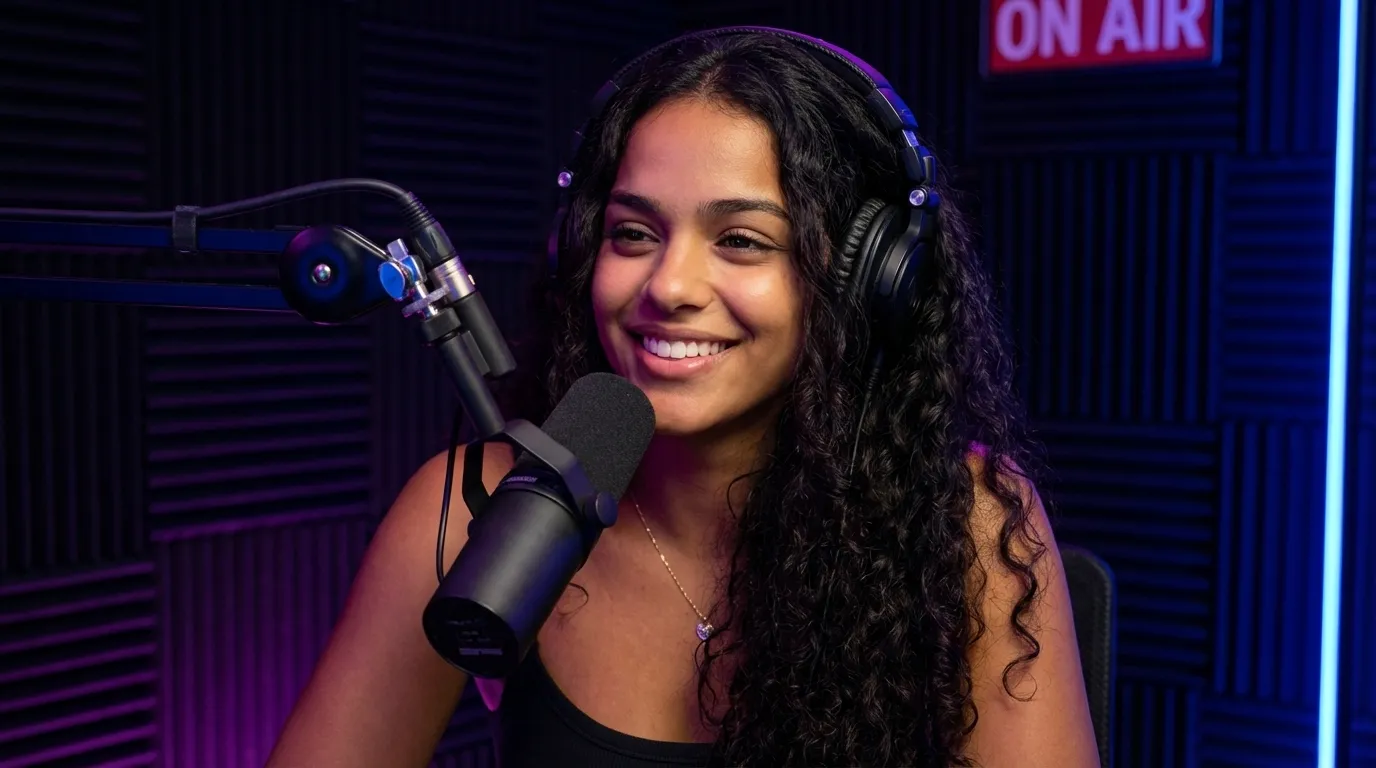
Examples made with EdThumb. Pick a style, add your face and the video topic, and AI creates a brand-new thumbnail in that look.

What works in a podcast thumbnail

  • The guest is the story. Make the guest’s face big and expressive. People who know the guest click for the name; everyone else clicks for the emotion.
  • A quote, not the title. Use 3 to 5 words from the most surprising or controversial moment. The video title explains the rest.
  • Show it’s a conversation. A mic, headphones and studio lighting say “podcast” without any text. Two faces facing each other signal an interview.
  • Keep the series consistent. Same palette and same text position on every episode help subscribers spot your show in the feed.
  • Clips need more contrast. On mobile and in the sidebar the image is tiny. A dark background, a well-lit face and short text stay readable.
EdThumb

Make your podcast thumbnail in seconds

Pick one of these styles, upload a photo of yourself and type the video topic. AI builds the thumbnail, you fine-tune it in the editor and download it at 1280×720.

Start free
  • 300+ ready-made styles
  • Your face on every thumbnail
  • AI editor for quick fixes
  • A/B testing and a ChatGPT app

Frequently asked questions

What is the best thumbnail style for a podcast?

For full episodes, a dark studio with the guest in focus and a short quote. For clips, a tight close-up with a strong expression and 2 to 4 big words.

Do I need a photo of the guest?

It helps. You can upload a photo of the guest as a reference and AI builds the studio scene with both of you.

Can I use my own face in these styles?

Yes. You set up your character once (a few photos of yourself) and EdThumb puts you into any style, keeping your face consistent across every thumbnail on your channel.

Are the thumbnails the right size for YouTube?

Yes. Images are generated in 16:9 and downloaded at 1280×720, the size YouTube recommends, under the 2 MB limit.

Podcast Thumbnail Maker: Styles and Examples for YouTube | EdThumb