





Styles

Kids thumbnails: color, fun and characters

On kids and family channels, the person picking the video often can’t read yet. The thumbnail has to tell the whole story with colors, characters and objects. These styles do that with a cheerful, safe look.

Ready-made kids thumbnail styles

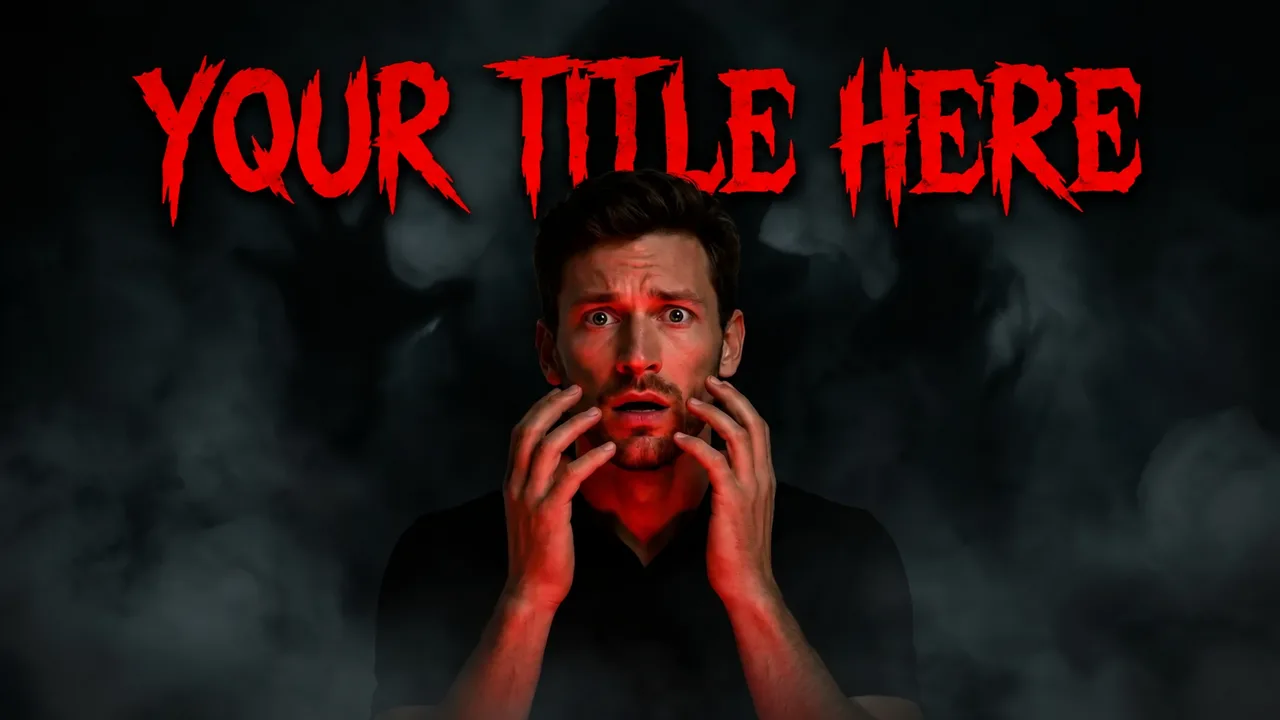
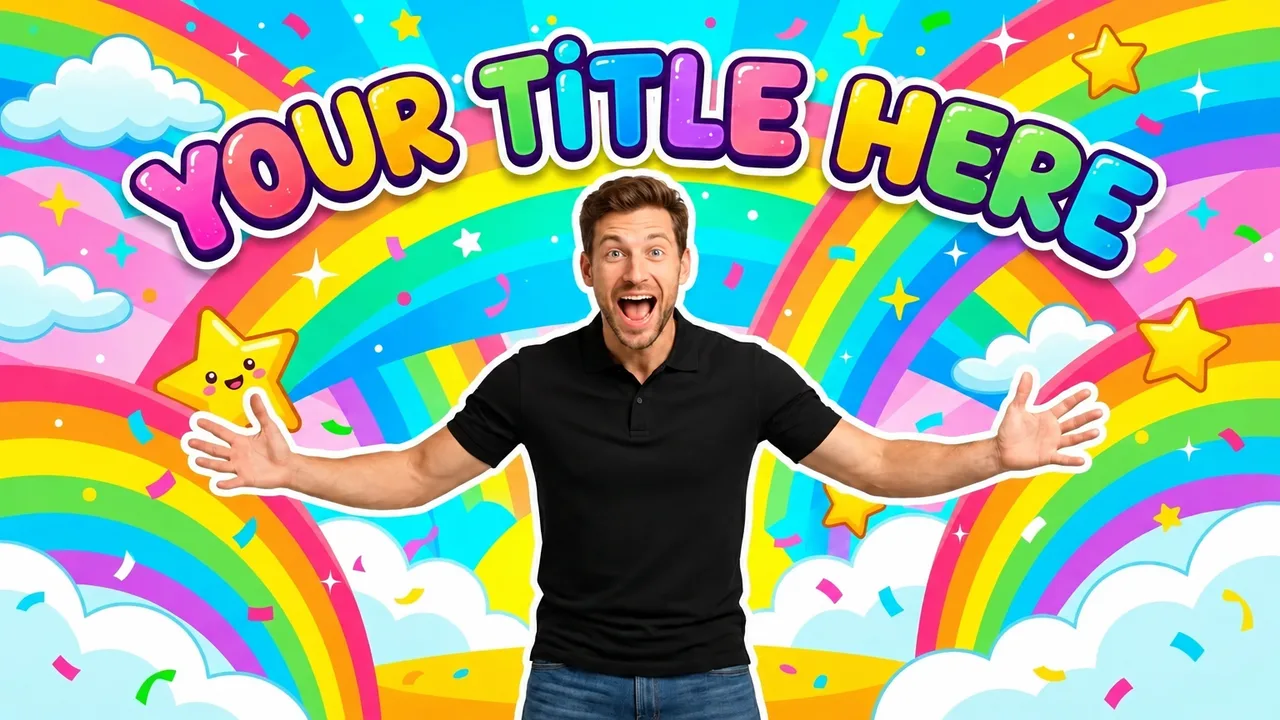
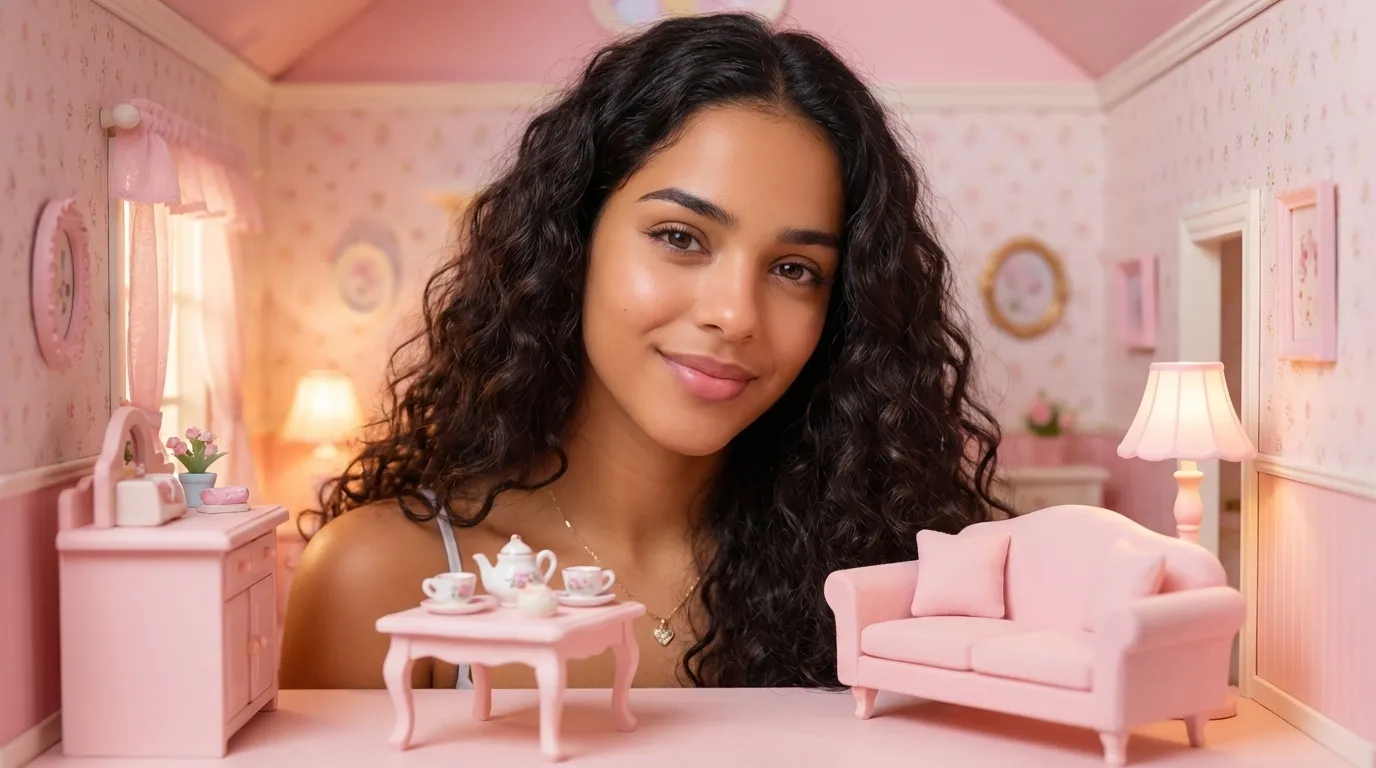
Examples made with EdThumb. Pick a style, add your face and the video topic, and AI creates a brand-new thumbnail in that look.

What works in a kids thumbnail

  • Tell it without words. The toy, cake, pet or trick has to be big. Text comes second.
  • Bright, happy colors. Colorful backgrounds, rainbows, confetti and soft light. Avoid dark or scary tones.
  • Happy and surprised faces. Joy and amazement work well, without exaggeration that could scare.
  • Recurring characters. Use the same characters and mascots in every video to build recognition.
  • Safety first. Follow YouTube’s rules for kids content and never use misleading images to attract children.

EdThumb

Make your kids thumbnail in seconds

Pick one of these styles, upload a photo of yourself and type the video topic. AI builds the thumbnail, you fine-tune it in the editor and download it at 1280×720.

Start free
  • 300+ ready-made styles
  • Your face on every thumbnail
  • AI editor for quick fixes
  • A/B testing and a ChatGPT app

Frequently asked questions

Can I create a mascot for my channel?

Yes. You can create a character and reuse it on every thumbnail, just like you do with your own face.

Is the generated content suitable for children?

Kids styles use a cheerful, non-violent look. Always review the image before publishing and follow YouTube’s “made for kids” rules.

Can I use my own face in these styles?

Yes. You set up your character once (a few photos of yourself) and EdThumb puts you into any style, keeping your face consistent across every thumbnail on your channel.

Are the thumbnails the right size for YouTube?

Yes. Images are generated in 16:9 and downloaded at 1280×720, the size YouTube recommends, under the 2 MB limit.

Kids YouTube Thumbnails: Colorful Styles and Examples | EdThumb