Styles

Gaming thumbnails for gameplay, streams and rankings

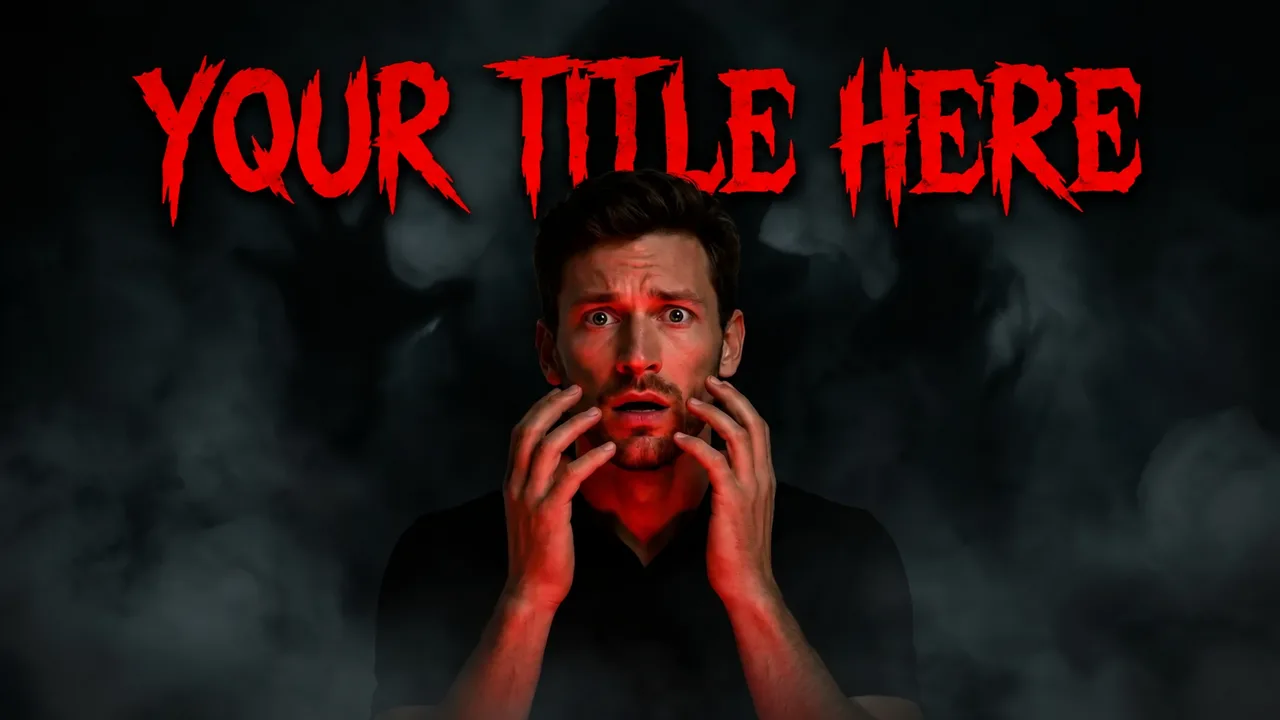
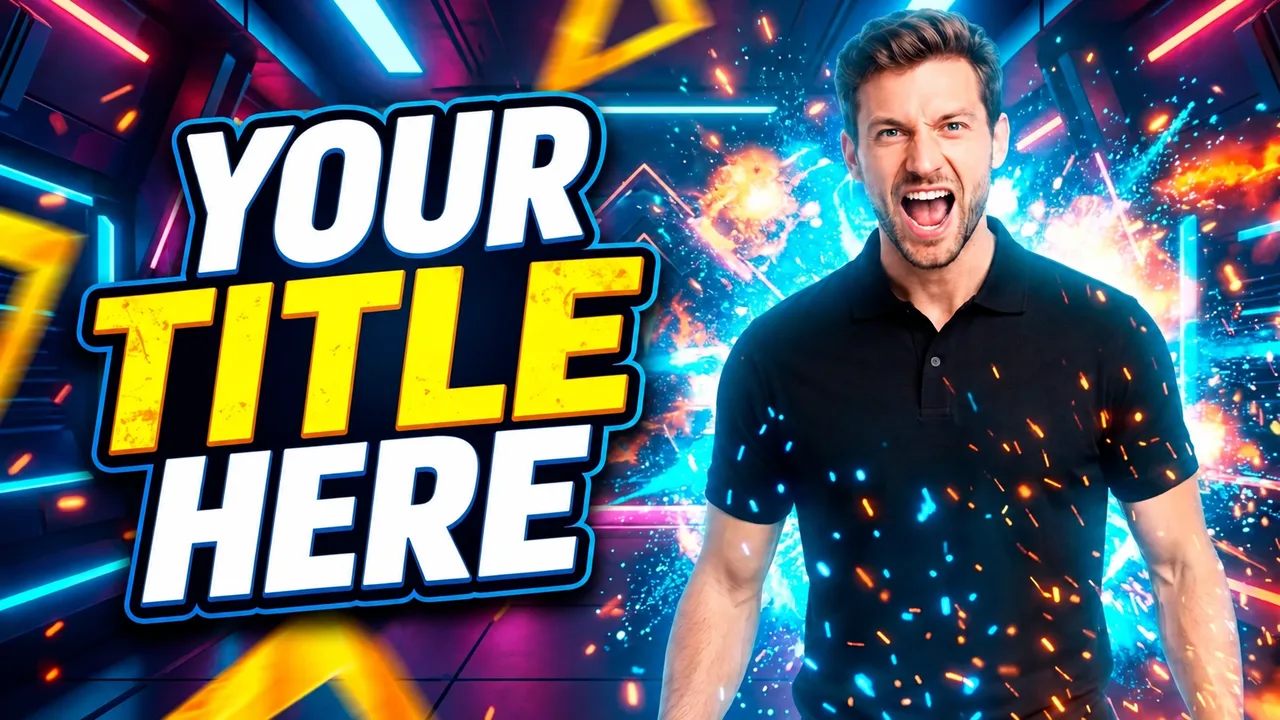
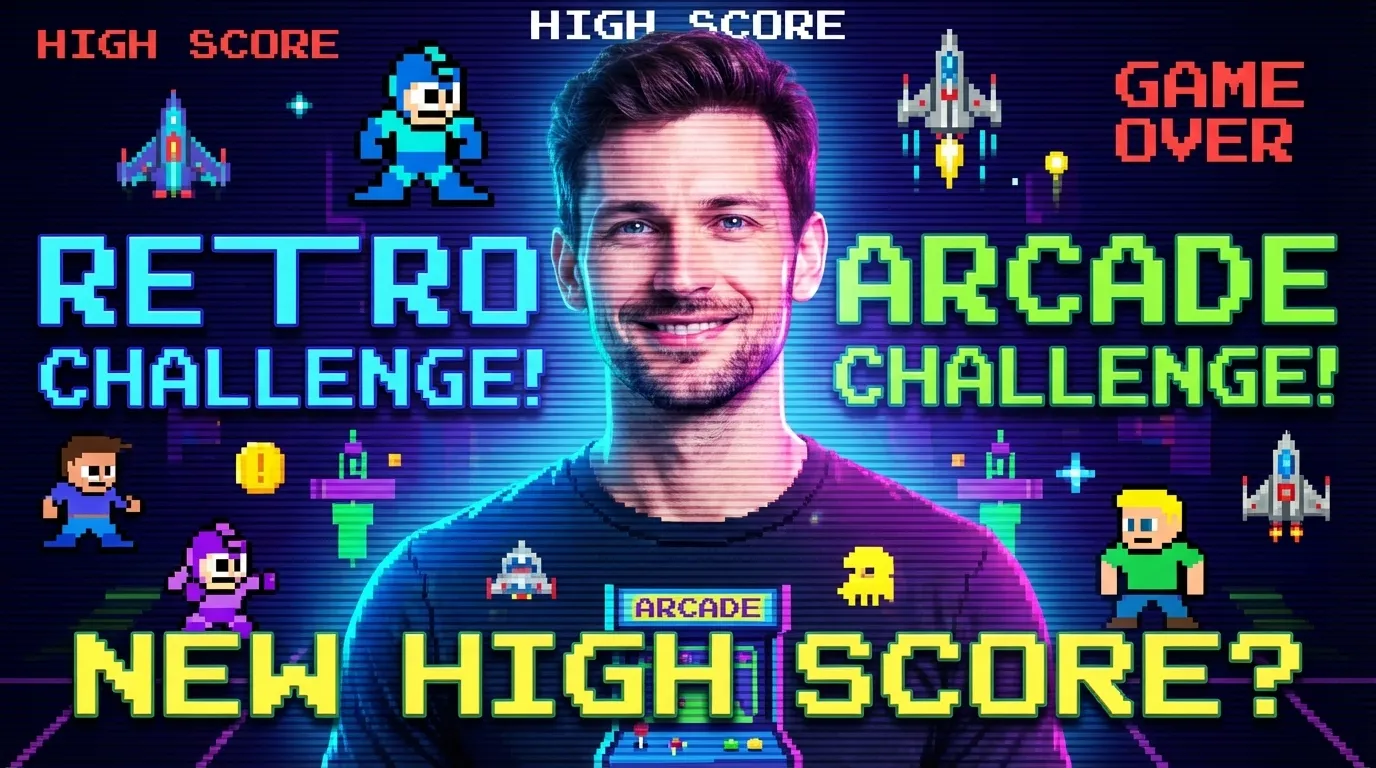
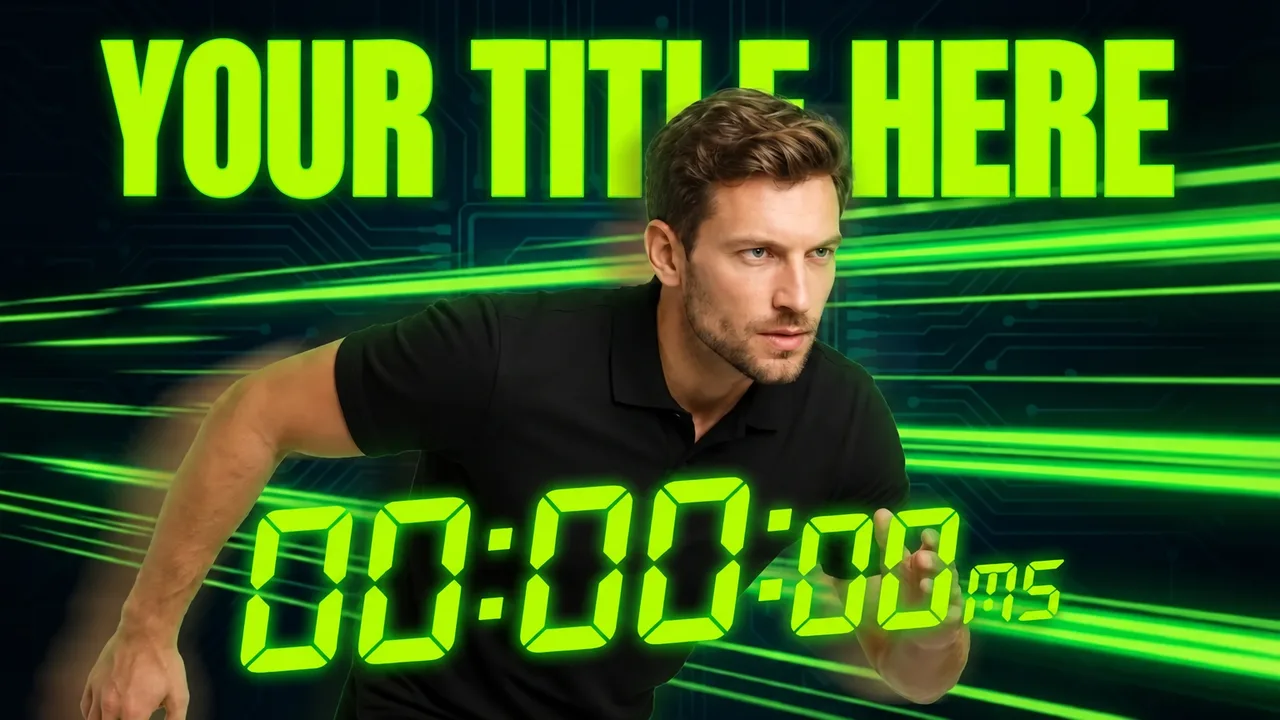
Gaming is one of the most crowded feeds on YouTube, and every thumbnail is loud. These styles combine the game scene, your reaction and one element that tells the story: a timer, a ranking, a score or the epic moment.

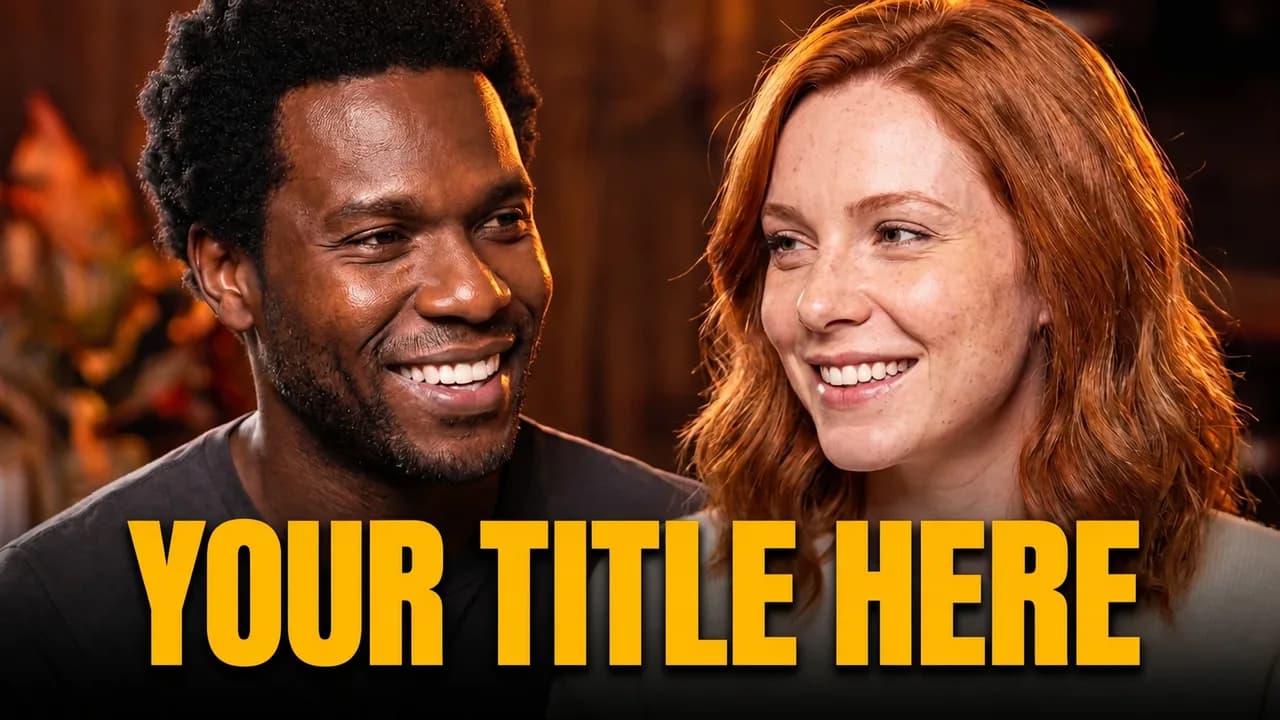
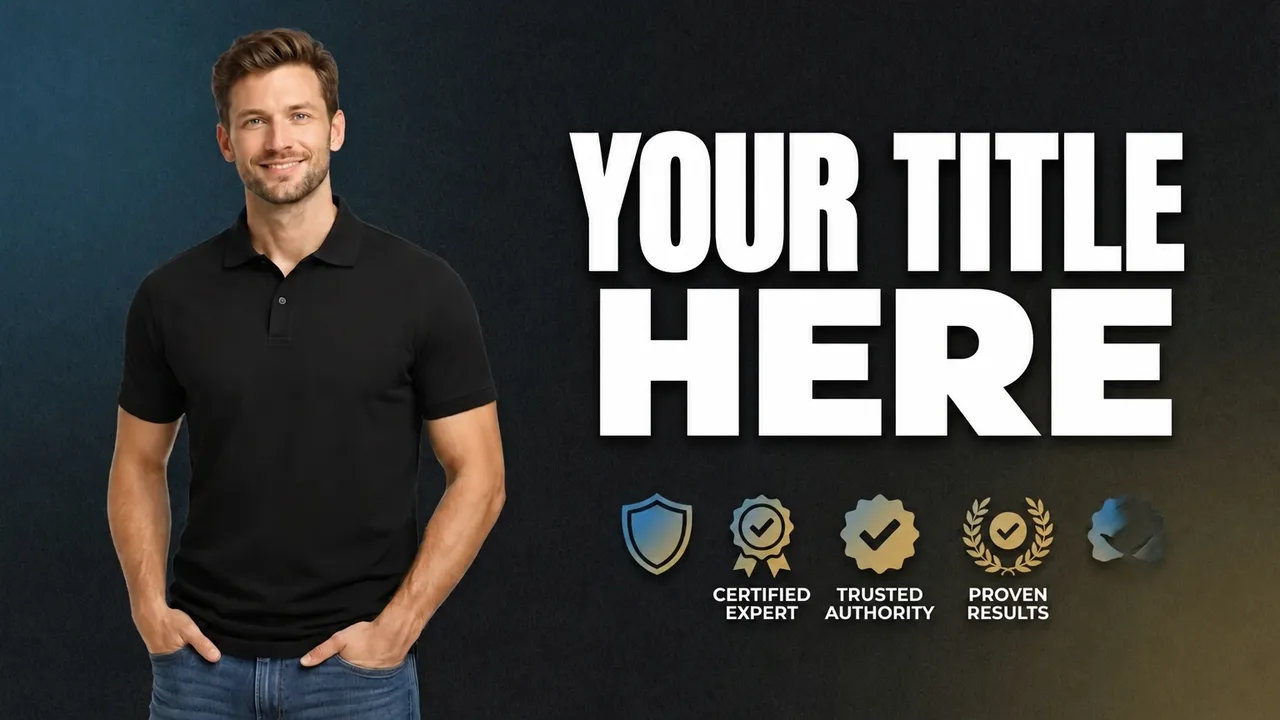
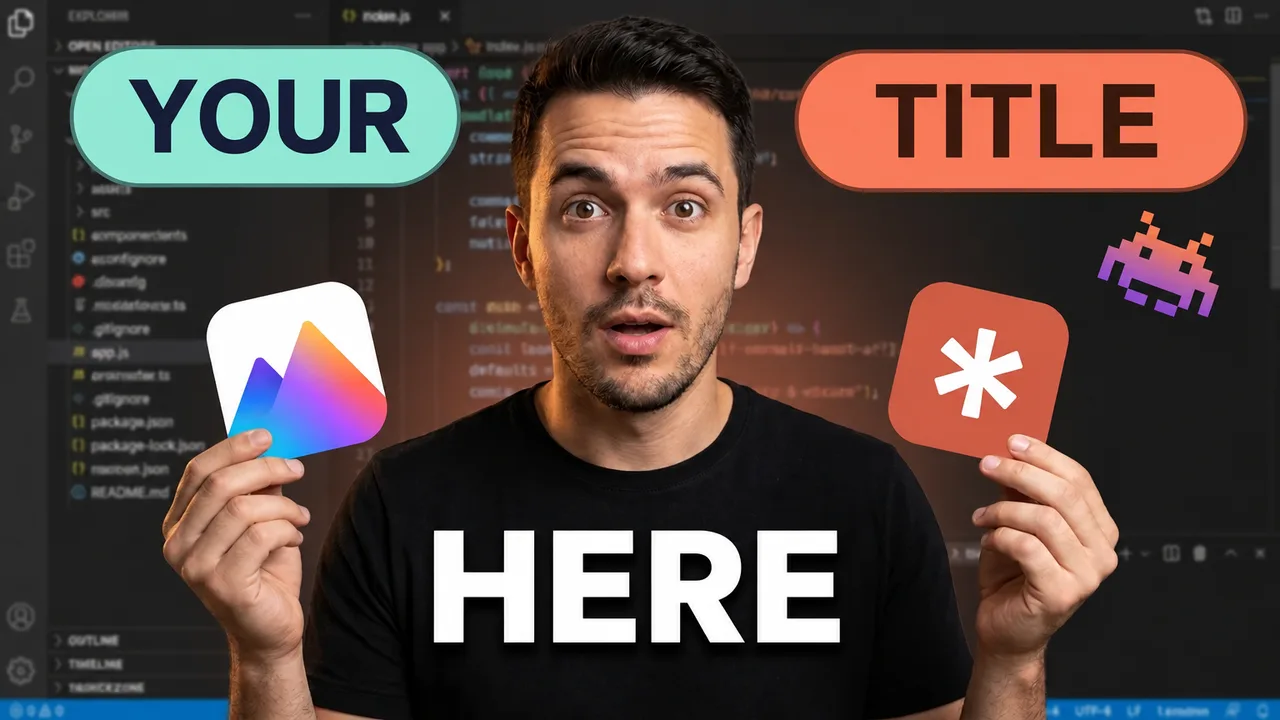
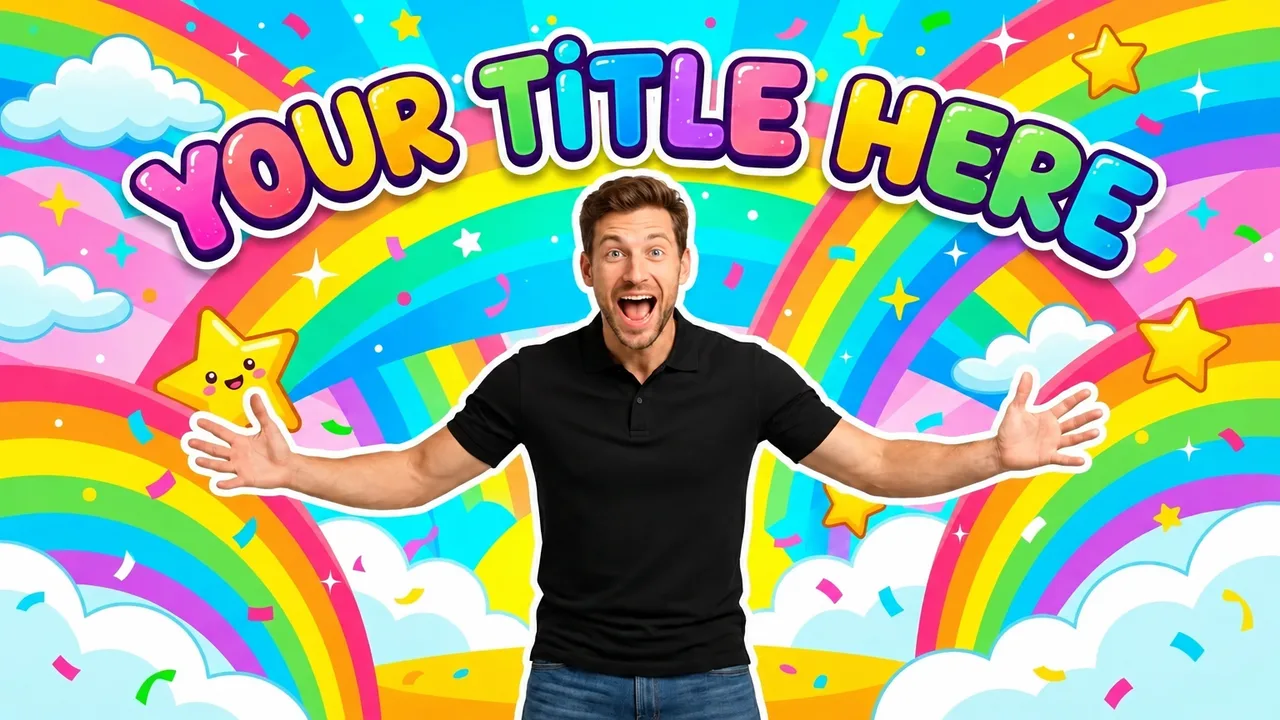
Ready-made gaming thumbnail styles

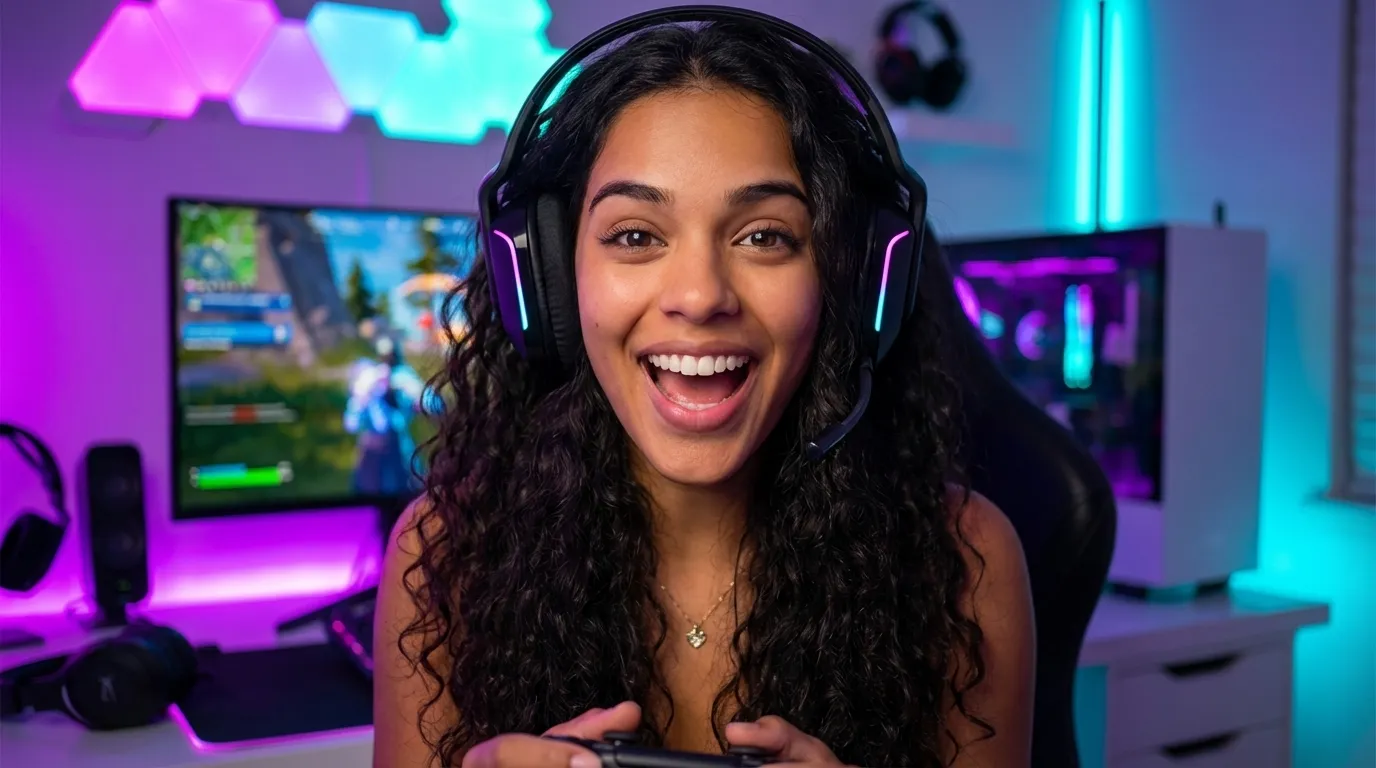
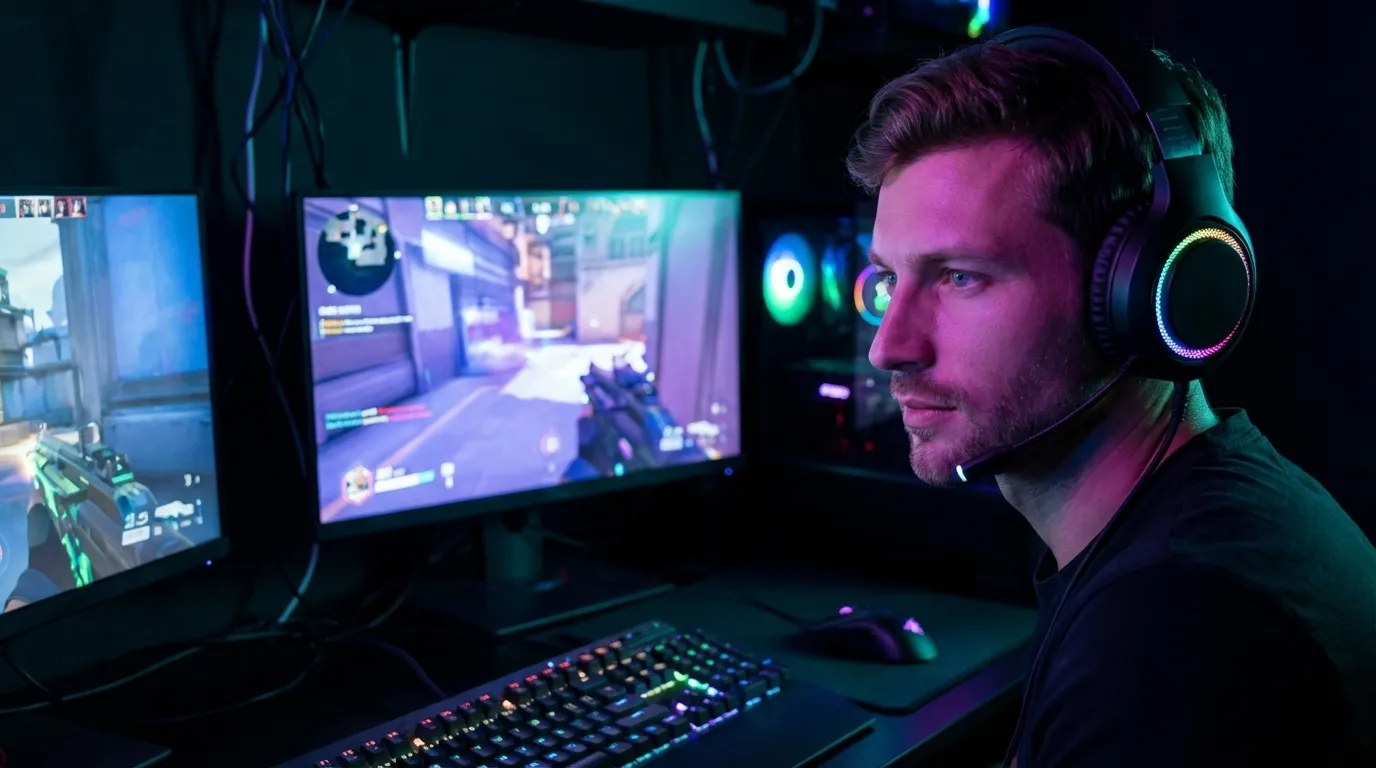
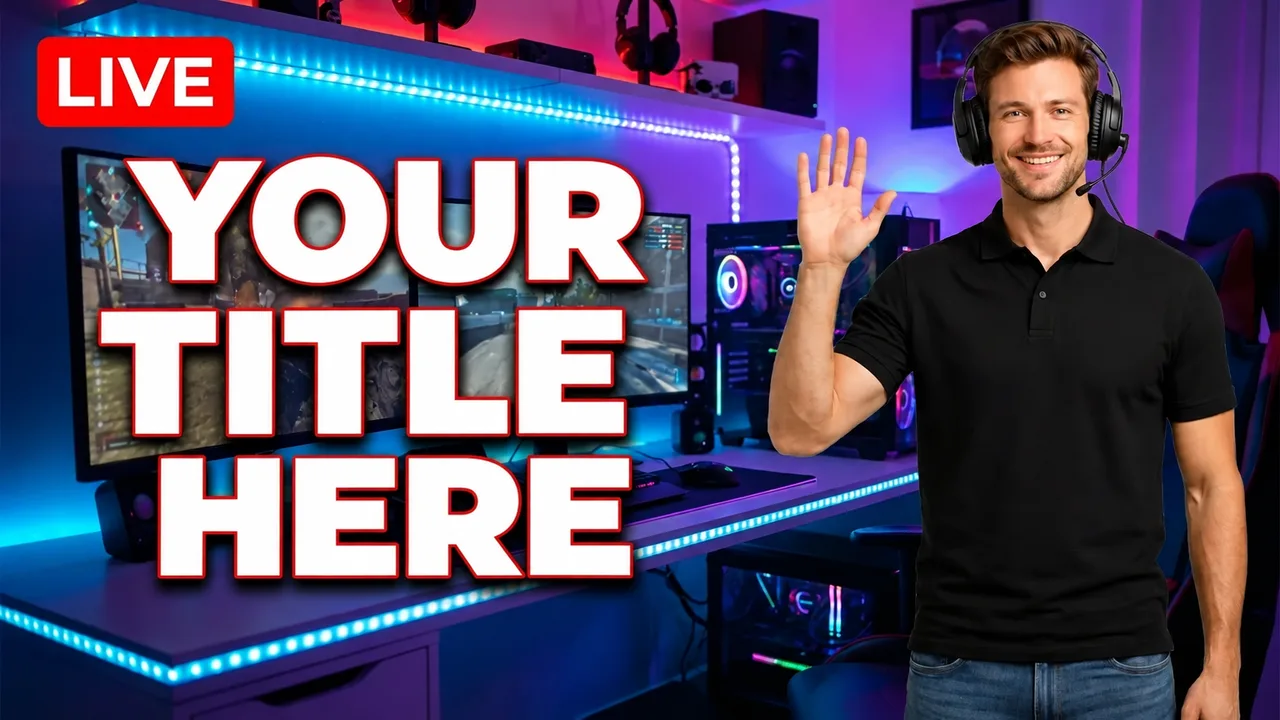
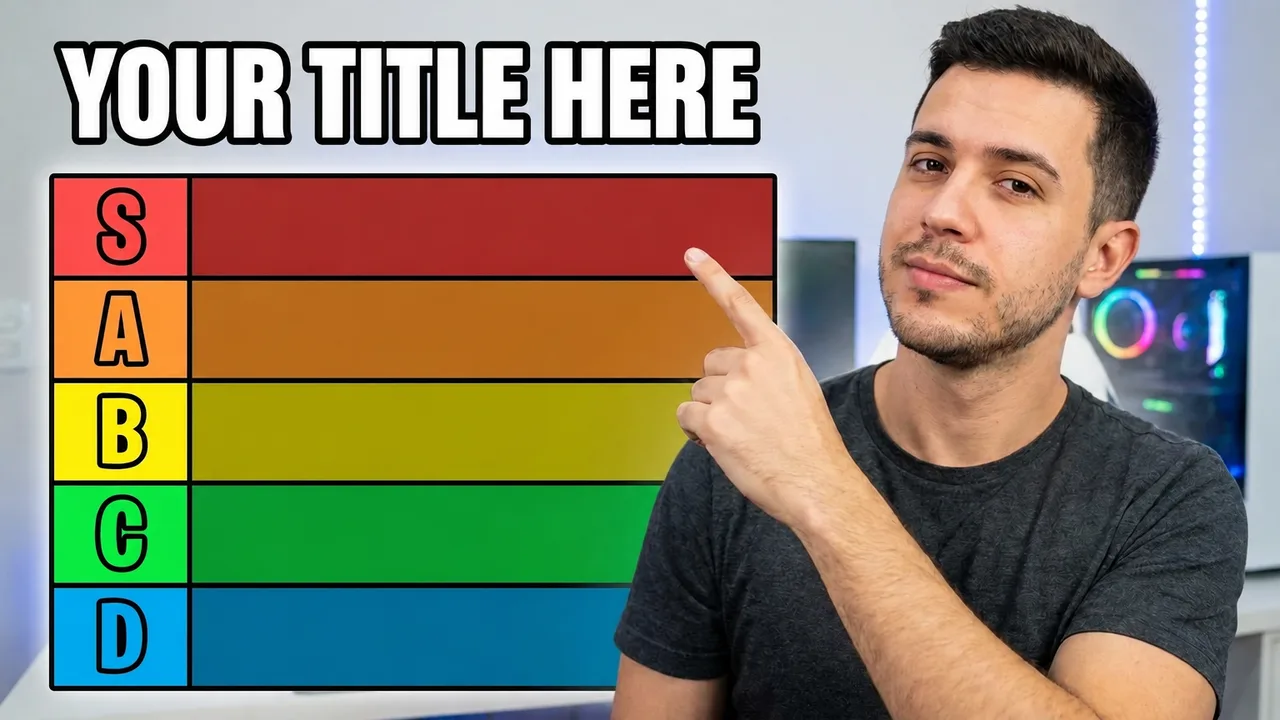
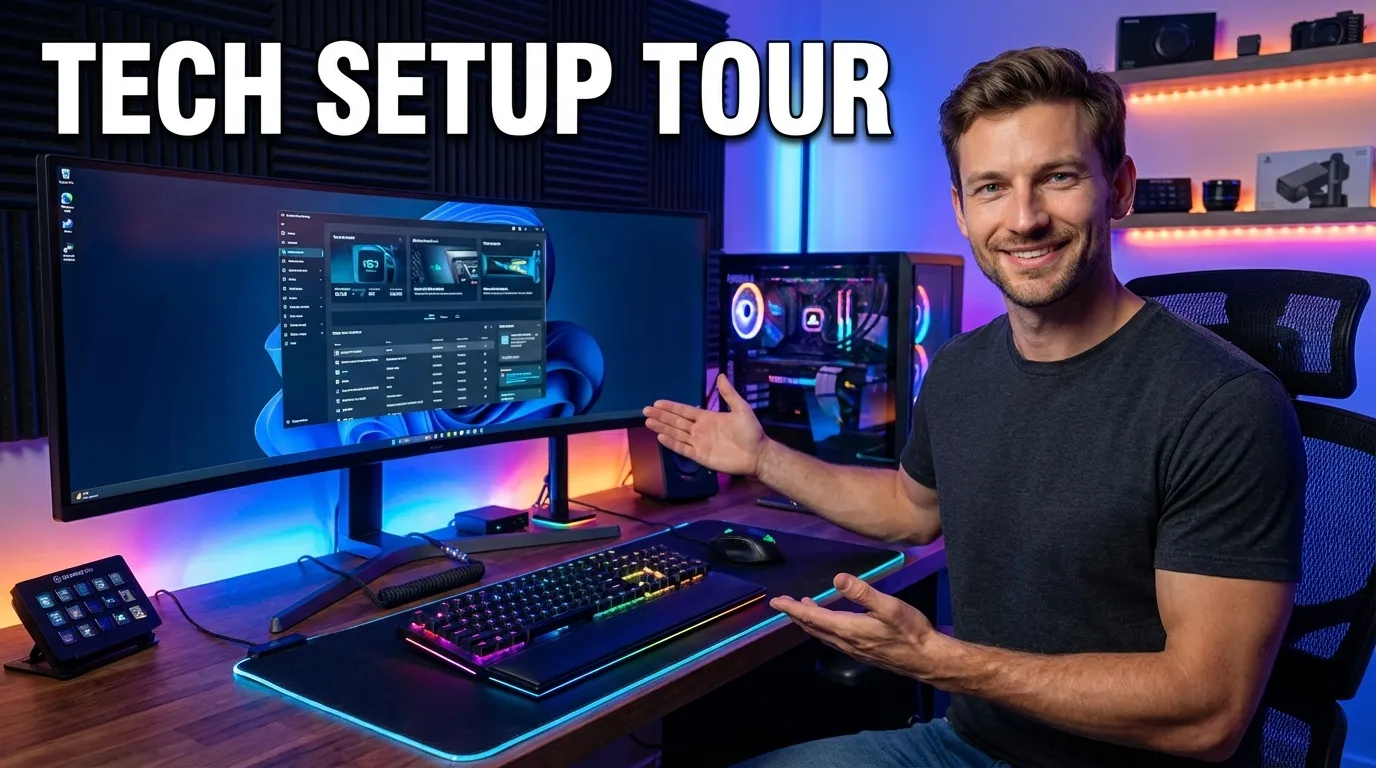
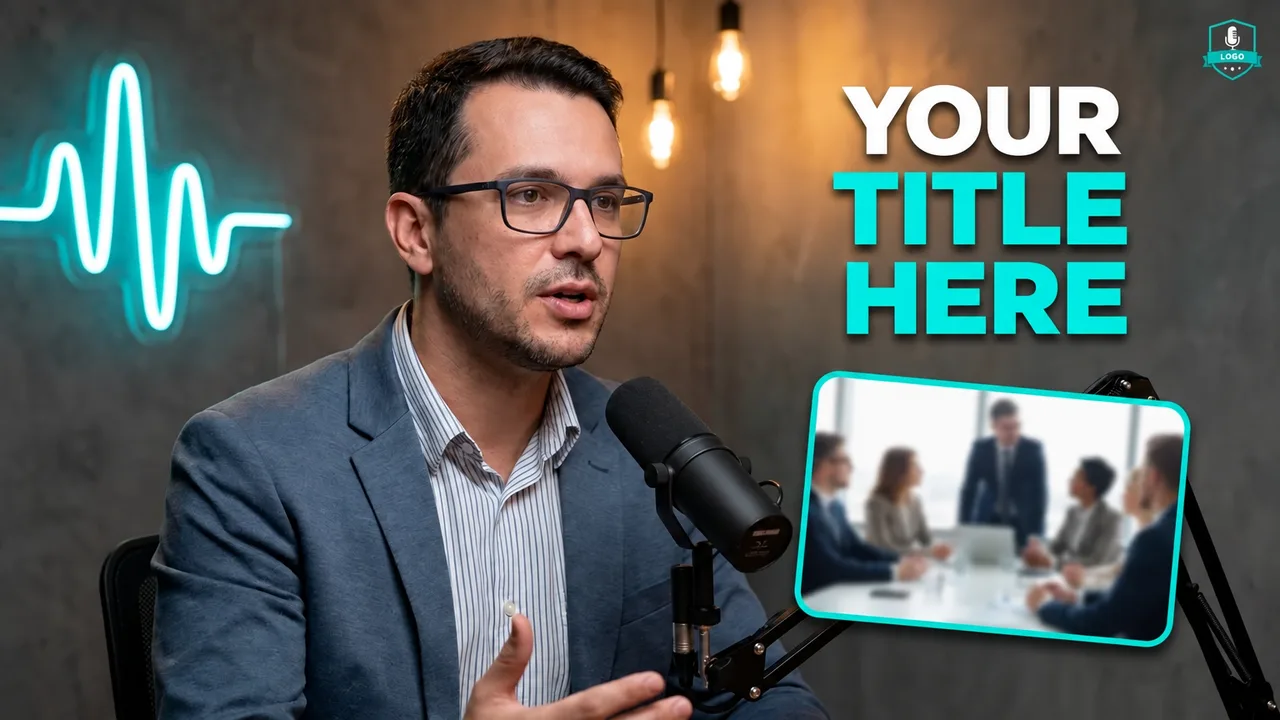
Examples made with EdThumb. Pick a style, add your face and the video topic, and AI creates a brand-new thumbnail in that look.

What works in a gaming thumbnail

  • Reaction plus game. Your face reacting on one side and the game moment on the other is the niche’s most recognizable layout. The emotion has to match the video.
  • One story element. A timer for speedruns, S/A/B letters for tier lists, a red badge for streams, a number for “top 10”.
  • Saturated, but focused. Neon and RGB grab attention; keep the background a bit darker than the character so they pop.
  • Very short text. 1 to 3 words in a heavy font with an outline. The game’s name can live in the video title.
  • Test two versions. Gamers click out of curiosity. Try one version with an over-the-top reaction and one with the game moment front and center.
EdThumb

Make your gaming thumbnail in seconds

Pick one of these styles, upload a photo of yourself and type the video topic. AI builds the thumbnail, you fine-tune it in the editor and download it at 1280×720.

Start free
  • 300+ ready-made styles
  • Your face on every thumbnail
  • AI editor for quick fixes
  • A/B testing and a ChatGPT app

Frequently asked questions

Can I make a thumbnail for any game?

Yes. Describe the game and the scene (or upload a gameplay screenshot as a reference) and AI builds the thumbnail in the style you picked.

Does it work for streams and Shorts?

Yes. There are styles with a live badge, and you can generate a vertical version for Shorts from the same idea.

Can I use my own face in these styles?

Yes. You set up your character once (a few photos of yourself) and EdThumb puts you into any style, keeping your face consistent across every thumbnail on your channel.

Are the thumbnails the right size for YouTube?

Yes. Images are generated in 16:9 and downloaded at 1280×720, the size YouTube recommends, under the 2 MB limit.

Gaming Thumbnail Maker: Styles and Examples for YouTube | EdThumb