

Styles

Educational thumbnails: clarity that builds authority

On education channels people click when they understand what they’ll learn and trust who’s teaching. These styles show the teacher, the topic and the outcome of the lesson in a clean, easy-to-read way.

Ready-made education thumbnail styles

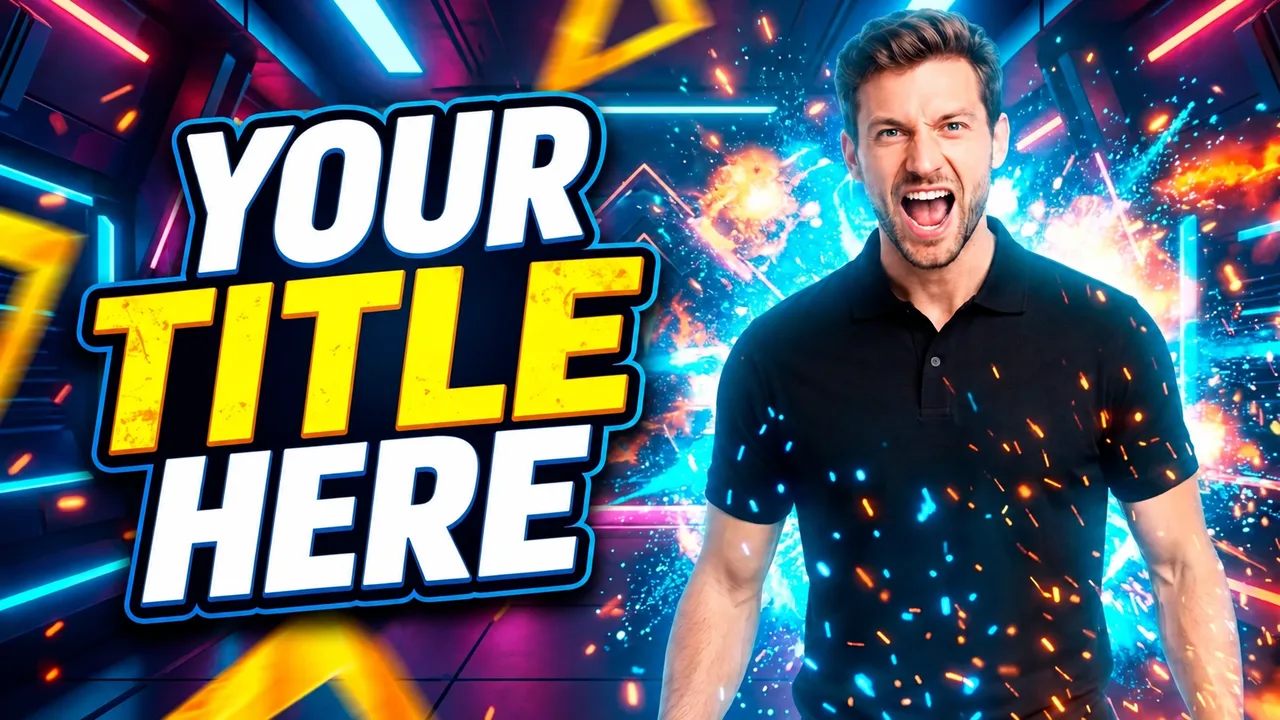
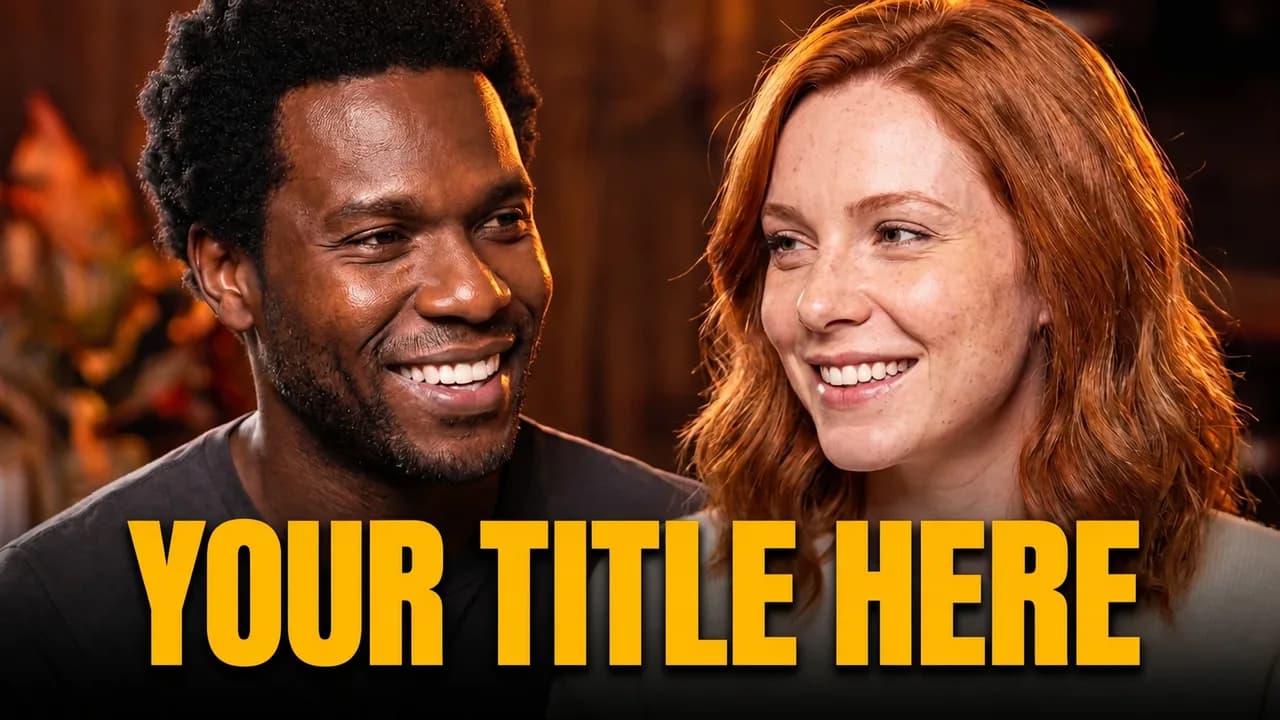
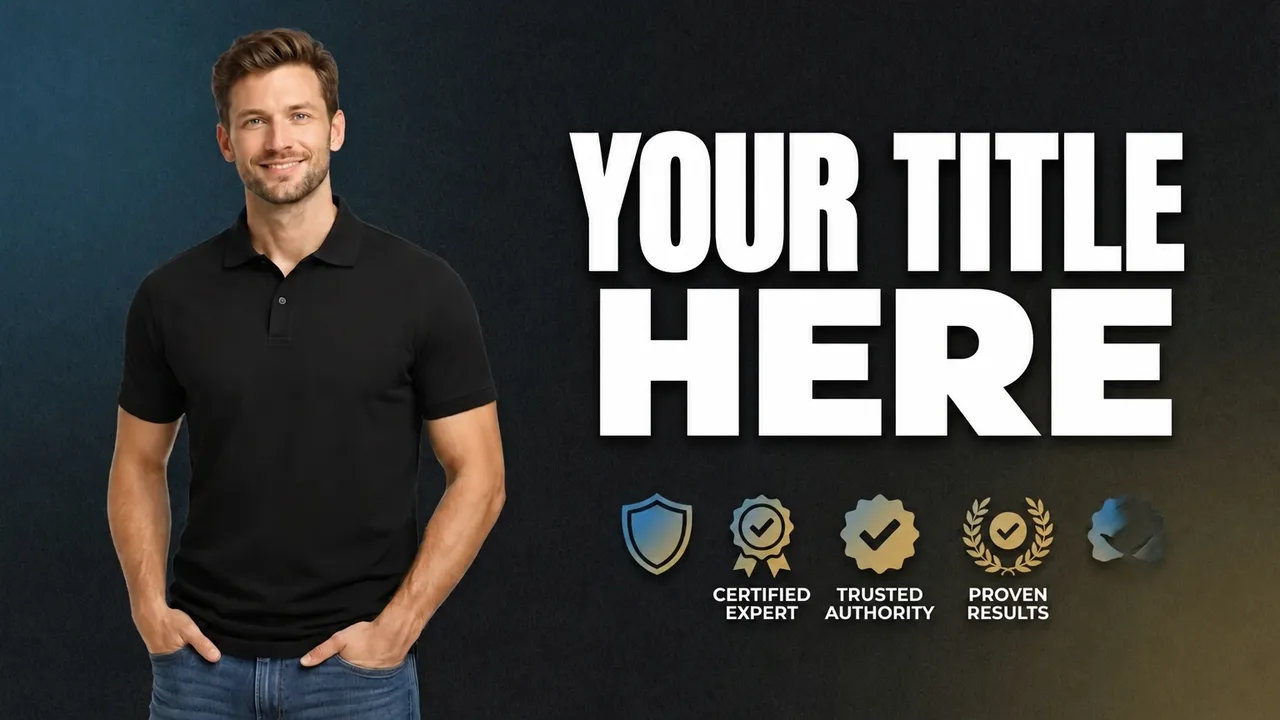
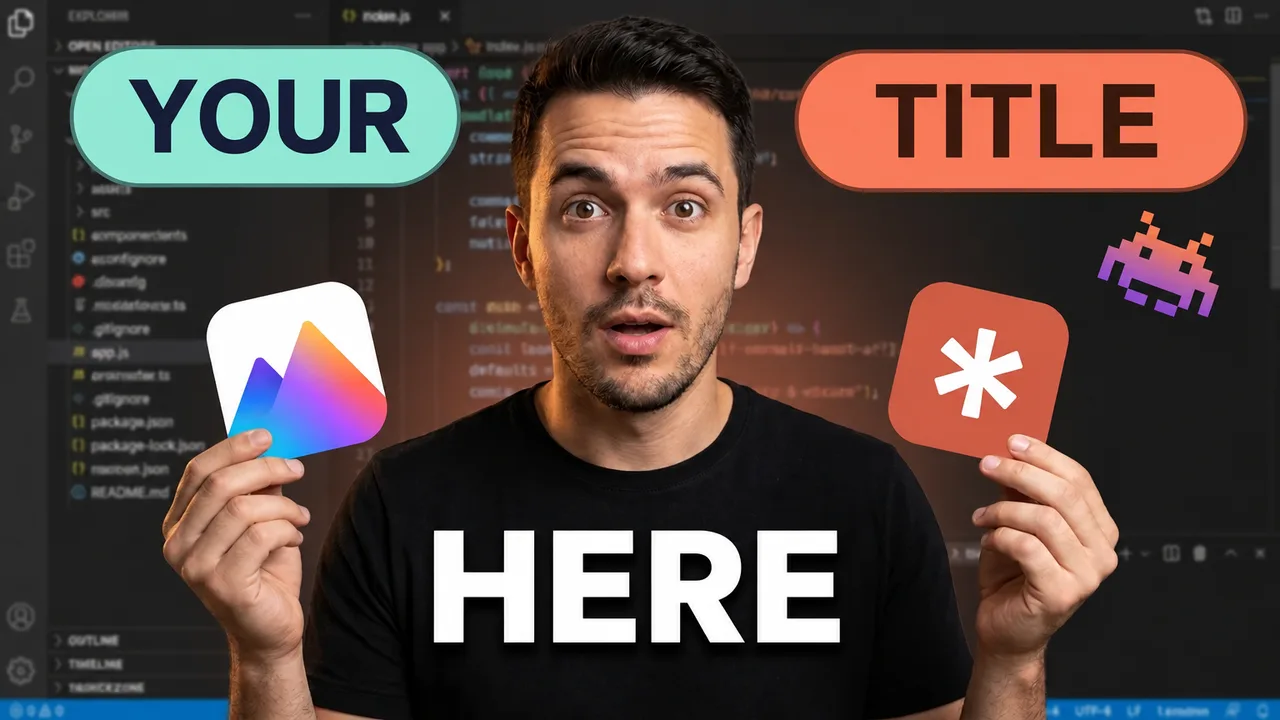
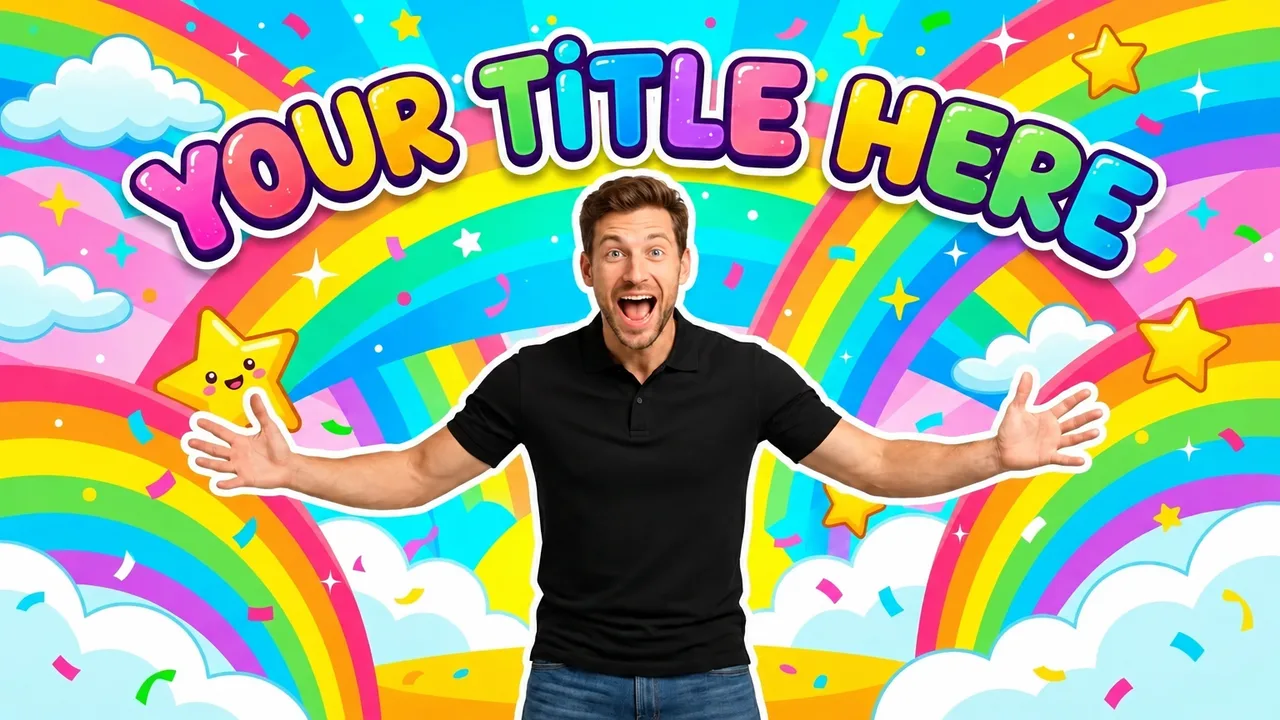
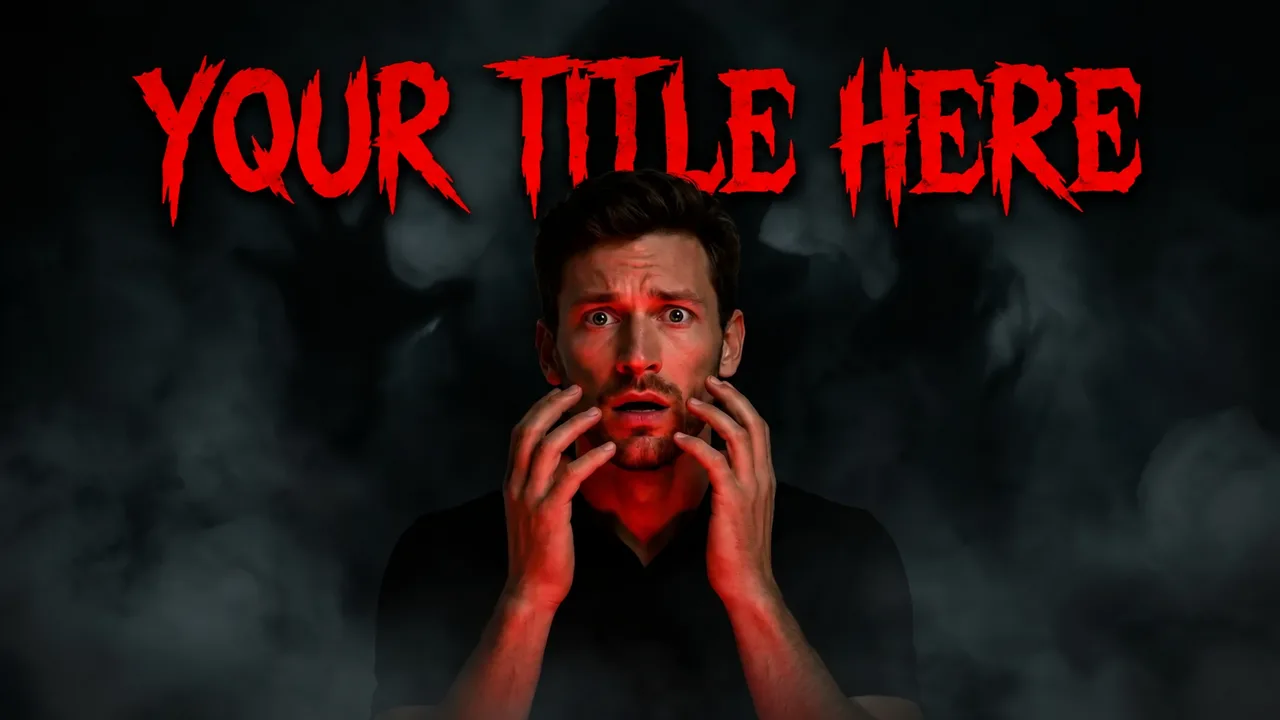
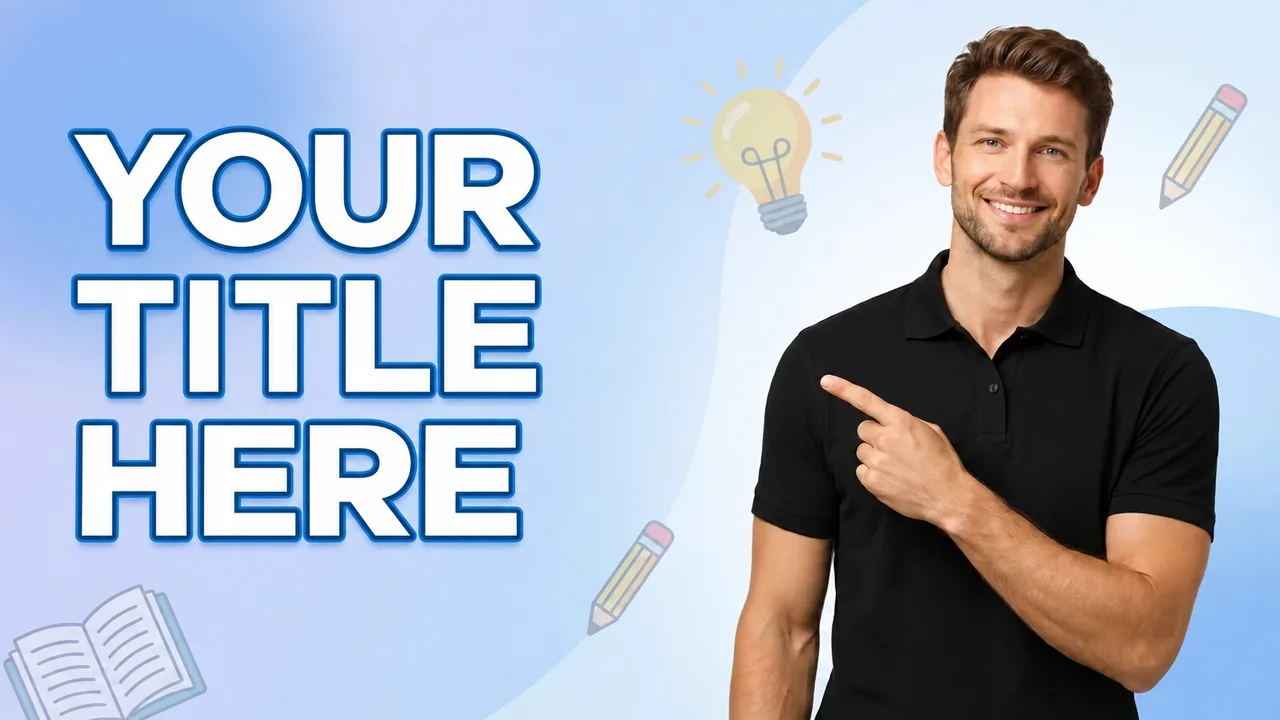
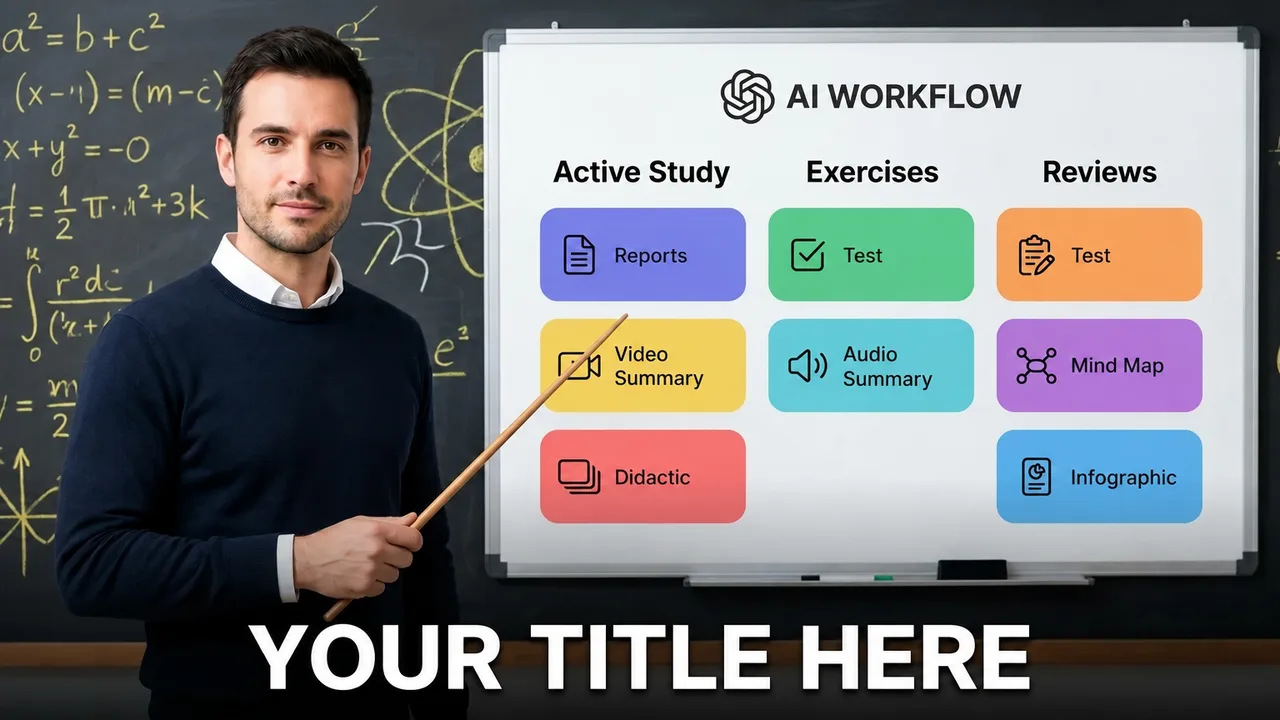
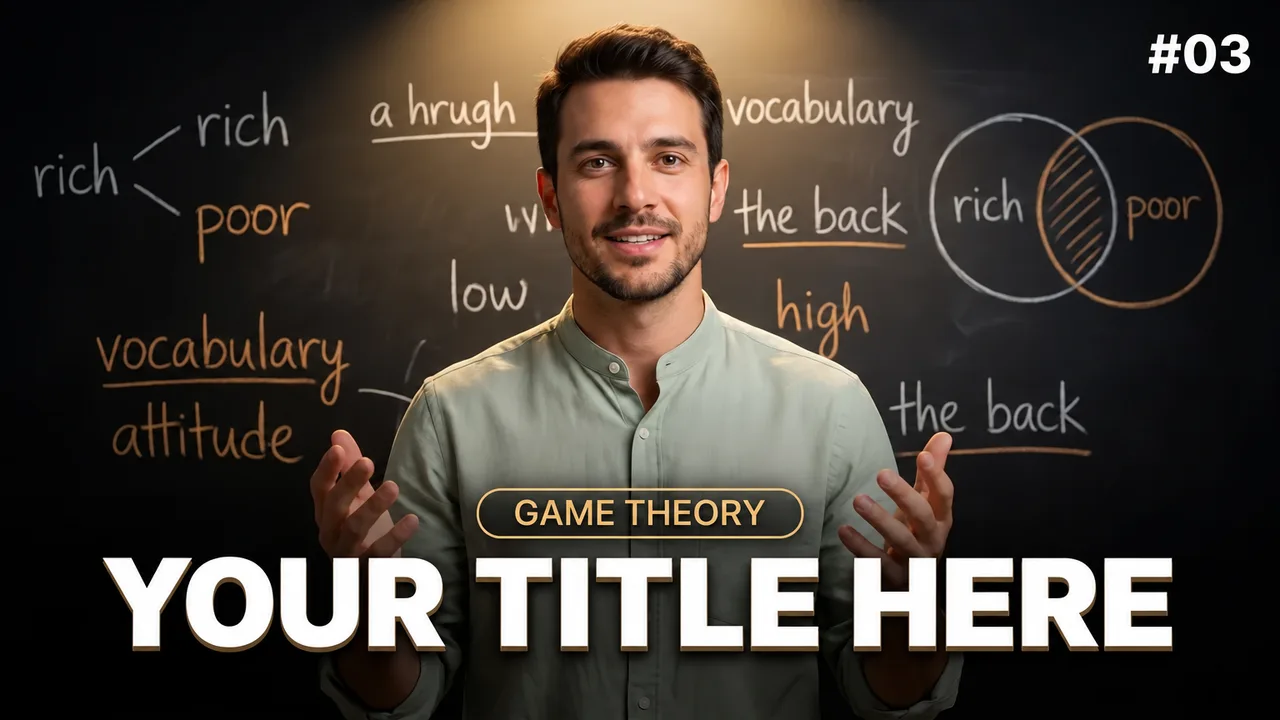
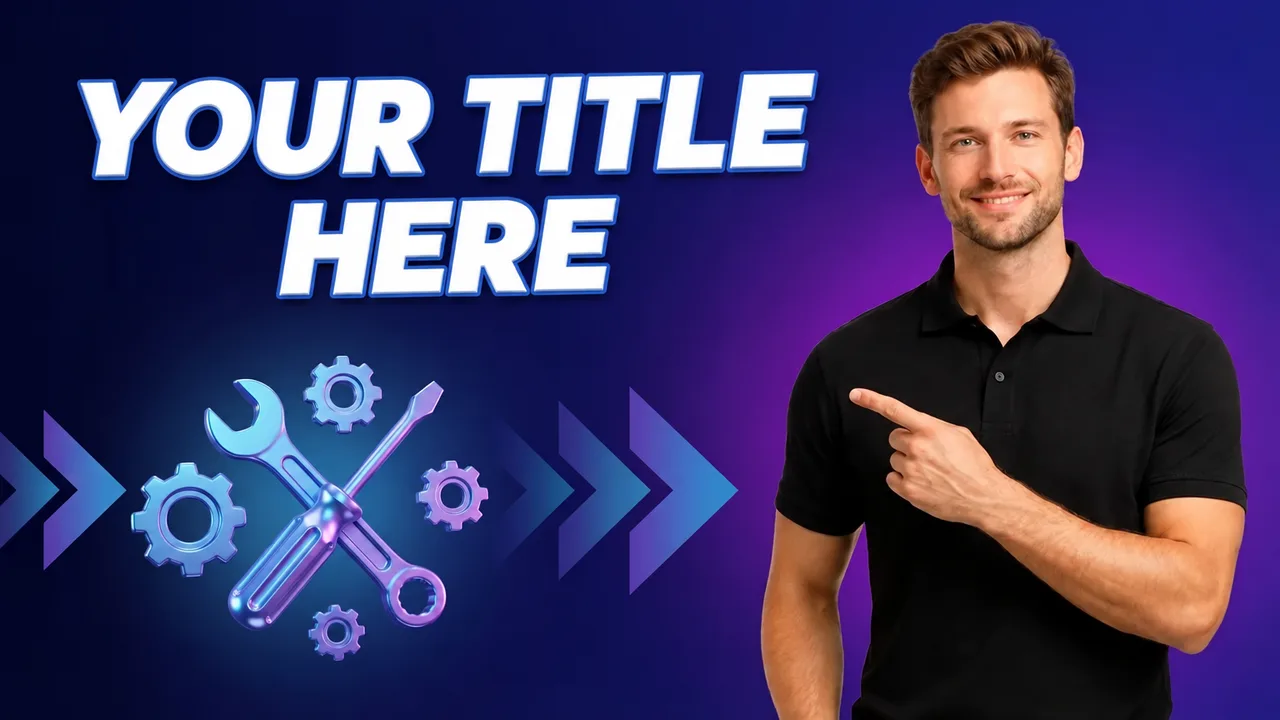
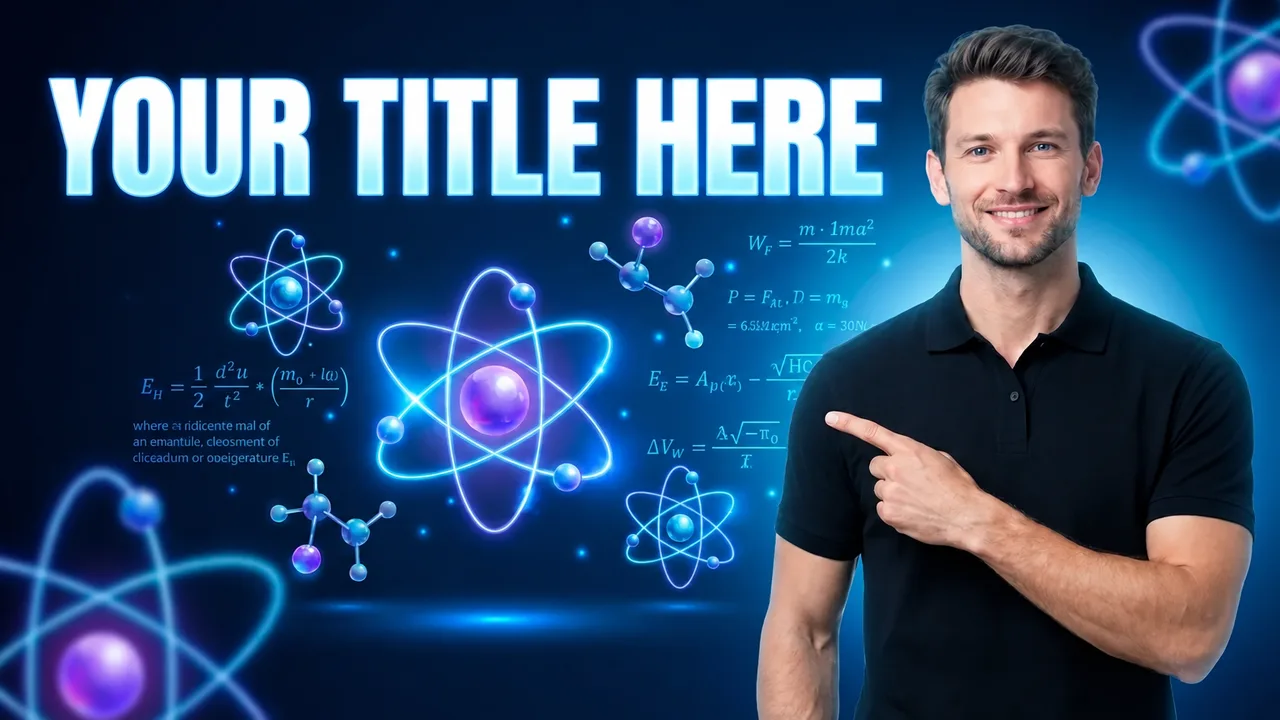
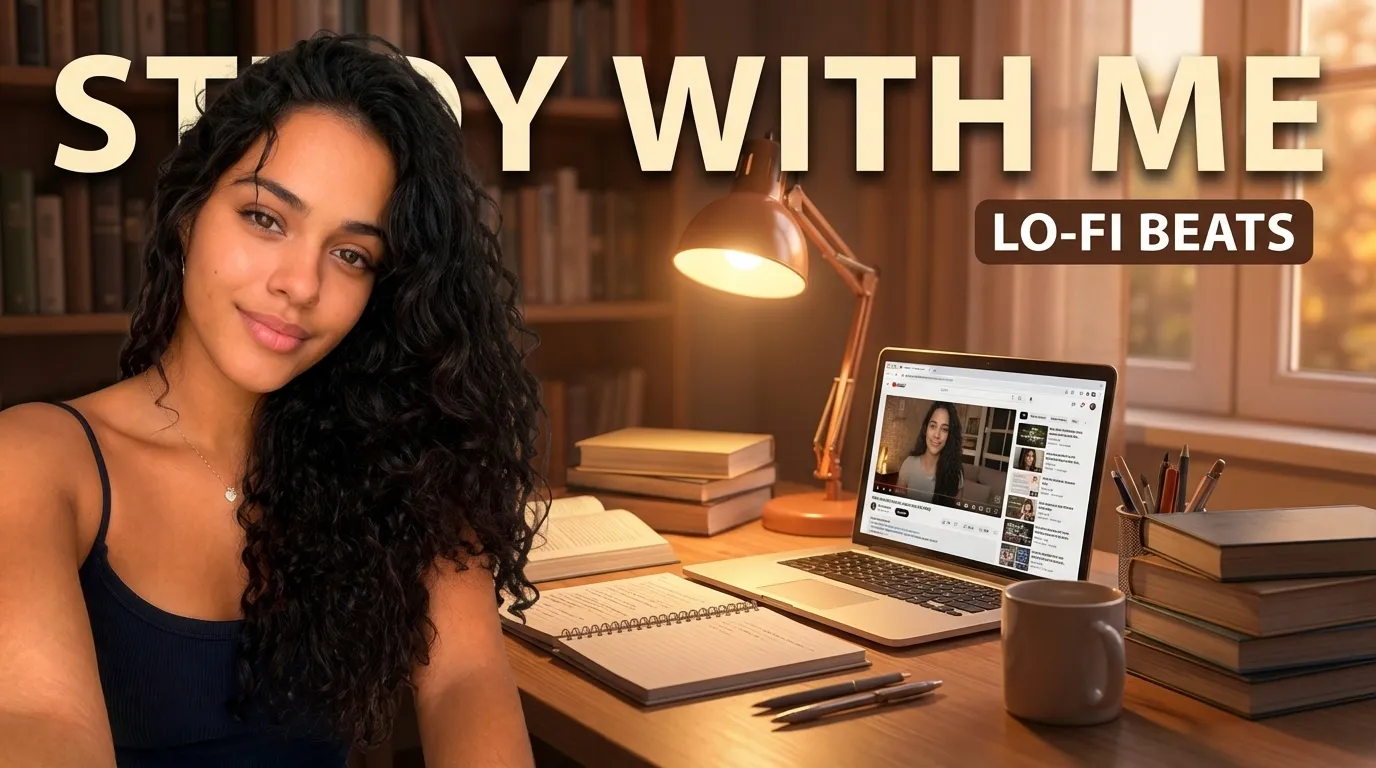
Examples made with EdThumb. Pick a style, add your face and the video topic, and AI creates a brand-new thumbnail in that look.

What works in an educational thumbnail

  • Promise an outcome. “Learn it in 10 minutes”, “Zero to advanced”, “3 mistakes every beginner makes”. The outcome beats the subject name.
  • You, as the teacher. A confident face pointing at the topic works better than icons alone. It feels like a lesson with a real person.
  • A visual of the subject. A whiteboard, formula, chart, code or object makes the topic clear without long text.
  • Keep it clean. A simple background and few colors. In education, clutter looks amateur.
  • A series with an identity. For courses and playlists, keep the same layout and change only the lesson number or topic.

EdThumb

Make your education thumbnail in seconds

Pick one of these styles, upload a photo of yourself and type the video topic. AI builds the thumbnail, you fine-tune it in the editor and download it at 1280×720.

Start free
  • 300+ ready-made styles
  • Your face on every thumbnail
  • AI editor for quick fixes
  • A/B testing and a ChatGPT app

Frequently asked questions

What style should I use for a long lesson?

The teacher in focus with a whiteboard behind and a short promise (“Finally understand X”). For list videos, use the big-number style.

Does it work for online courses?

Yes. The same styles work for free lessons, webinars and launch content.

Can I use my own face in these styles?

Yes. You set up your character once (a few photos of yourself) and EdThumb puts you into any style, keeping your face consistent across every thumbnail on your channel.

Are the thumbnails the right size for YouTube?

Yes. Images are generated in 16:9 and downloaded at 1280×720, the size YouTube recommends, under the 2 MB limit.

Educational YouTube Thumbnails: Styles and Examples | EdThumb