


Styles

Viral thumbnails: the big-channel look, with your face

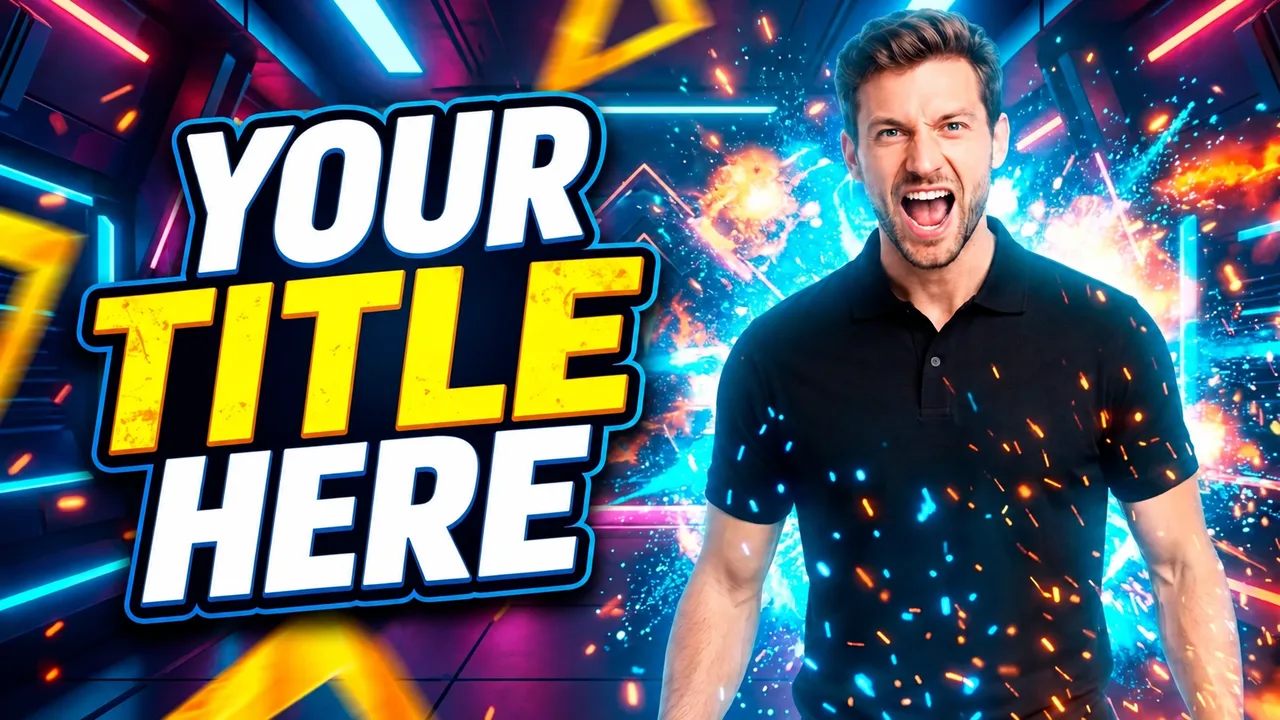
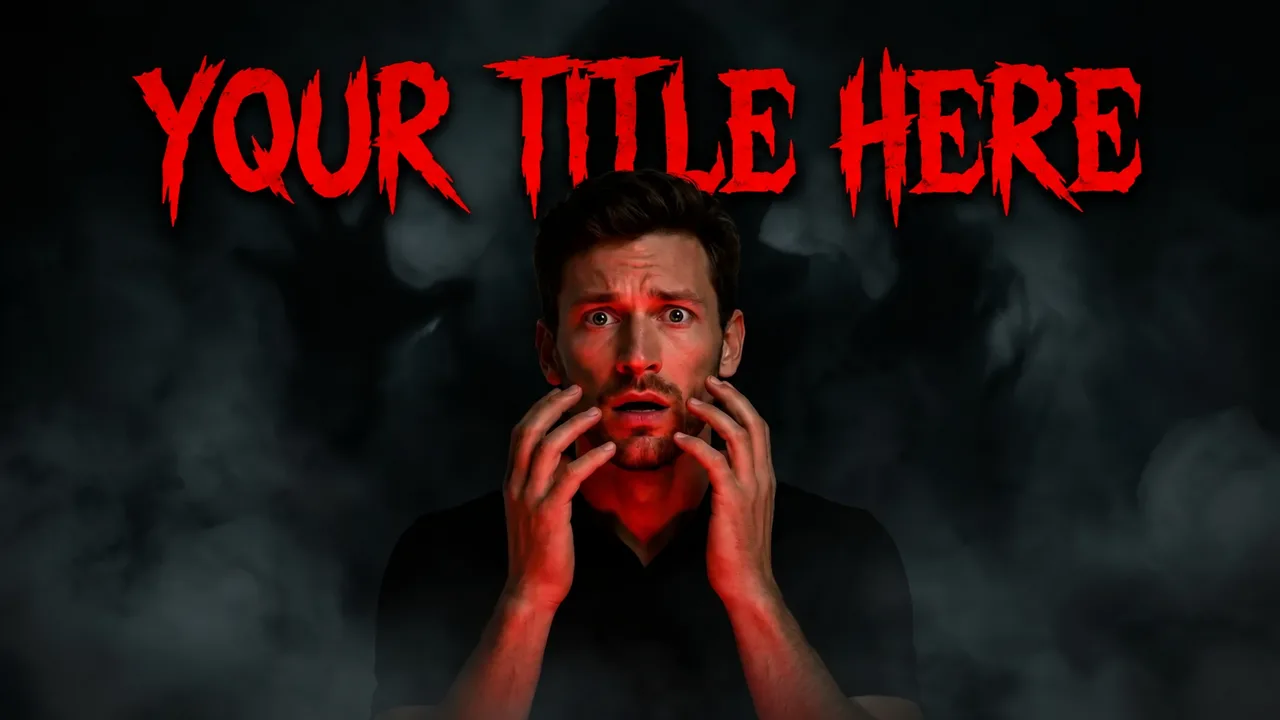
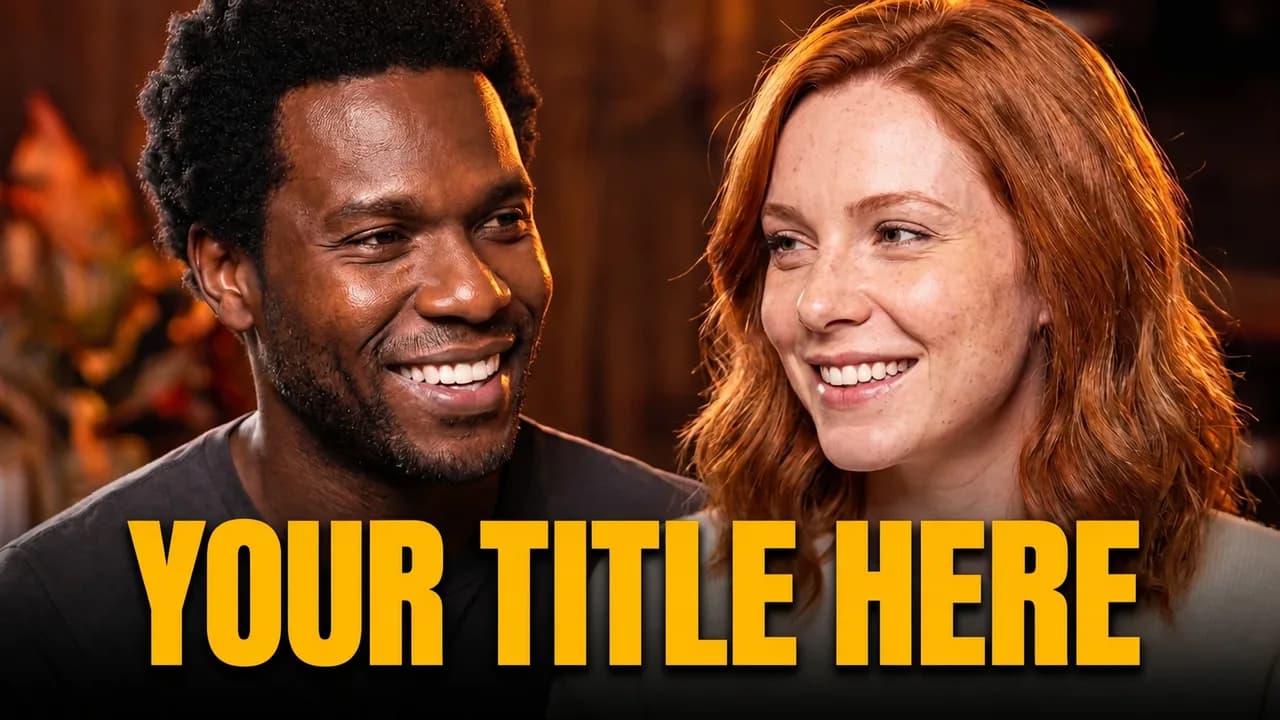
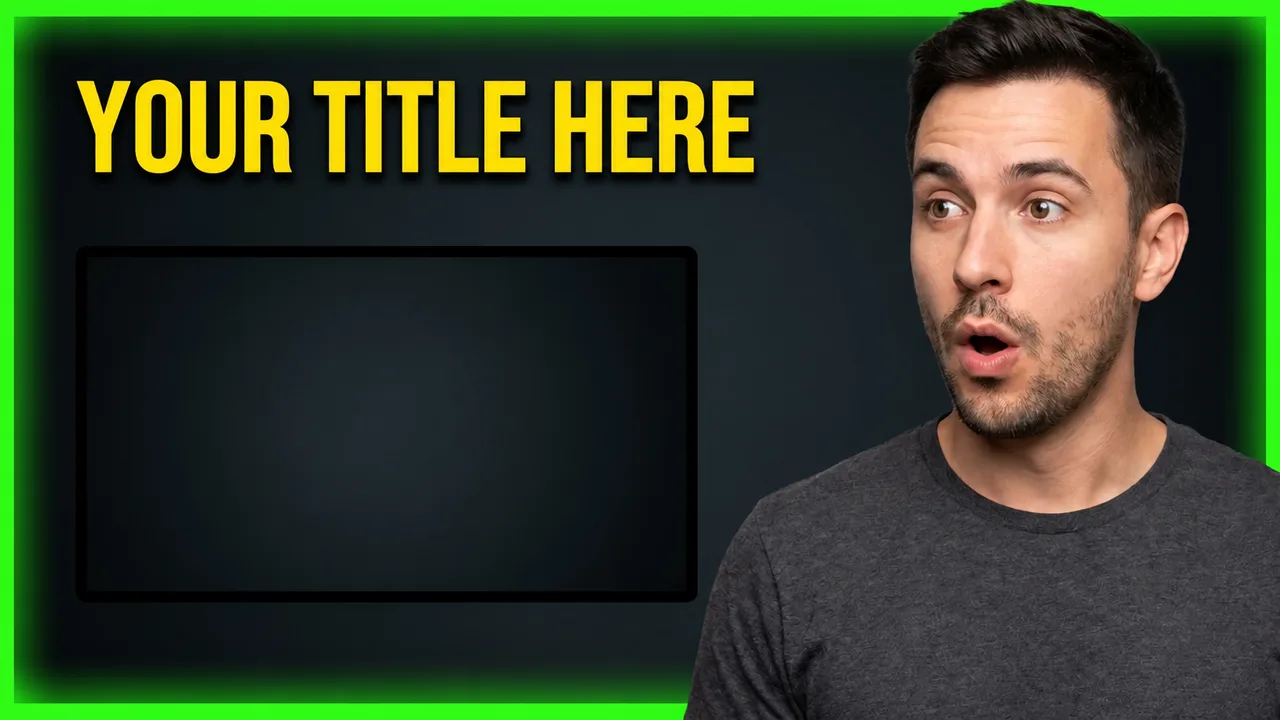
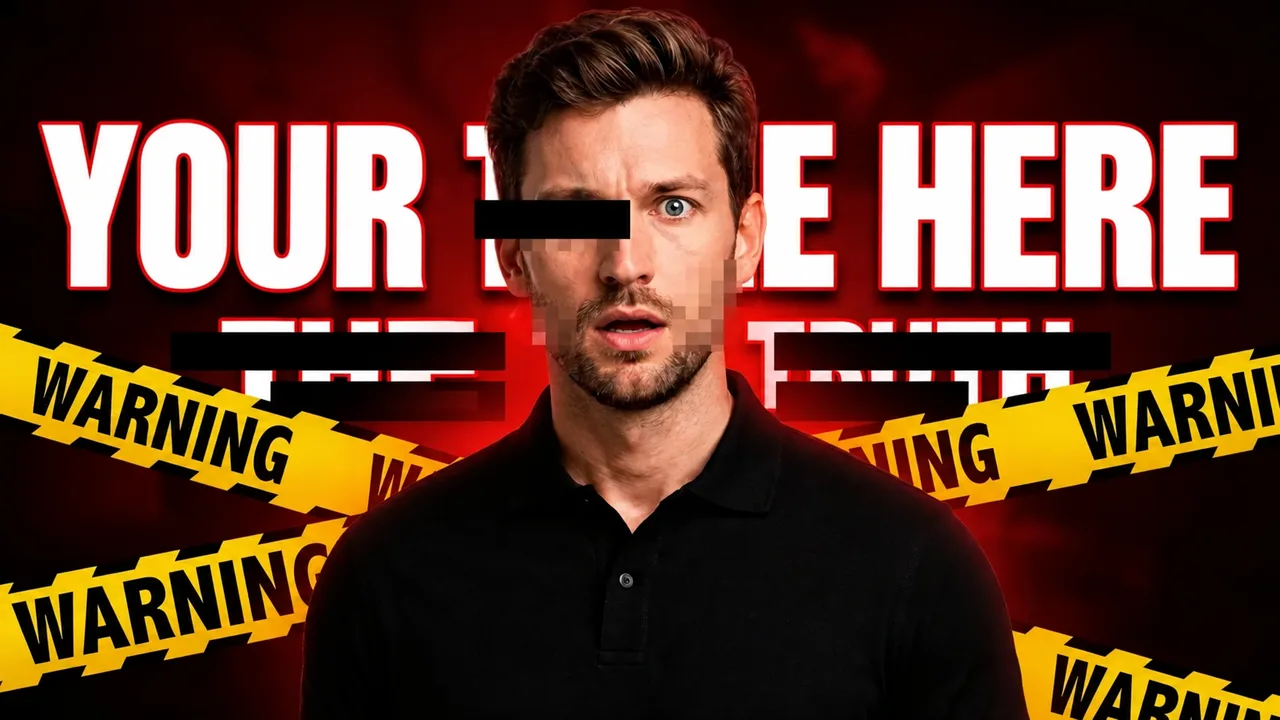
Viral thumbnails follow a clear formula: one strong emotion, a situation you get instantly and colors that jump out of the feed. These styles apply it to challenges, reactions, exposés and entertainment videos.

Ready-made viral thumbnail styles

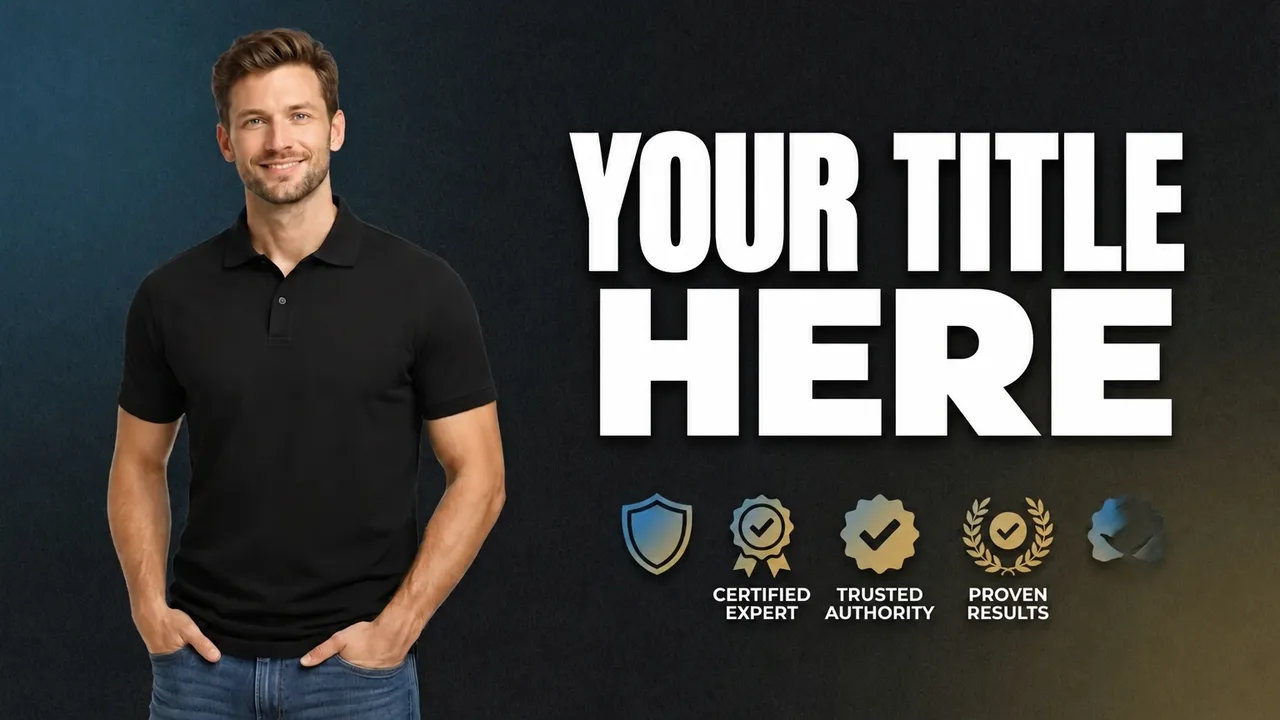
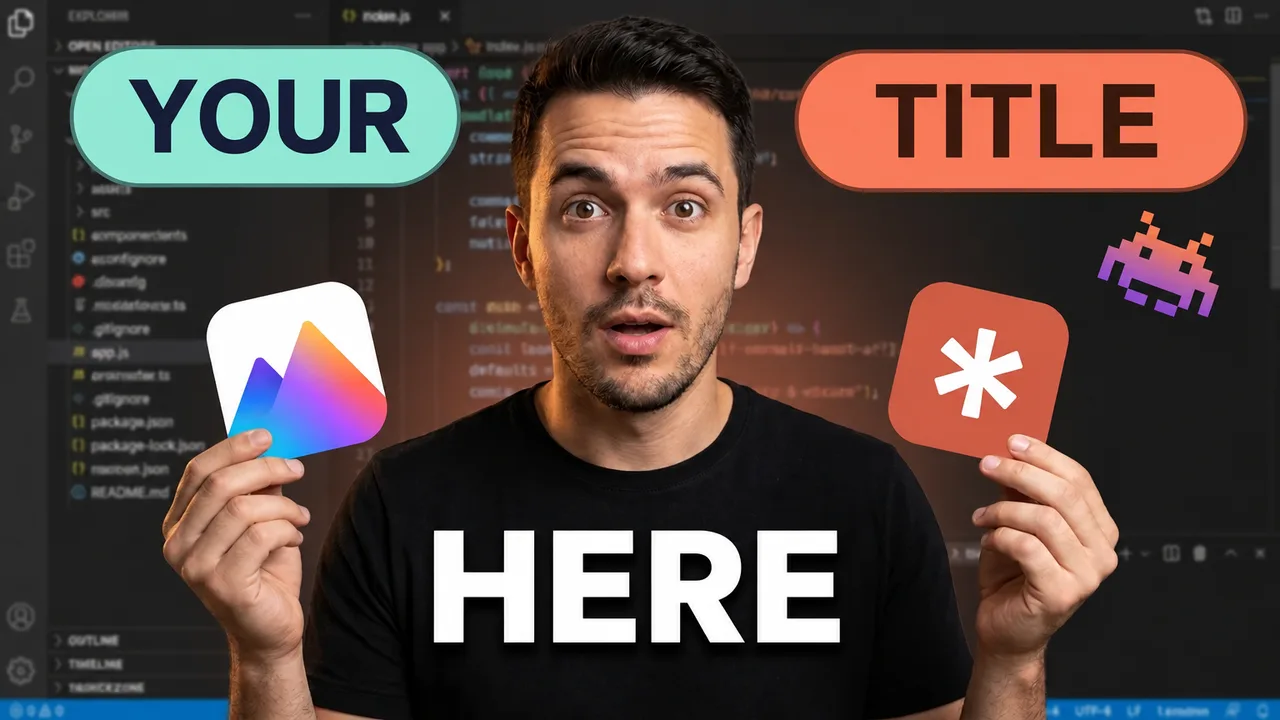
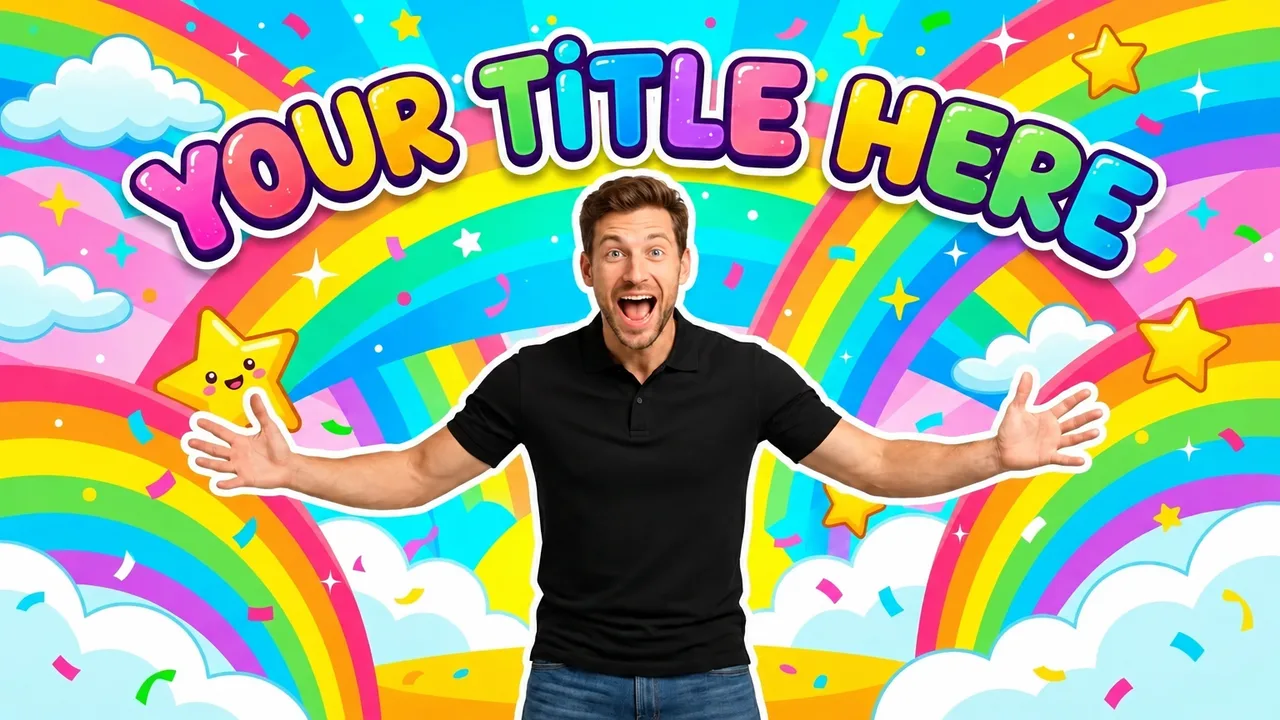
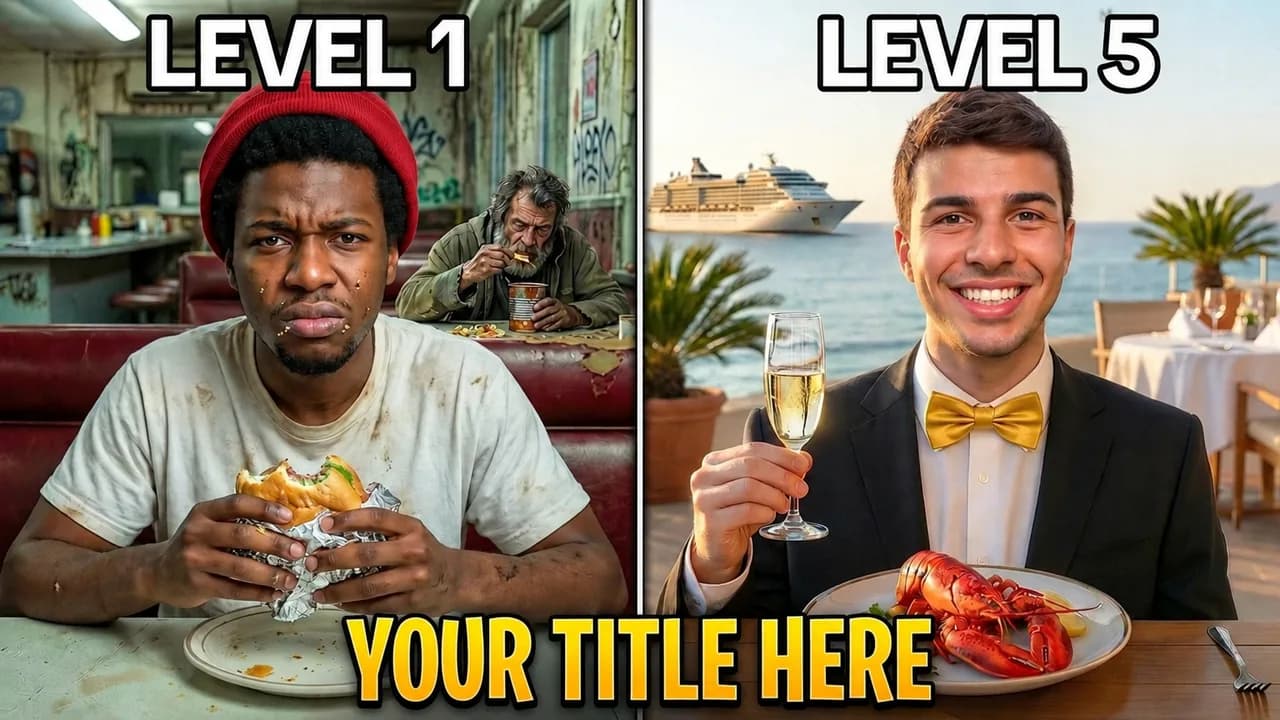
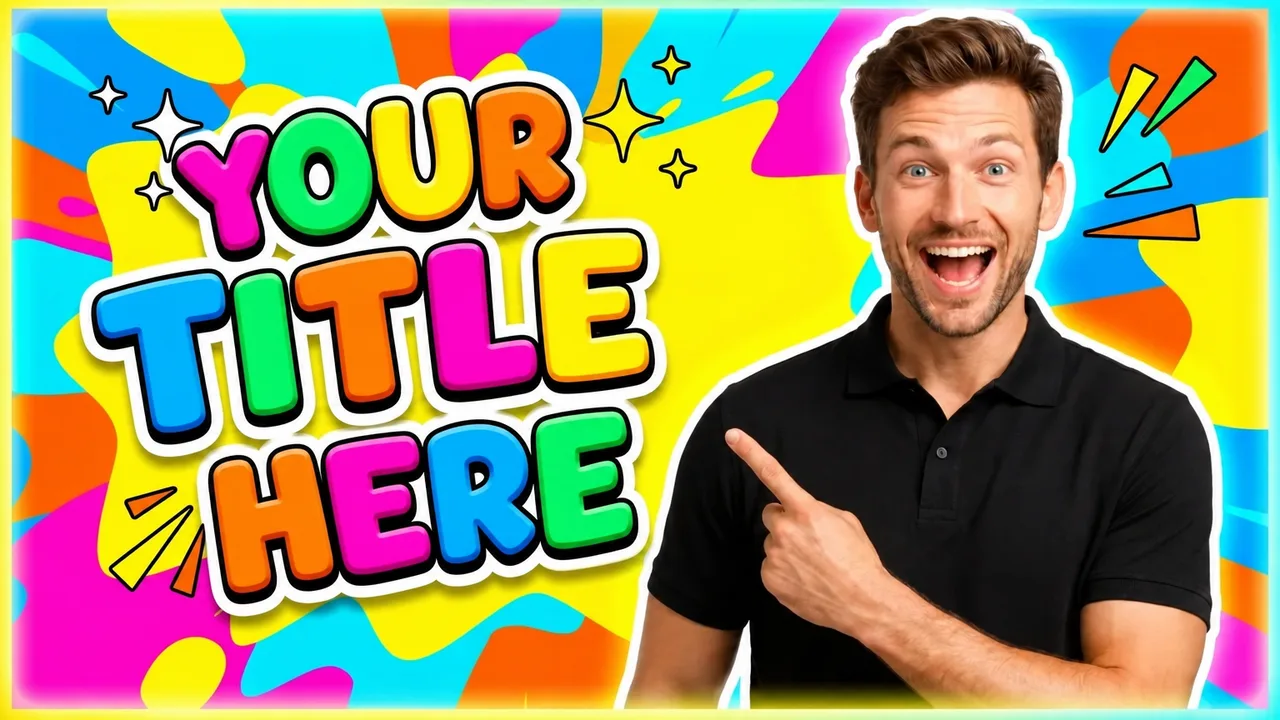
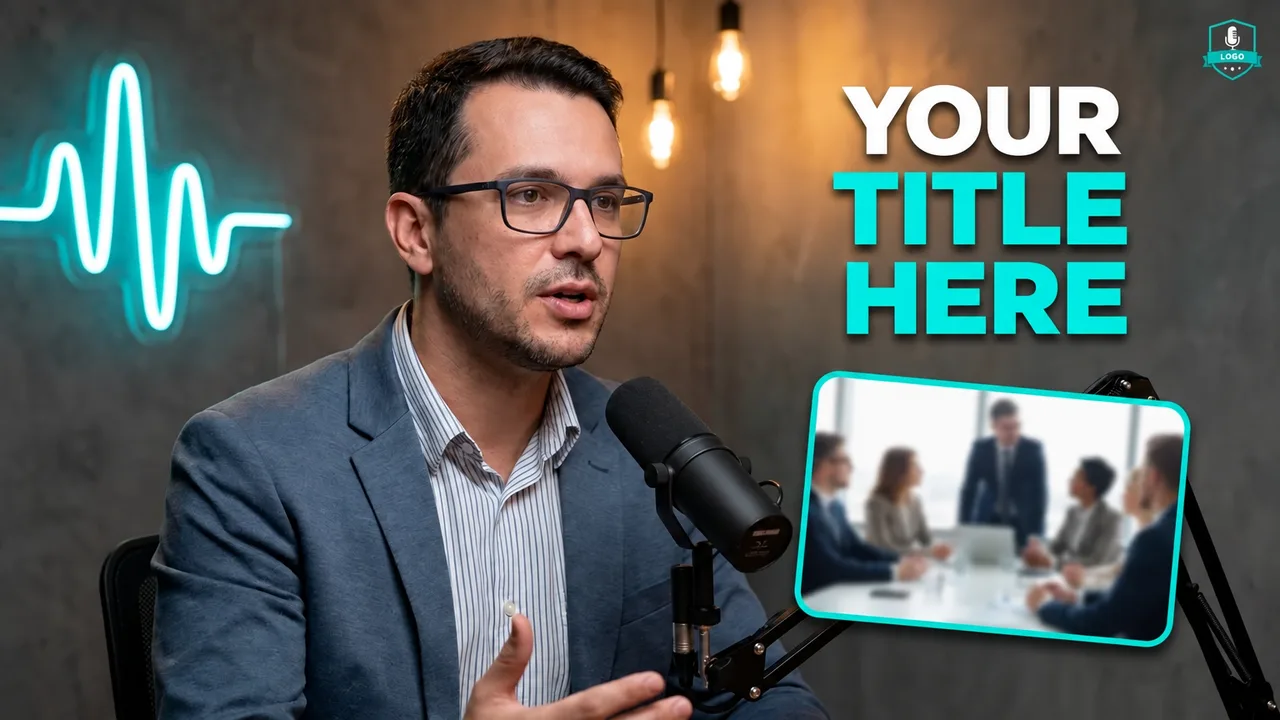
Examples made with EdThumb. Pick a style, add your face and the video topic, and AI creates a brand-new thumbnail in that look.

The viral thumbnail formula

  • One emotion. Shock, joy, fear or doubt, dialed way up. A neutral face almost never goes viral.
  • Got it in one second? The situation must be clear without reading the title: two options, before and after, an absurd object, a huge number.
  • Colors that fight the feed. Saturated yellow, red and blue, with an outline around the character to separate them from the background.
  • Text is optional. If you use it, keep it to 3 words. Many viral thumbnails have no text at all.
  • Thumbnail and title work together. The image raises the question and the title promises the answer. Don’t repeat the title on the image.
EdThumb

Make your viral thumbnail in seconds

Pick one of these styles, upload a photo of yourself and type the video topic. AI builds the thumbnail, you fine-tune it in the editor and download it at 1280×720.

Start free
  • 300+ ready-made styles
  • Your face on every thumbnail
  • AI editor for quick fixes
  • A/B testing and a ChatGPT app

Frequently asked questions

What is a MrBeast-style thumbnail?

It’s the format with an exaggerated facial expression, very saturated colors, a white outline around the person and an absurd situation that’s easy to understand. EdThumb has several styles along those lines.

Do viral thumbnails work in every niche?

The principles do (emotion, clarity, contrast), but tone down the exaggeration: in finance or education, a more restrained version usually builds more trust.

Can I use my own face in these styles?

Yes. You set up your character once (a few photos of yourself) and EdThumb puts you into any style, keeping your face consistent across every thumbnail on your channel.

Are the thumbnails the right size for YouTube?

Yes. Images are generated in 16:9 and downloaded at 1280×720, the size YouTube recommends, under the 2 MB limit.

Viral YouTube Thumbnails: MrBeast-Style Templates | EdThumb